

NETGEAR Cable Modem DOCSIS 3.1 (CM1000) Gigabit Modem, Compatible with All Major Cable Providers Including Xfinity, Spectrum, Cox, for Cable Plans Up to 1 Gbps
$89.99
Related Products




The Net gear CM1000-1AZNAS ultra-high speed Cable Modem provides a connection to high-speed cable Internet with speeds up to 6 Gbps. It is the industry’s first DOCSIS 3.1 cable labs Certified cable modem, 10x faster than DOCSIS 3.0. Working with both DOCSIS 3.0 and DOCSIS 3.1 cable Internet service providers, it is the ultra-high speed Cable Modem ready for today’s service plans and future upgrades. Enjoy Ultra HD video streaming over IP with 2×2 OFDM or 32×8 channel bonding giving you faster download speeds—even during peak hours. Save up to 120 a year by eliminating Internet service provider rental fees. Ideal for an Internet service plan 300Mbps and above. Certified with Comcast XFINITY, Cox and Mediacom. Please check your cable Internet service provider web site for data speed tier compatibility and to ensure it provides DOCSIS 3.1 service, otherwise this modem will only work as a DOCSIS 3.0 modem – Microsoft Windows 7, 8, 10, Vista, XP, 2000, Mac OS, or other operating systems running a TCP/IP network – Microsoft Internet Explorer 5.0, Firefox 2.0Safari 1.4, or Google Chrome 11.0 browsers or higher. Fast web based self – activation for XFINITY customers to get you connected without a service call.
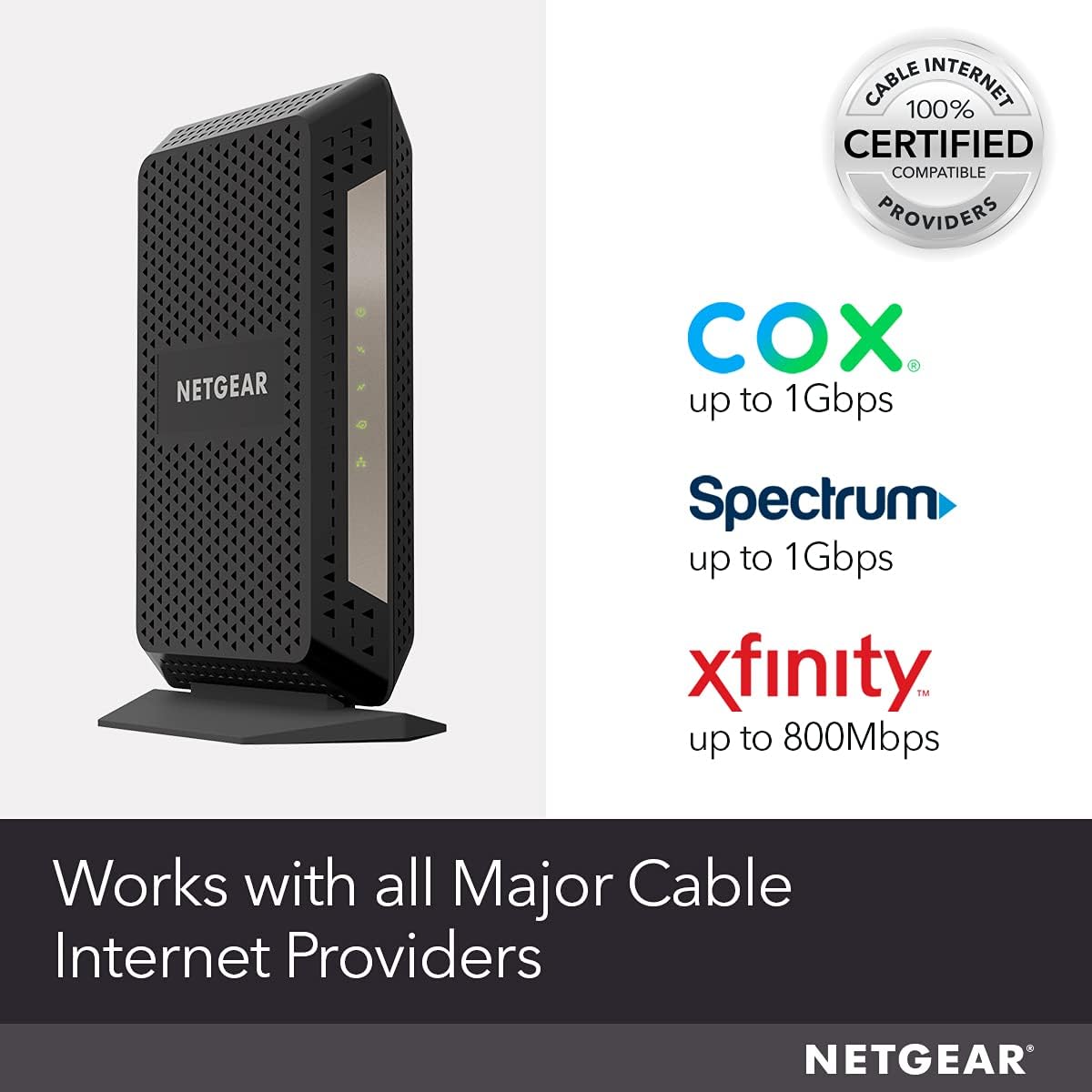
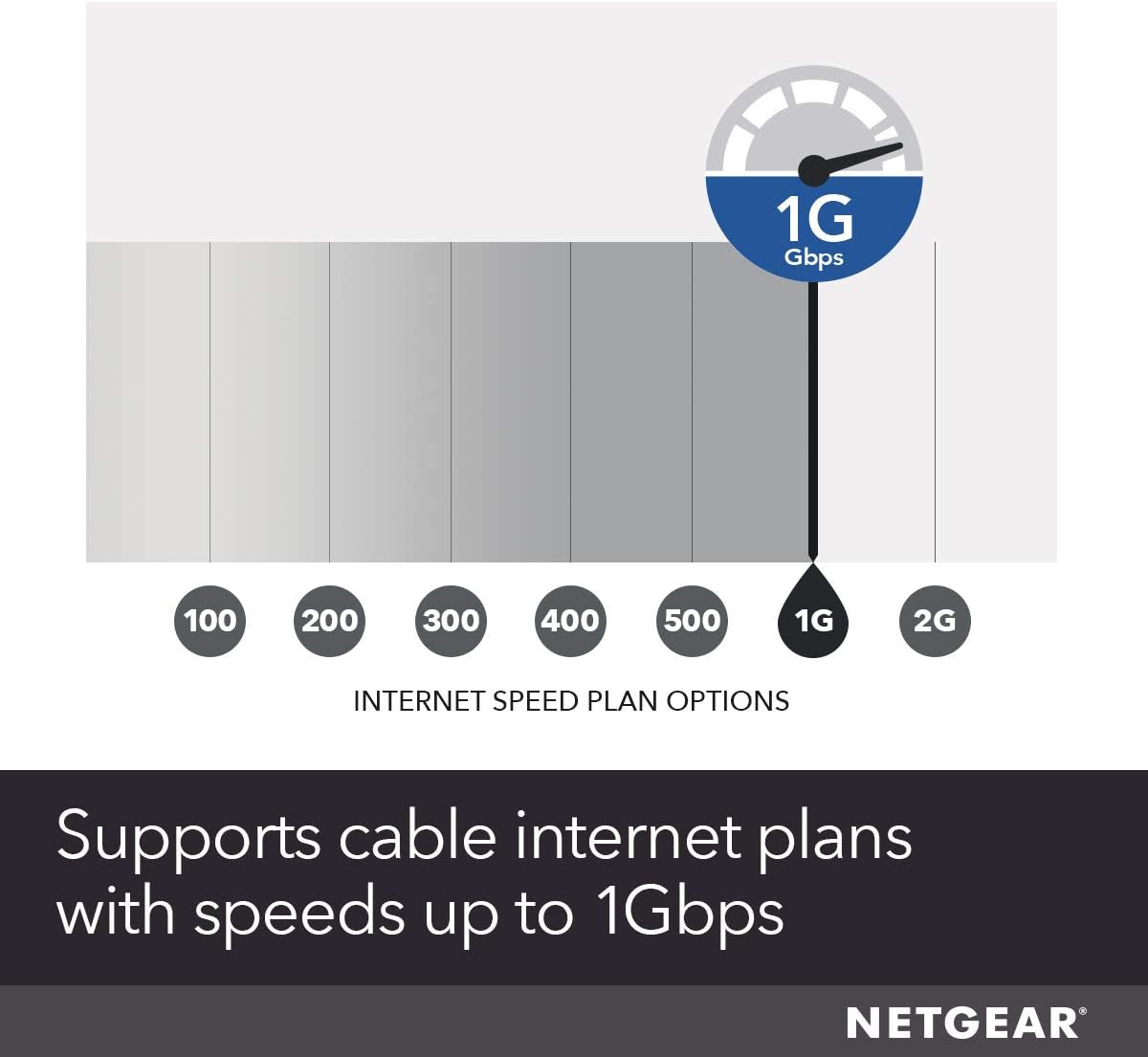
Compatible with all major cable internet providers with internet speed up to 1Gbps. Currently certified with Spectrum and Cox (up to 1Gbps), Xfinity (up to 800Mbps). Not compatible with Verizon, AT&T, CenturyLink, DSL providers, DirecTV, DISH and any bundled voice service.
Save monthly rental fees: Model CM1000 replaces your cable modem saving you up to dollar 168/year in equipment rental fees.
Works with any Wi-Fi router: Connect any Wi-Fi router to this modem’s Ethernet port to support all your wireless devices.
Ethernet connections: 1 Gigabit Ethernet port connects to your computer or separate Wi-Fi router.
4 reviews for NETGEAR Cable Modem DOCSIS 3.1 (CM1000) Gigabit Modem, Compatible with All Major Cable Providers Including Xfinity, Spectrum, Cox, for Cable Plans Up to 1 Gbps
Add a review

$89.99
0x00000000:00000000 –
Exceeds Cox “Ultimate” (300Mbps down, 30Mbps up) speeds
I have Cox Internet service in Southern California: “INTERNET ULTIMATE 300”, which promises speeds up to 300 Mbps download, and 30 Mbps upload. I used Google web search with the phrase “internet speed test” to find several different speed test web pages. The top result was Google’s own widget (using “M-Lab”). I also tried “speedtest.com” and the speed test page offered by Cox Communications. I used those three speed test sites, and many others. I tested in two different VirtualBox virtual machines: Windows XP SP3 and Ubuntu 17.10.1 (Linux). (I avoid web browsing directly in my host OS for most sites.) Because I did the tests in VMs, the speeds might be somewhat lower than if the tests were conducted in the host OS. The peak download speed I observed was 348 Mbps (~5:30 A.M. PDT, 40 miles to server), and the peak upload speed I observed was 35 Mbps (for many cities, up to 2,800 miles), with latency of 9-12 ms for servers within 40 miles. However, in late evening, download speeds within 40 miles were generally in the 160 to 200 Mbps range.I think it is crucial to recognize the dramatic effect of time of day and the day of the week, and also the distance to the server which is being used for the internet speed test. Some speed test sites enable the user to select servers in different cities, and I think it is important to repeat tests with different cities to see just how important distance (and, implicitly, network hops) is for download speed, upload speed, latency, and jitter.This modem enabled me to achieve download and upload speeds notably higher than the maximum speeds promised by Cox for my service tier (300 Mbps download, 30 Mbps upload). So, my ISP service tier is the limiting factor.I feel compelled to mention that a few isolated internet speed test runs performed relatively poorly — like a single instance of a download speed of 60 Mbps (slow!), ten seconds after a result of 160 Mbps, and twenty seconds before a result of 194 Mbps. These isolated slow test runs are uncommon and random; and, so, it is important to repeat tests several times to make sure that incidental connection issues, which have nothing to do with the cable modem or “last-mile” ISP link, are recognized.I did many test runs from a Linux VM to a server within 40 miles, and all download speeds exceeded 319 Mbps, and routinely hit 346+ Mbps, around 5:30 A.M. local time, notably faster than the 300 Mbps promised by my ISP service tier.One final note: Although disconnecting my previous cable modem, and connecting the NETGEAR CM1000, was sufficient to access the Cox “cable modem activation” web page, their web page encountered an error, and I was forced to call Cox on the phone to complete activation (with modem serial number and MAC address). It took several “reset” commands from Cox before they detected the modem, and a couple of power cycles, all during the phone call, before it worked. Now, I am very pleased with the speed, and it is tempting to upgrade to Cox’s Gigablast tier.
GrumpyandDopey –
Fixed my random rebooting problem
First, I’ve been in networking for 25 years most recently running a group doing L2/L3 SDN development. I just moved on to another company and got rid of the Comcast Business service and went with their GB offering. I was using an Arris Docsis 3.0 cable modem into an Orbi network with 6 nodes covering ~6000 square feet. I have over 30 devices connected to the network and do everything from video conferencing, Roku, AppleTV, Ring, Nest, PS4 and VoIP just to name some of the services I run. I also live in a canyon and I don’t have mobile phone service, so my mobile runs over my network, I’m definitely not suffering from the cobbler children scenario and I’m very picky when it comes to my network.When I got Comcast GB, I was between their business service and the new service so I used their Comcasts cable modem for a week, made by Netgear. It ran hot, provide slow service (using Speedtest and doing my own TraceRTs) and I turned their wireless service off to help stabilize the box, however, the box rebooted constantly. To replace it I originally went with the Arris 8200. Over the course of two months the network would go down randomly multiple times a week and usually with my son yelling “the network is down again” during Fortnite. I looked at the logs, nothing. Turned features on the Orbi off after reading their forums, didn’t work (not to blame but poor advice). Hard wired Roku, AppleTV, again reading forums, didn’t work. I had Comcast specialists come out check the wiring, look at the logs on their end, nothing. I finally concluded mostly because there was nothing else to try that it was the cable modem so I purchased the Netgear CM1000.Installation: I followed the poor instructions included with the modem and nothing, it showed connected but hardwired I wasn’t able to get anywhere. On my third try I decided to call Comcast support and have them install it. Gave them the mac address and my network dropped (I knew this would happen since again my network is my only source to the outside communications world). I noticed this time that the lighting sequence was different so I gave it some time, hardwired into the modem and all was well. I connected and booted the Orbi and the network has been up and stable since then, no random reboots. I run daily Speedtests and have noticed ~10% in overall performance from both wired and wireless devices over the Arris, however YMMV.Pros:- Works and I haven’t had the random reboots- By my measurements ~10% faster- Like the black over the Arris 8200 whiteCons:- It does run a bit hot but nothing I’m worried about- Didn’t set up out of the box with Netgear saying in their documentation that if you have problems call the cable provider, poor customer service. Definitely the Arris was easier to set up.
Denny –
Stable
Very Stable much better Than the one comes with the internet company
Robert –
Do not contact Comcast by phone to install a new modem you own
Read the bad reviews that people made because it was difficult to install. I went through the same problems but the problem was with Comcast. As some advise, they called Comcast to give Comcast the information about the modem to install. That may be ok if you are lucky to get someone in the US on the phone. I made the mistake of at first contacting Comcast about instaling my own modem. The choices on the phone voice menu does not have that option. After 20 minutes I got a help desk in another country. Took another 20 minutes to get them to understand I was changing a modem I owned to another modem I owned. They could not understand that I was not returning a modem. On the phone with them over 2 hours and never got modem to work. Hung up phone.After that I found an app for my Android phone. It is in the Play Store and it is “Infinity Comcast PRRODUCTIVITY.” If you do not see the word Productivity you have the wrong app. Download the app, open it and in the top left corner you will see the outline of a person inside a box. Select that. The next screen has DEVICES listed. Underneath that it says “Activate xfi Gateway or Modem. Select that and follow the prompts until you see the box to add the modem’s MAC number. Enter that and finish the instructions. Comcast system will reboot your modem off and on again and that lets you know it is now working and in their system. The entire time spent with the app andinstalling my modem was less than 5 minutes counting the time to reboot the modem.