

VOYEE Switch Controller, LED Star Wireless Pro Controllers Compatible with Switch/Lite/OLED, Multi-Platform Windows PC with 9 Colors Colorful RGB Lights/Programmable/Vibration/Turbo/Wakeup
$19.99
Related Products




Product description


1 Mapping Buttons 2 Long Battery Life 3 Long Battery Life
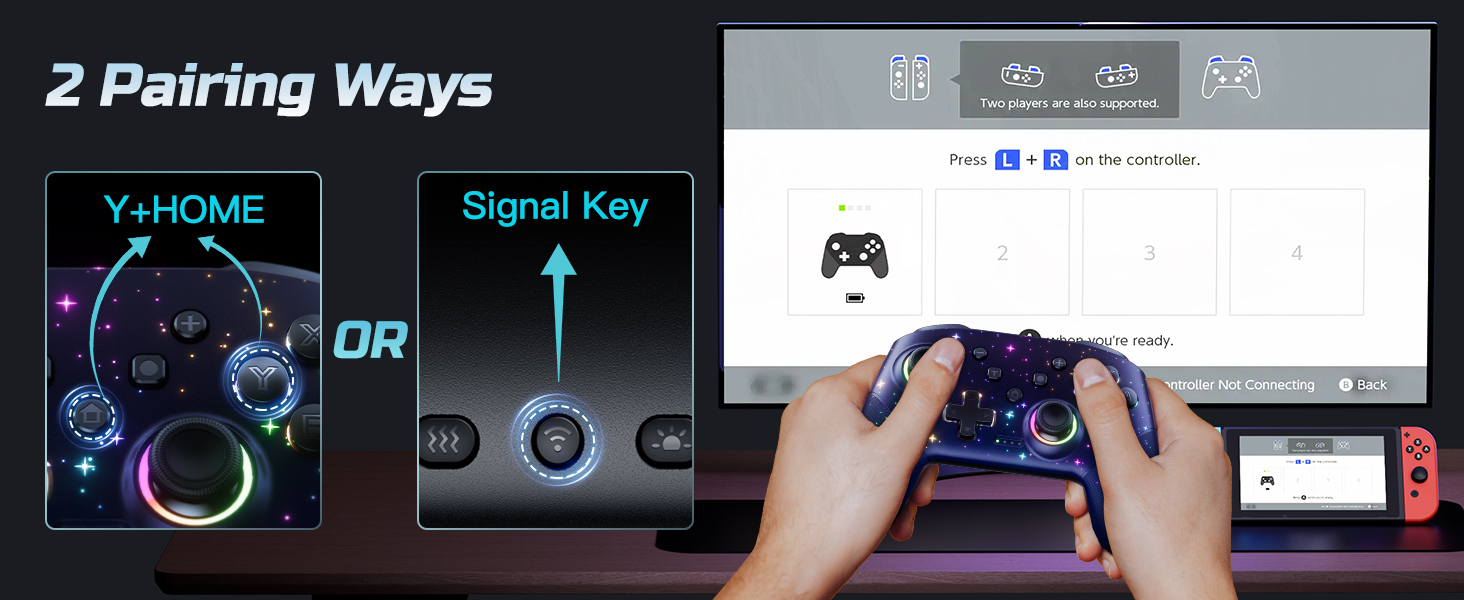
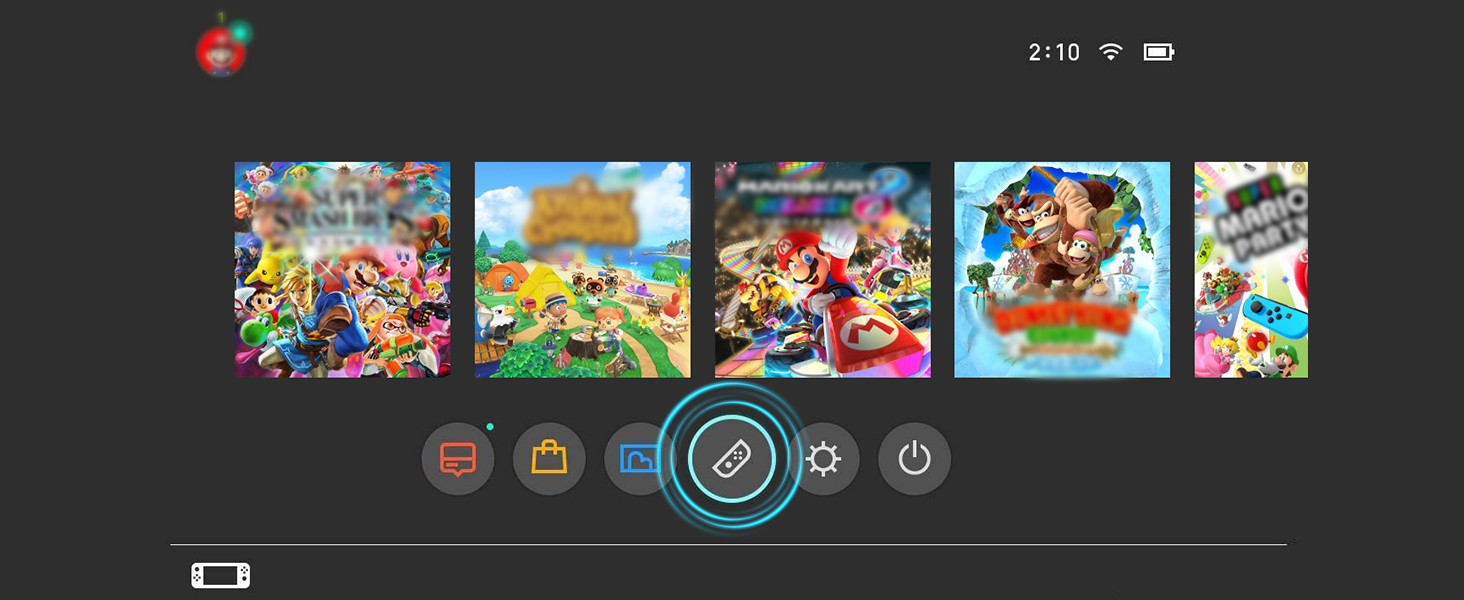 Two Ways for Easy Pairing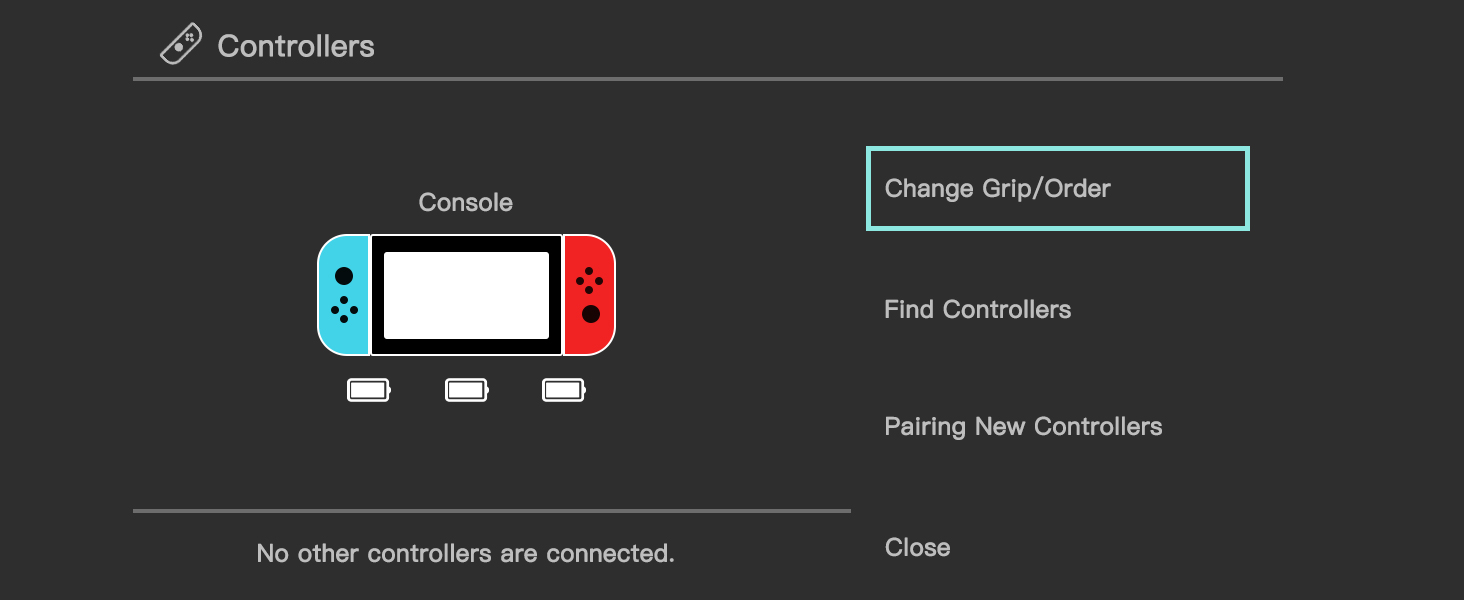
1 Step 1
2 Step 2
3 Step 3
Is it easy to pair this controller to the console?
Yes, very easy to connect. There are 2 pairing method. You can press the pairing button on the back of the controller for 3seconds, or press ‘Y’ and ‘HOME’ buttons for 3s to pair. More details about the pairing, pls check the user manual or ask us.
Can this controller be connected to a PC?
Yes, it can be wirely connected to windows 7/8/10. Not support wirelessly connect to pc.
What is Programmable function?
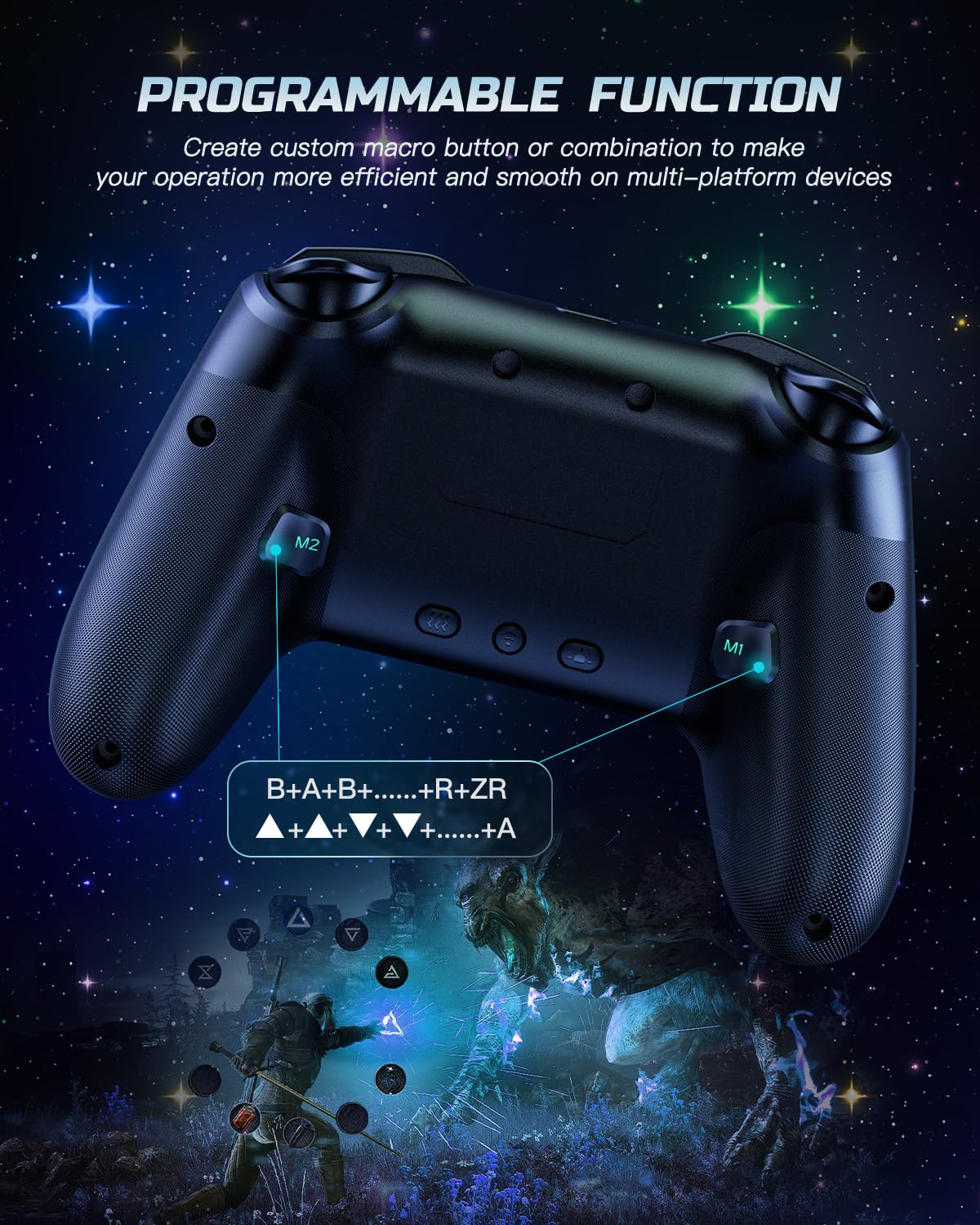
Programmable buttons is useful for specific tasks. You can set up the M1/M2 mouse to have multiple buttons that perform different functions, such as switching weapons in first-person shooters or cycling through skills in real-time strategy games.
Are the LED lights look cool?
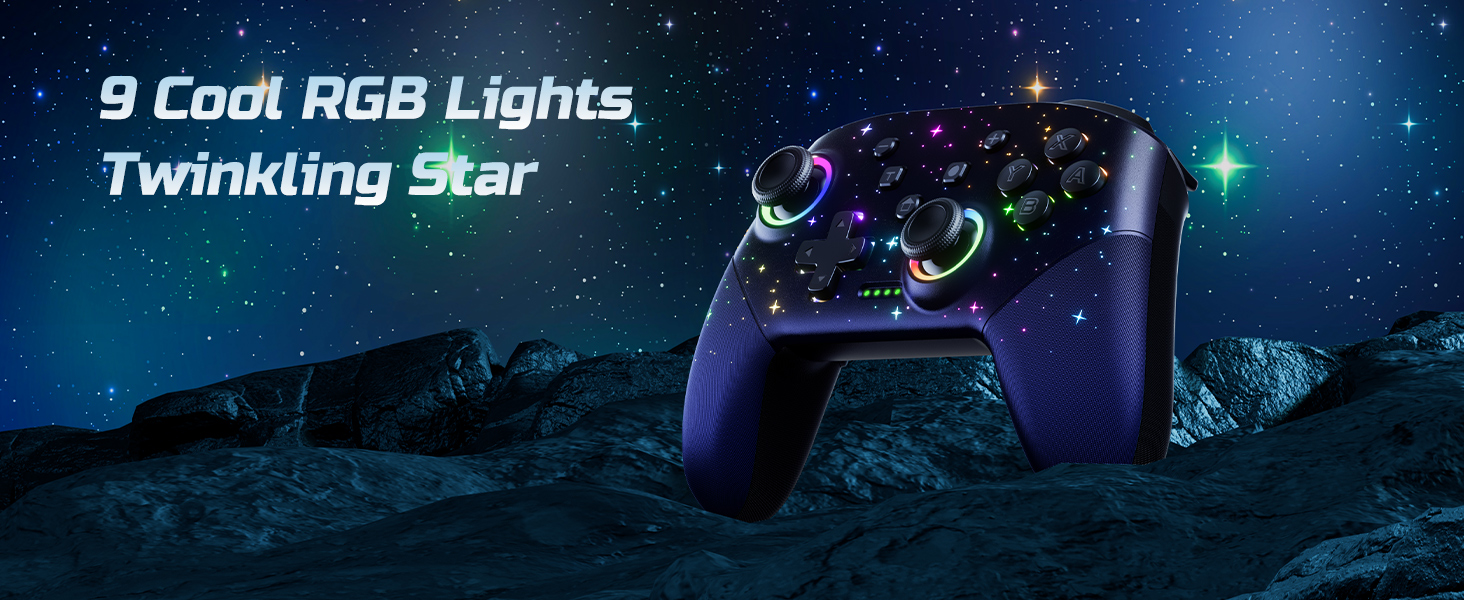
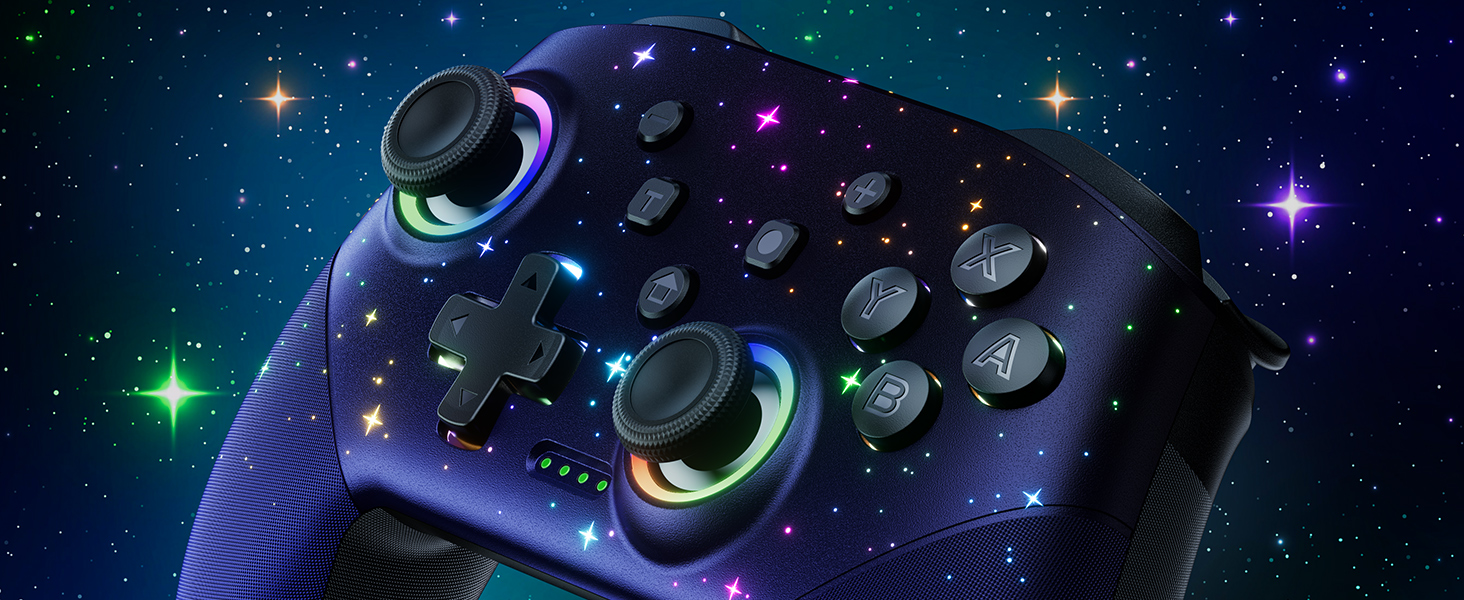
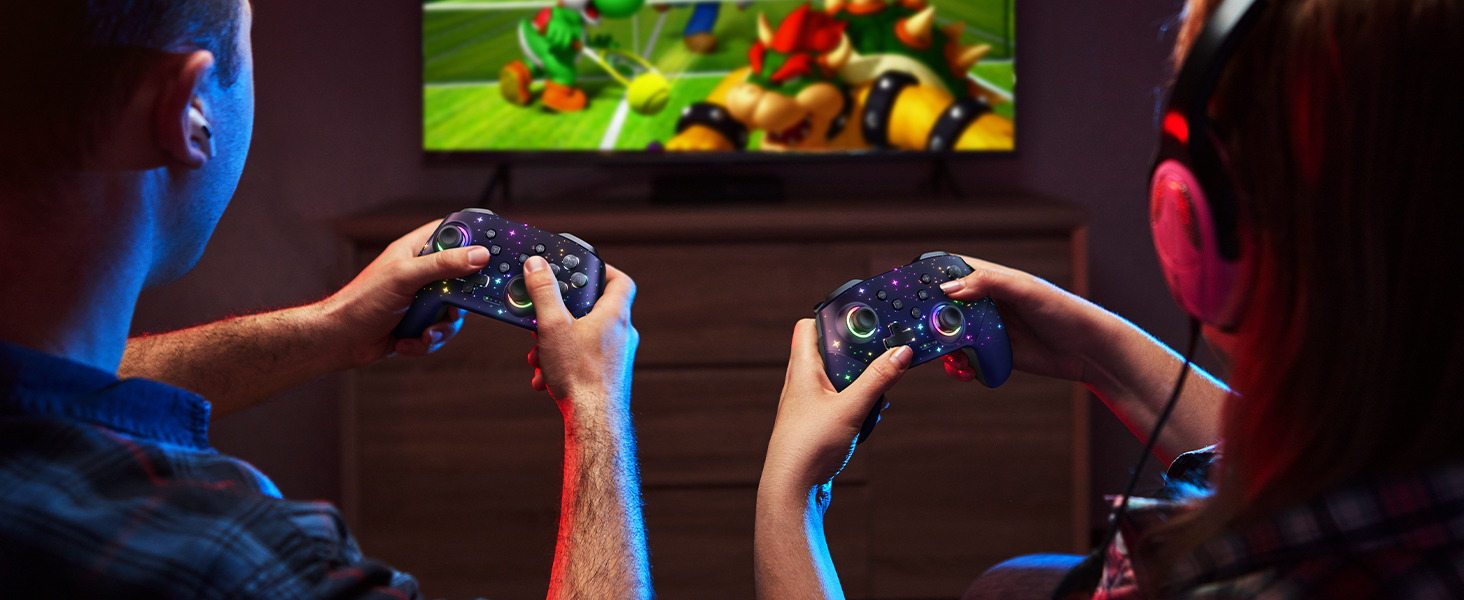
Sure. It’s super cool with 9 star light effects and 4 different light modes. You can set the lightning color according to different game screens. Looks so cool when it up at night.
How about the vibration feedback on this controller?
This upgraded pro controller provides better dual vibration feedback. There are 4 modes: off, weak, moderate and strong. Easy to set and just click the vibration button on the back of the controller.
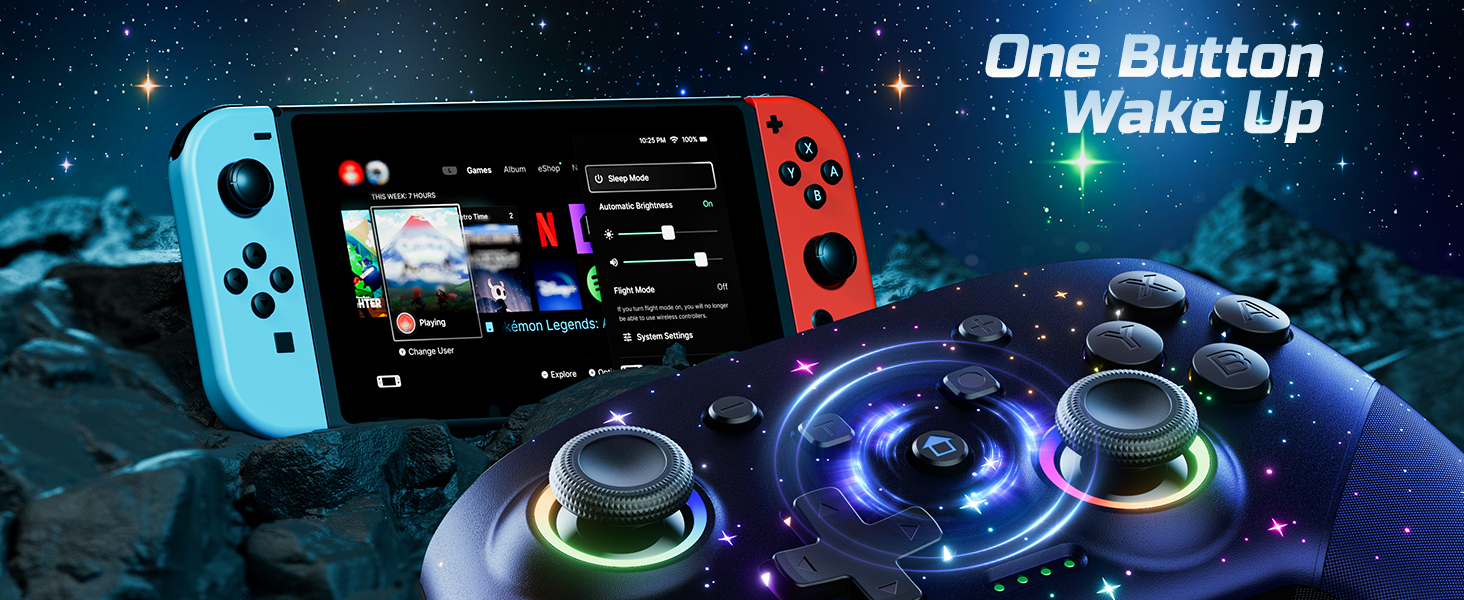
Multi Device Compatible and One Key Pairing: The switch pro controller is compatible with Switch, Lite, OLED, PC need a cable; 2 Pairing Methods, B and HOME or One Key pairing; Press the HOME button to wake up the console. 10 meters transmission range
Cool Lights: Our wireless switch controller with 8 colors and 1 rainbow light; 5 switching lighting modes, colorful, strobe, breathing, static mode, light; The first time starting is default color mode; you can turn off the light circle and star light or adjust the brightness
Programmable and Turbo Function: The pro switch controller has programmable function allows you to map more than 1 button function to M1 or M2 key. 2 mapping modes: single or multiple mapping. Turbo button with 3 burst speeds: 5 shots/s, 12 shots/s, 25 shots/s
4 Speeds HD Vibration and 6 Axis Gyro Control: Built in dual vibration motors with 4 levels vibration: none, weak, medium, strong; One key to adjust the vibration mode to restore the real HD vibration of the game; The pro controller switch comes with 6-axis gyro sensor
1000mAh Long Lasting: The wireless controller built-in 1000 mAh battery which provide a longer game time, about 10 to15 hours on LED lit mode is turned on; Fully charge takes only 3 to 4 hours with an included USB type c fast charging cable
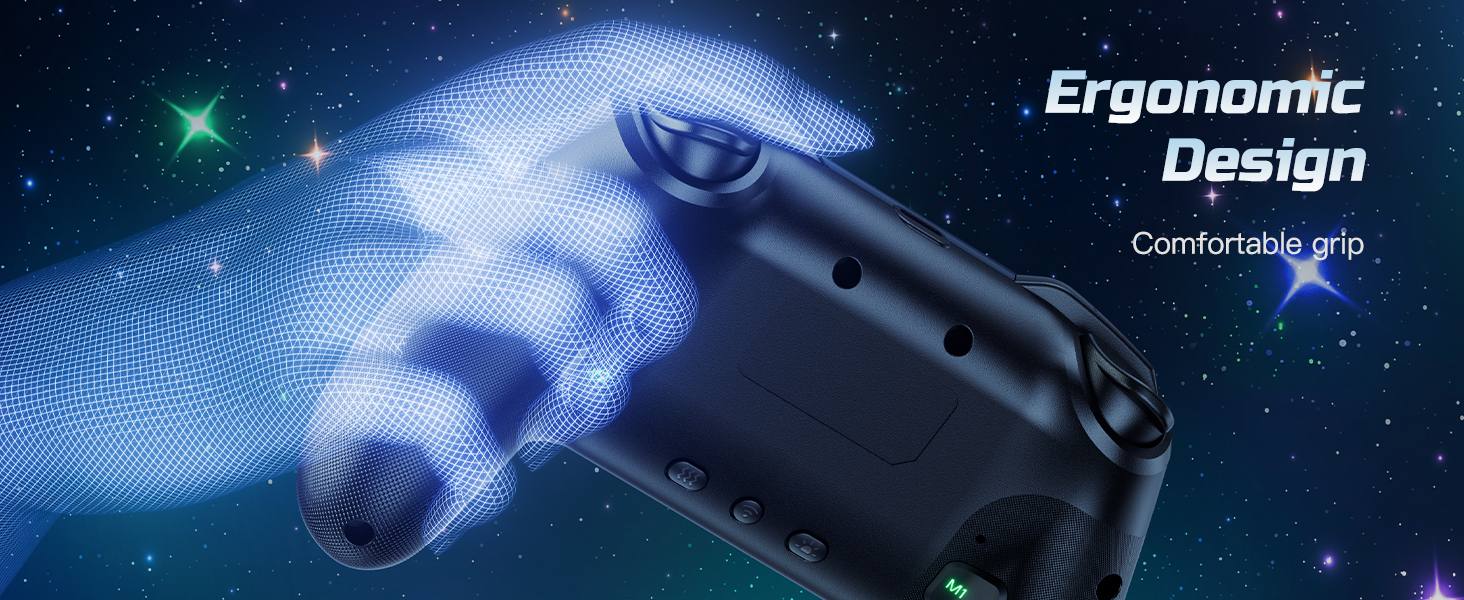
Ergonomic Design: Non slip design, more comfortable to hold; Redesigned grips keep the hands from getting tired after playing games for a long time; The non slip design keeps you from worrying about sweaty palms
12 reviews for VOYEE Switch Controller, LED Star Wireless Pro Controllers Compatible with Switch/Lite/OLED, Multi-Platform Windows PC with 9 Colors Colorful RGB Lights/Programmable/Vibration/Turbo/Wakeup
Add a review

$19.99
Anne –
Embrace whimsy. Choose this controller
Love it. To be clear I don’t play competitive games with a controller and primarily play on PC, so I’m not able to comment outside of that. However, it works great! Been using it for a couple months now and the joysticks and buttons are just like new. It seems very well constructed and sturdy. It doesn’t feel cheap at all.Now, for the important part. It’s so sick. It looks so cool. My friends are jealous. It’s gorgeous. I think it looks even better in person than the pictures! I personally like the option where each little star is a different color, but it’s easy to switch between the many single color options and that one. The single colors all look nice too.This sparks joy. I smile every time I pick it up. Pick joy and whimsy. Pick this star controller.
Z –
Great controller for the price
Really happy with the value on this purchase.Color and lights are beautiful in person and I love that it has motion controls and adjustable vibration. Haven’t fully tested the battery life yet, but connection was easy and had no problems so far.The weight is very light, doesn’t have the sturdy feel of a pro controller or one from other consoles. That’s the norm for Switch controllers though, so I can’t take any points off for it.Got it as a gift for my girlfriend and her little brother immediately asked to use it. Had to send their mother the link so she can get him one too.
Elysa Krpicak –
Great SWITCH Controller
Looks great, works great, price was great. The people complaining about button layout are likely confused; this is standard for a switch layout as it is a SWITCH PRO CONTROLLER knock off – not an Xbox. Xbox and ps5 controllers also have different mapping for their buttons so I’m so thrown off by all the negative comments specifically on the xyab button layout. Read before you buy people, it’s truly that simple. I have yet to connect this to my switch myself, but it works seamlessly on my iPad to make playing Minecraft with my son more comfortable and enjoyable for myself as I’m not big on mobile nor tablet gaming. Pairing it to my iPad took under a minute, I’ve had 0 issues with it so far. ☺️ it comes with a thick instruction manual to teach you all of the buttons and how to connect to your devices, charging cable was decently long as well, surprising quality from such a low price mark.
Greyson Davis –
Decent Controller compatible w Ipad !
Its been pretty good so far & ive had it for a little over a month of on and off use mostly playing Minecraft & Roblox, initially i was thrown off by the fact that the XYBA button were switched, if you want to know how to move wonky controller settings around on ipad from the device settings i’ll leave a tutorial (that i found on reddit lol)Pros:• inexpensive in comparison to the dualshock or xbox controllers• Comfortable shape and grip• Customizable LED lights• Mappable Extra M1 + M2 buttons than can come in use• Decent compatibility with different devices & mobile games• Relatively familiar button layout (that can be customized!)• Troubleshooting instructionsCons:• Delayed input (typically depends on the game and how well its charged)• Doesn’t take AA batteries (unlike my former controller, the dualshock, if i dont have a type C charger available, there isnt the option of AA batteries 🥀)• Dodgy bluetooth connection (On occasion it will refuse to connect to my Ipad, or possibly the other way around, after powering off both and putting it in pairing mode it tends to connect)Thats about all i can think of on cons, if im able i’ll update as they ariseTUTORIAL:To change the button mapping on it make sure its connected to your ipad, go to settings ➔ General ➔ Scroll down to “Game Controller” ➔ Add profile, name it & switch the button values from their default to whatever you want to switch it to ➔ tap on the controller (that says “connected”) ➔ Default controls ➔ Use Profile ➔ then pick the one that has the updated mapping annnnnd BOOM its Xbox
MeiMei –
Surprisingly Good
I wanted a cheap controller capable of Turbo/the ability to set up a button or specific control to be spammed for Pokémon Legends Z-A, and this did its job.I can now set my Switch to shiny hunt while do something else not Switch-related.The controller seems pretty quality for the price and has nice clicky responses in each of the buttons so far. The lights are nice, and cheap controller alternatives have come a long way since the far cheaper plastic-feel of those transparent Wii controllers you used to be able to get at about the same price.If you’re looking for a decent controller with Turbo capabilities, this is a pretty good option!
Amber –
Wasn’t expecting high quality, got it anyways
Rating breakdown:Price: $10 under first-party competitionPerformance: quick, responsive, and still completely functional after a year of heavy use (6+ hours of fighting games per day)Extra features: more than I need, and I’m not even sure I’ve found them all yet…Rumble: very good, can be turned offLights: pretty, sparkly, and every hue under the sun. Rainbow mode (first setting) does a smooth, slow transition from color to color, without “blinking”Customer support: no idea (haven’t needed it yet)
Haley –
Pretty AND Functional Controller
I like this controller a lot. The lights on it make it really pretty in the dark and it has good battery life. I have been using it on and off for about a month now and I’ve got nothing bad to say about it. The controller is comfortable to use for long gaming sessions, and the battery doesn’t take very long to charge to full. The buttons are just right, the joysticks are responsive, the vibration button on the back is a life-saver for games that do not have an off setting for it, and it connects to everything I’ve tried to connect it to without any issue (PC, Switch 1, PS5, and my phone). I cannot speak on the turbo function, as I have never used and likely will never use it. Very happy with this purchase.
Chris S –
Not a bad thing to say about this Switch controller! It’s lightweight but seems of decent build quality, the buttons and sticks all seem responsive and accurate without drift or lag, the vibration function is strong enough, and it still works and looks great almost a year on from purchase. It’s even the same colours, with no signs of wear, and amazingly the RGB LEFs still work too!
Felix –
Der Controller überzeugt nicht nur mit seiner edlen optik sondern auch mit dem Funktionsumfang und der Produktionsqualität.Ich war noch nie so überrascht von dem preis leistungs verhältnis eines Produkts.Ich war auf der suche nach einem günstigen Controller für meine Switch und bin über diesen hier gestolpert. Die optik hat mir direkt gefallen aber ich habe nicht viel qualität erwartet. Eventuell ein paar billige LEDs in einem leichten Plastik controller aber solange er die funktion erfüllt ist es mir egal. Ich wurde jedoch sehr positiv überrascht. Der Controller ist hochwertig gefertigt. Keine Kanten oder Fehlfunktionen. Die Buttons und Sticks fühlen sich sehr gut an und geben präzise Eingaben. Die LED Effekte sehen ebenfalls sehr hochwertig aus und sind einstellbar. Der Controller verfügt über einen Turbo Button sowie über 2 frei programmierbare funktions tasten. Einen starken Vibrationsmotor hat er ebenfalls der in seiner intensität einstellbar ist. Alles in allem könnten die hersteller für den Controller auch 40€ nehmen und es wäre immernoch ein guter Preis. Klare Kaufempfehlung!
Eman –
It came very fast within a week, amazing quality and the lights are just like the picture in real life it’s very pretty.الجودة ممتازة و نفس الصورة بالضبط حتى الانوار حلوة و خفيفة اخف من يدة السوني بس جودتها حلوة
Megan miller –
The Voyee Switch Controller with the LED Star design is absolutely fantastic! It feels comfortable in hand with responsive buttons and smooth analog sticks that make gameplay super precise. The LED star lights add a cool aesthetic touch that really stands out during night gaming sessions. Connection is stable and setup was quick and easy. Overall, it’s a high-quality controller that enhances my gaming experience definitely worth every penny!
Sam Edwards –
The build quality is pretty good, buttons and sticks feel durable and well made. It’s a little on the small side and I should have paid more attention when ordering this, the button layout is for a switch, not the same as an Xbox button layout (can remap on pc no problem) I haven’t used it wirelessly yet so can’t remark on the battery life and latency etc, however it’s been great wired. It feels snappy and accuracy is great, the vibration level is adjustable and feels really good, plus it looks fantastic, there’s a good variety of colour lighting schemes to choose from, I love the 2nd multicolour option the most.