

SAMSUNG 27” Odyssey G5 G50SF QHD Resolution QD-OLED Gaming Monitor, 180Hz Refresh Rate, OLED Safeguard, 0.03ms (GtG) Response Time, NVIDIA G-Sync Compatible, AMD FreeSync™, LS27FG500SNXZA
$84.99
Related Products





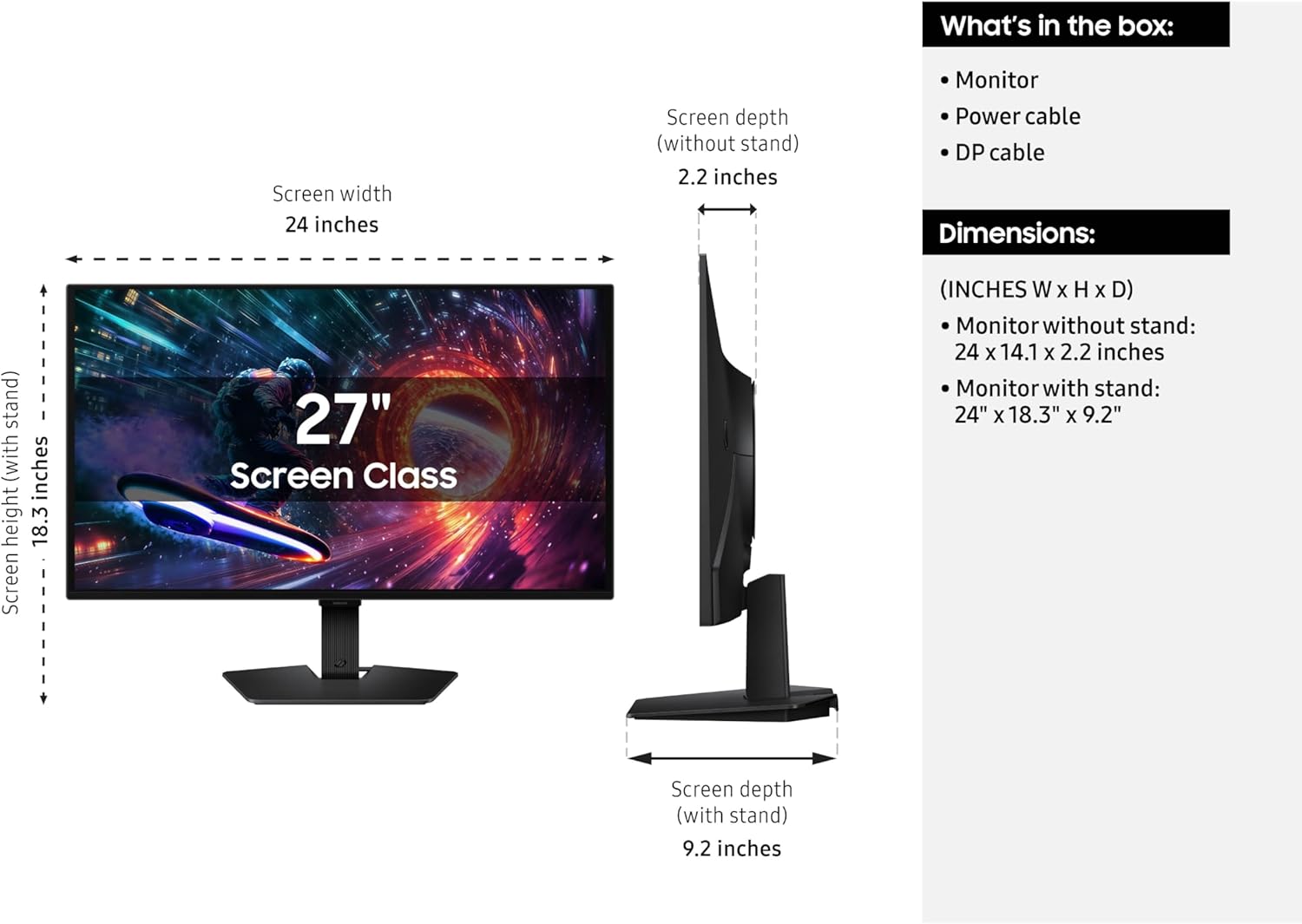


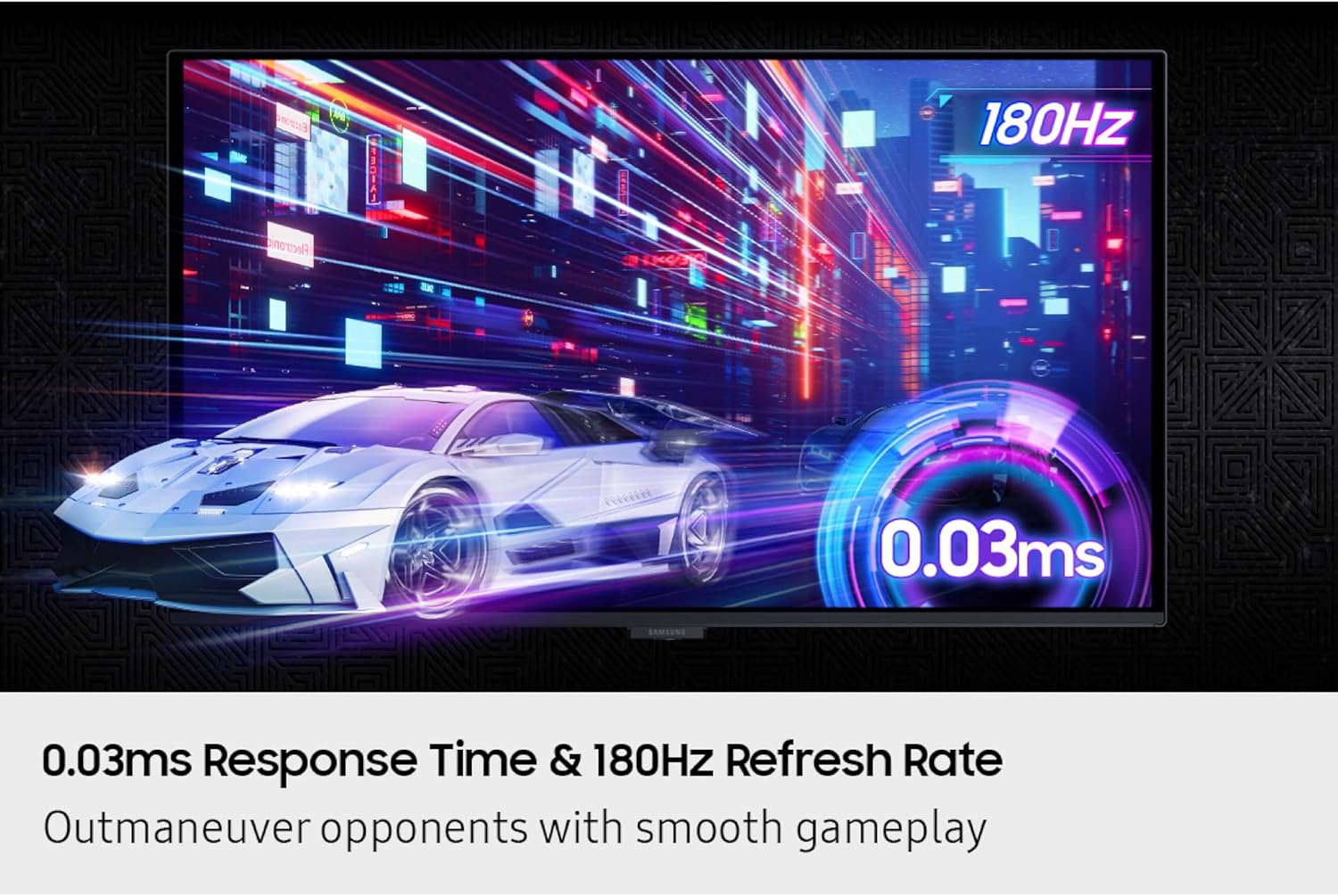
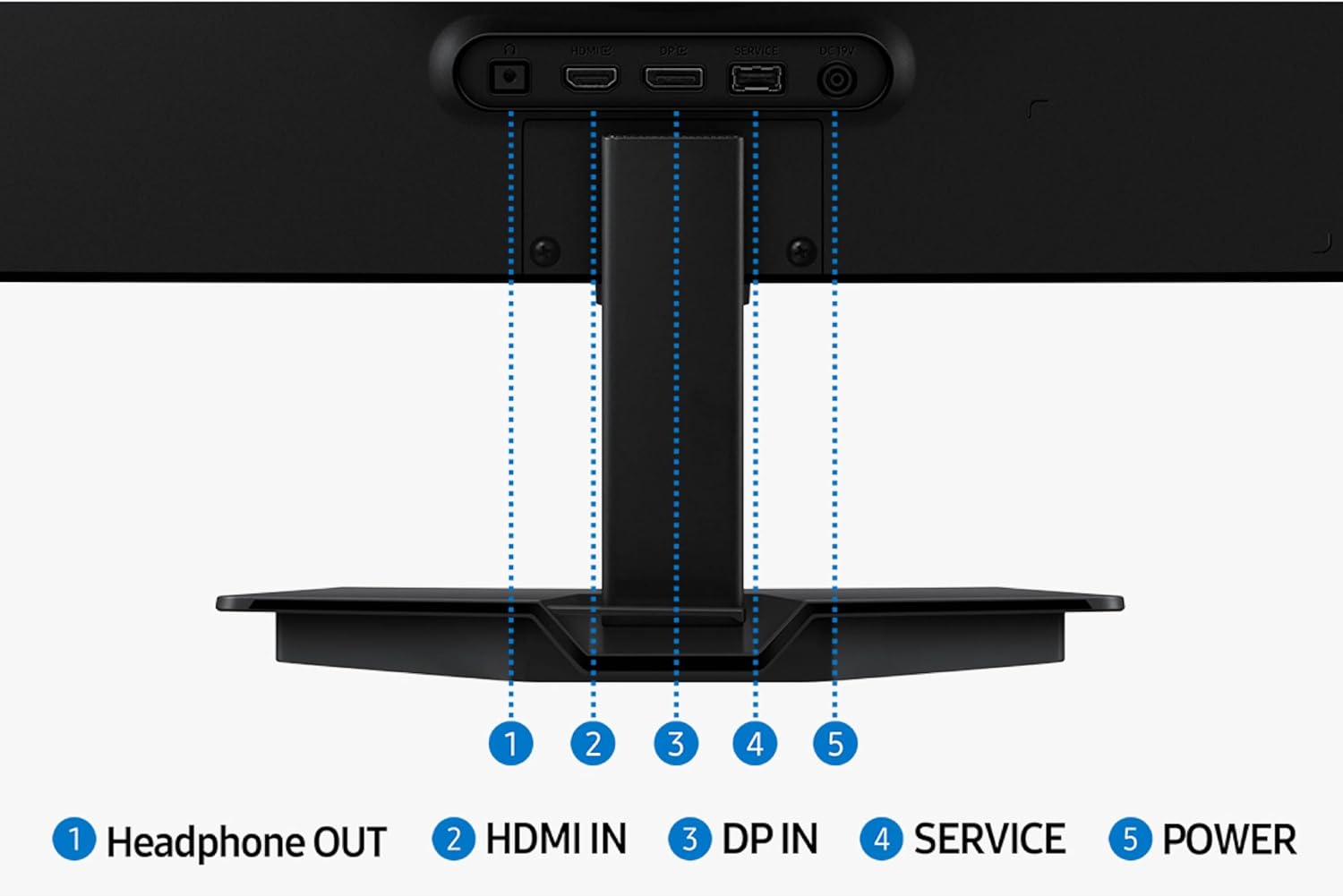

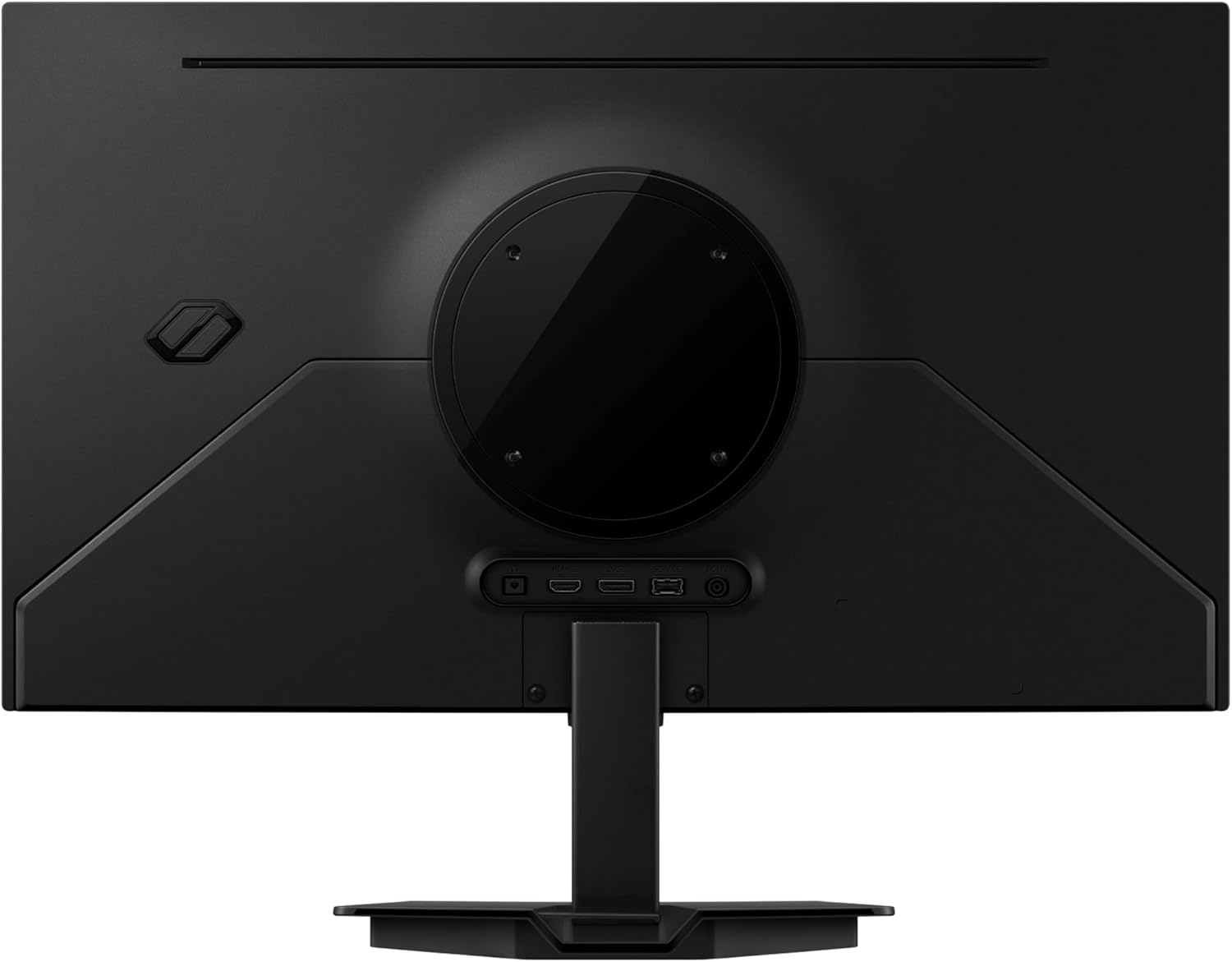
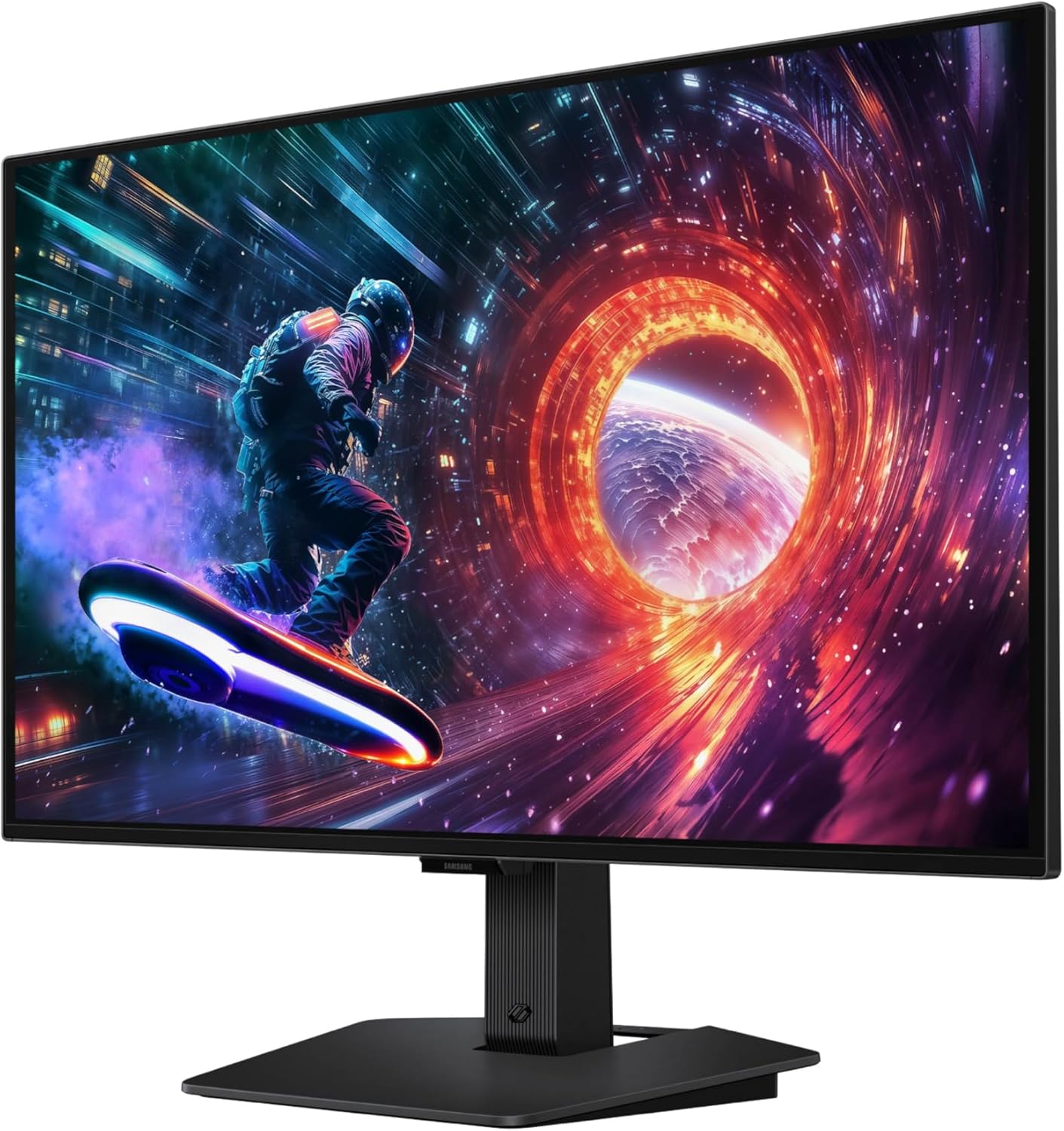
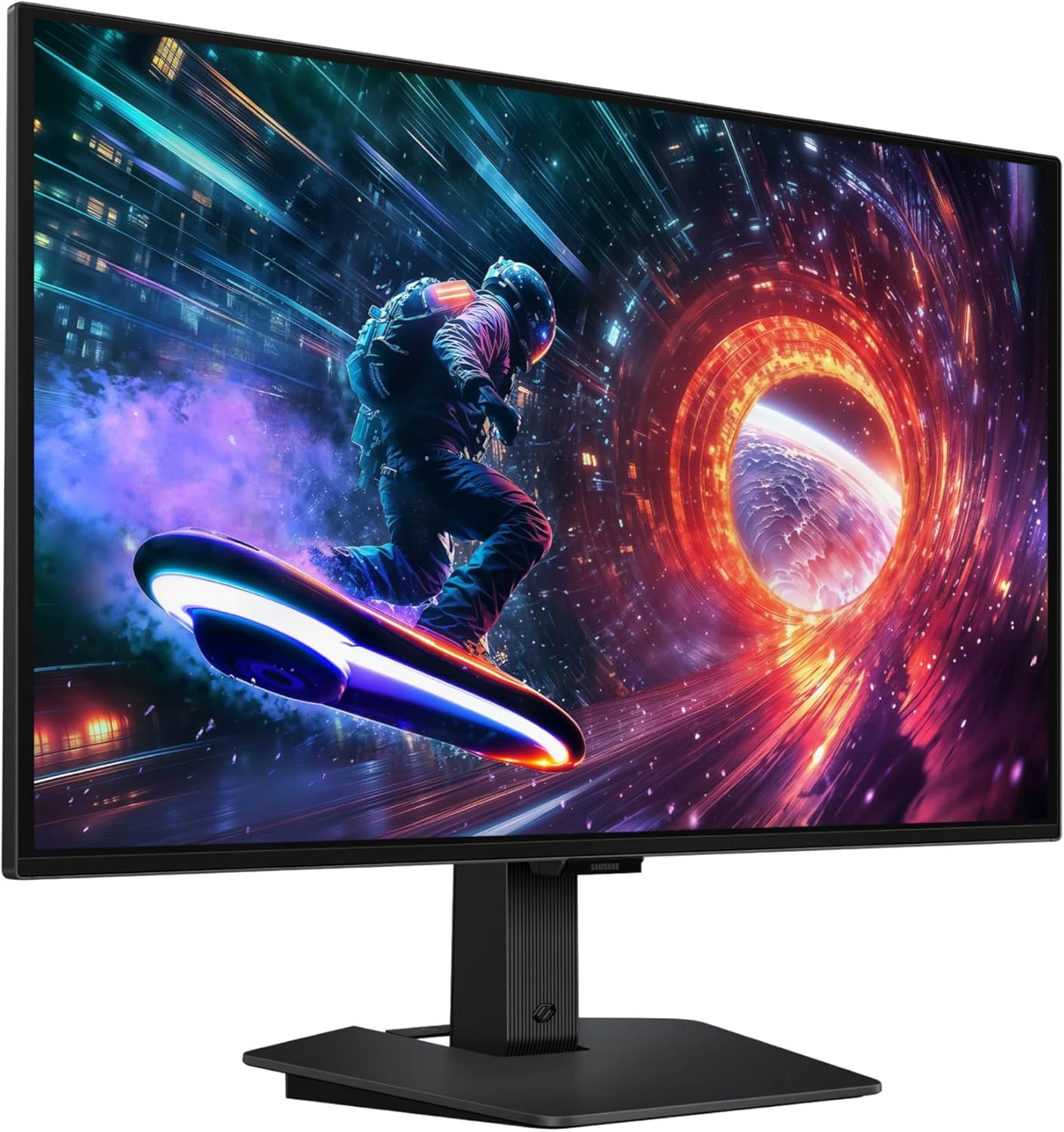

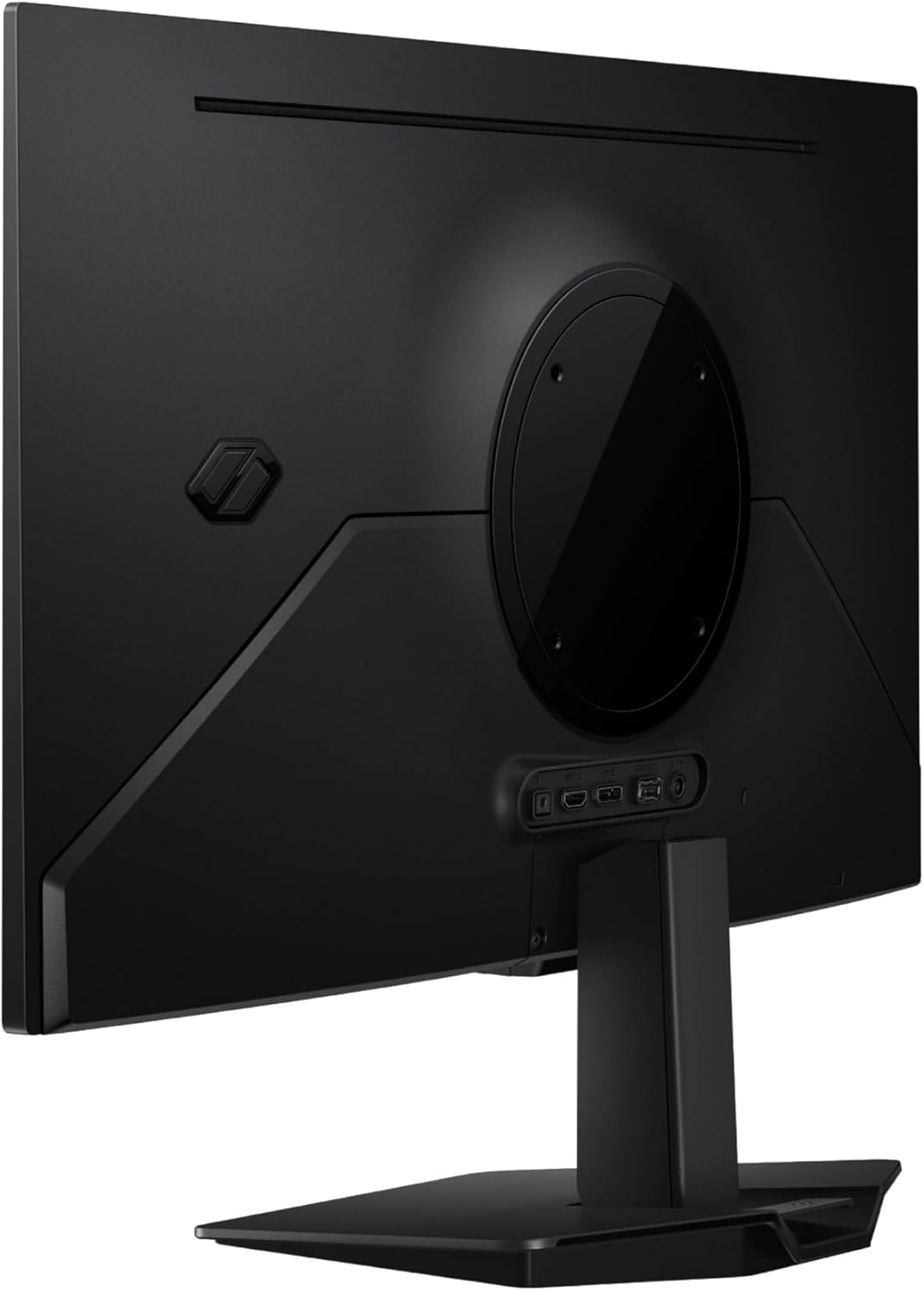
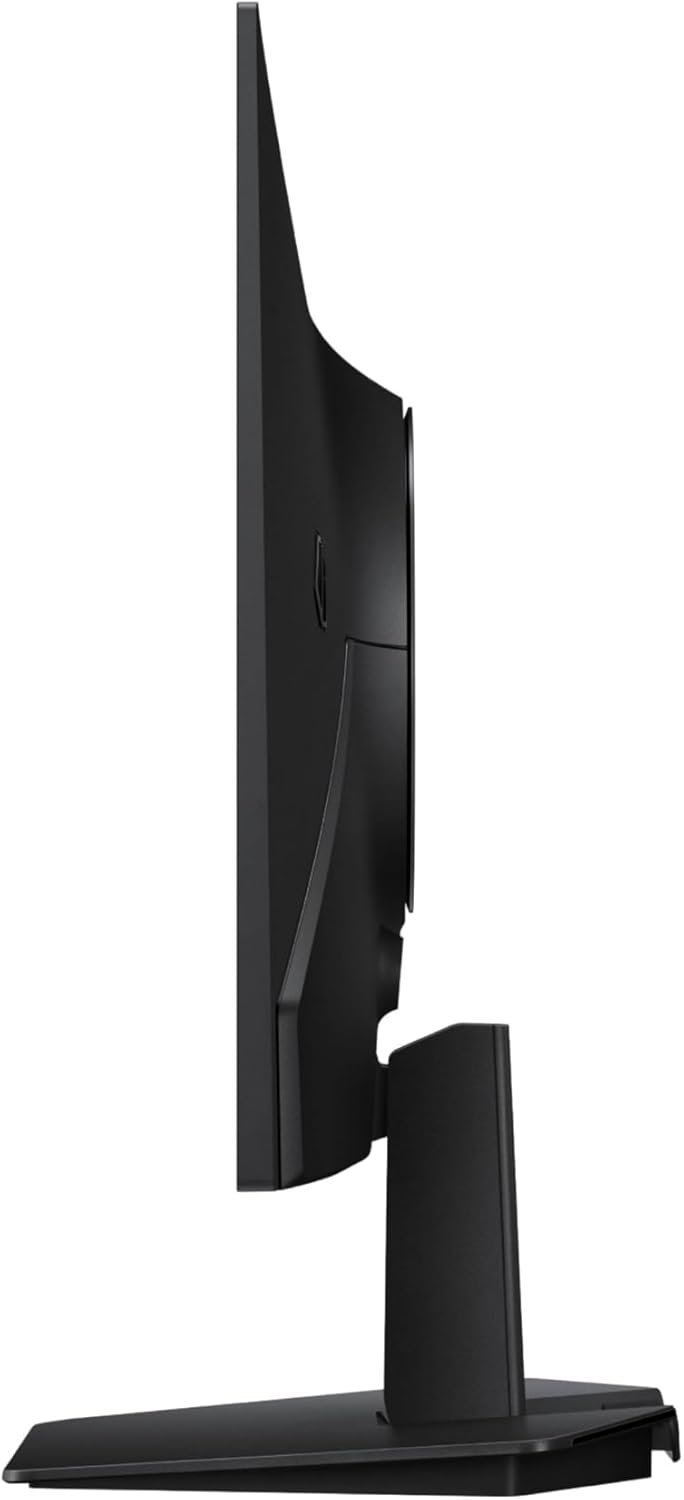
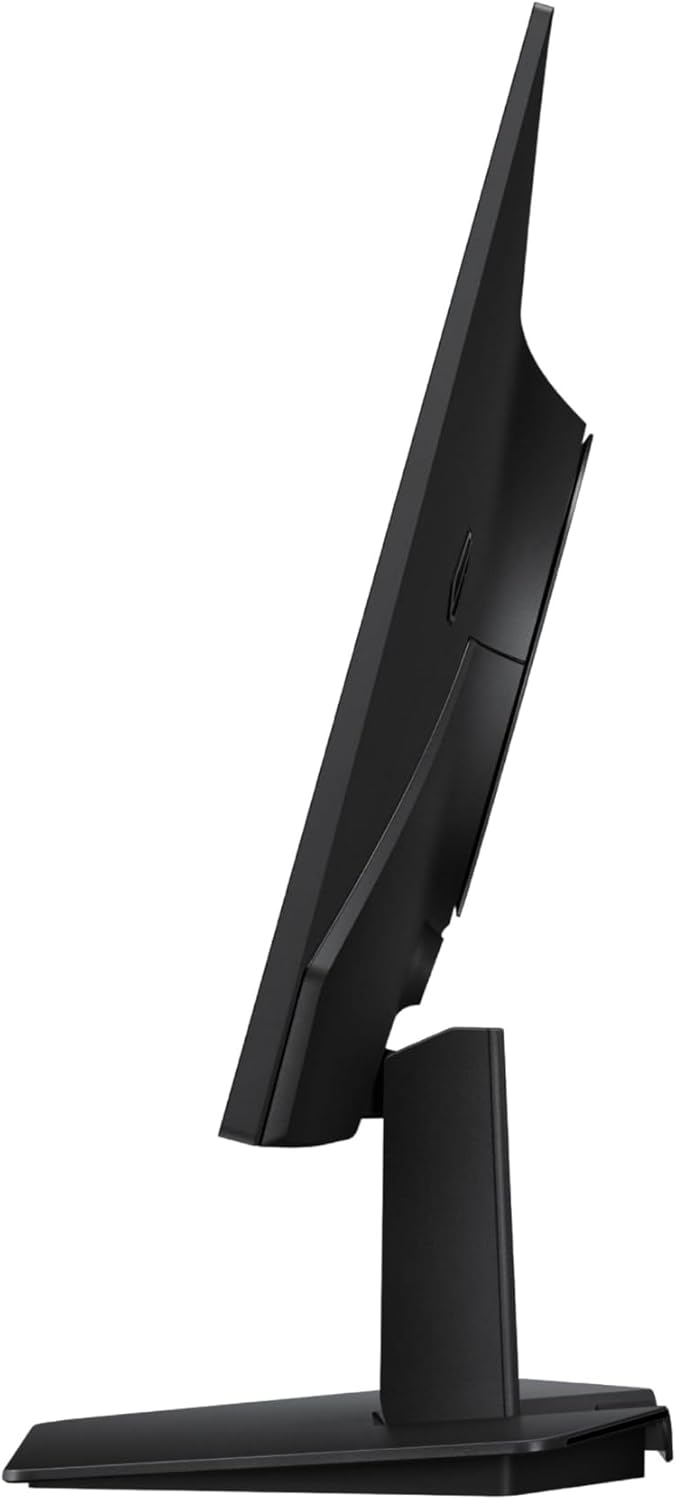
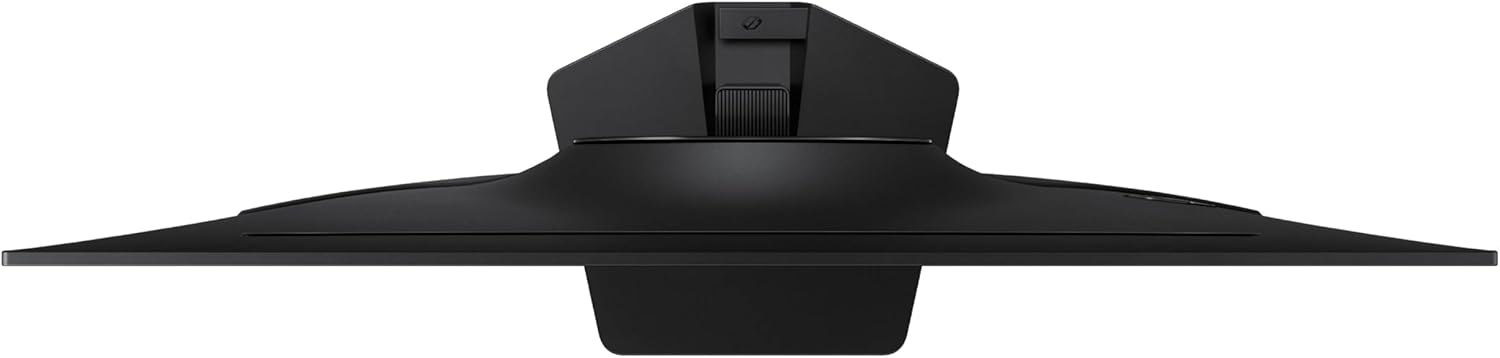
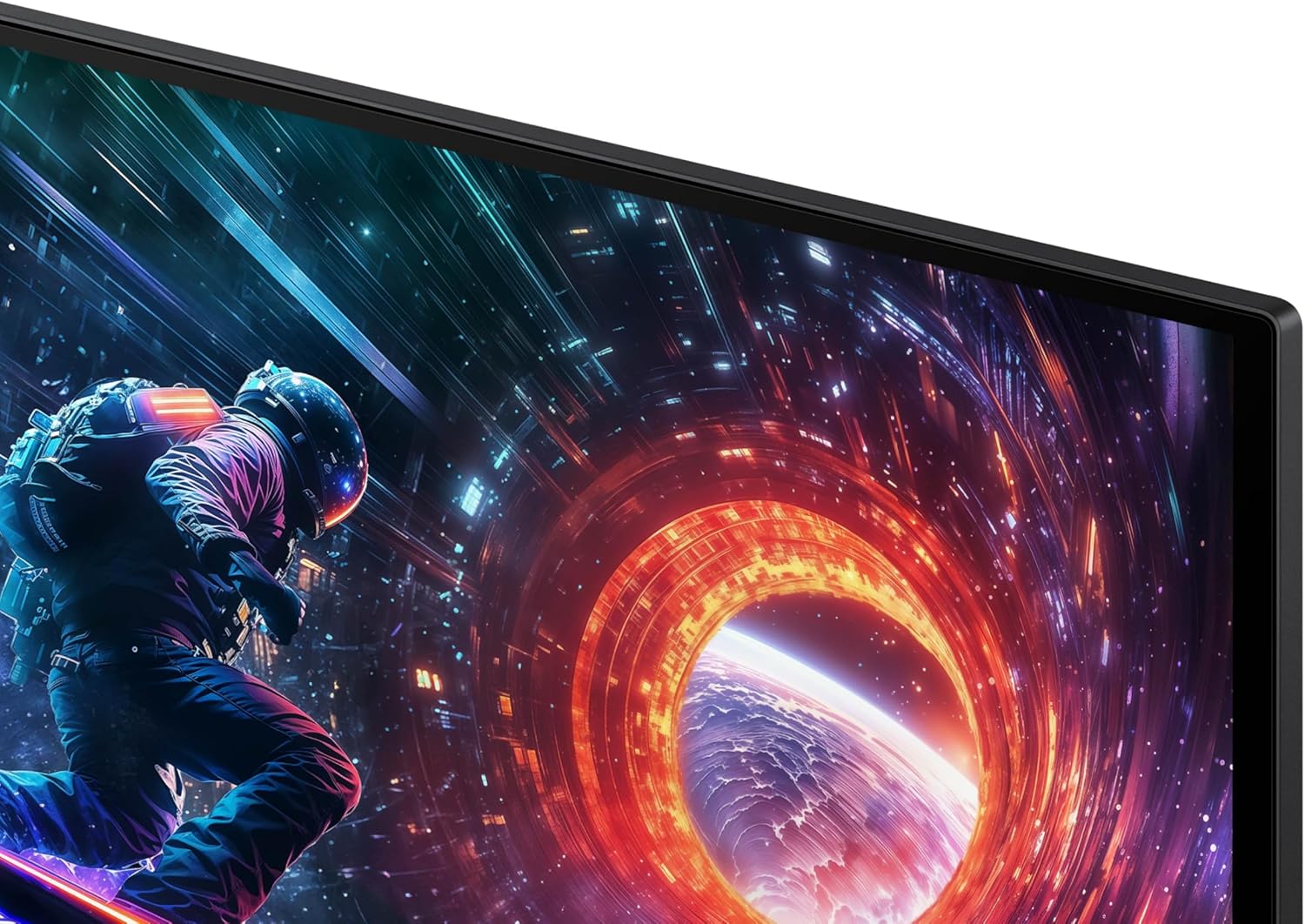
Samsung’s 27″ Odyssey OLED G5 QHD Gaming Monitor delivers hyper-real visuals and lightning-fast action for exhilarating gameplay, and QD-OLED with QHD resolution provides unmatched picture quality and produces the highest levels of color accuracy and brightness. OLED Safeguard keeps the screen cool by actively helping to prevent burn-in with a Thermal Modulation System, Logo and Taskbar Detection, and Screen Saver while 3-year warranty protects the monitor for the long haul. Glare Free technology enables uninterrupted gaming as it keeps the screen clear of reflections from external light sources. The Pantone Validated screen accurately reproduces 2100+ colors for more immersive gameplay, while HDR10 provides brighter highlights and nuanced shadows for added depth. 180Hz Refresh Rate and 0.03ms (GtG) response time enables fast reactions for ultra-smooth gaming, plus G-Sync compatibility along with AMD FreeSync™ reduces choppiness, screen lag, and image tearing. Black Equalizer improves visibility in shadows, and Virtual Aim Point increases accuracy. Auto
Source Switch+ allows instantaneous switching between connected devices.
Samsung’s 27” Odyssey OLED G5 QHD Gaming Monitor delivers hyper-real visuals and lightning-fast action.
QD-OLED with QHD resolution provides unmatched picture quality and produces the highest levels of color accuracy and brightness.
OLED Safeguard keeps the screen cool by actively helping to prevent burn-in with a Thermal Modulation System.
Glare Free technology enables uninterrupted gaming, keeping screen clear of reflections.
Pantone Validated screen accurately reproduces 2100+ colors for immersive gameplay, while HDR10 provides brighter highlights and nuanced shadows for added depth.
180Hz Refresh Rate and 0.03ms (GTG) response time enables fast reactions, plus G-Sync compatibility along with AMD FreeSync reduces screen lag and image tearing.
Auto Source Switch+ allows seamless switching between connected devices.
6 reviews for SAMSUNG 27” Odyssey G5 G50SF QHD Resolution QD-OLED Gaming Monitor, 180Hz Refresh Rate, OLED Safeguard, 0.03ms (GtG) Response Time, NVIDIA G-Sync Compatible, AMD FreeSync™, LS27FG500SNXZA
Add a review

$84.99
R.K. –
WOW! Such a powerful gaming monitor!
So I’m upgrading from an Acer XF273 which is a 27″ Full HD gaming monitor (1920×1080) which by all accounts is a pretty decent monitor. We got my son a really good gaming computer for his birthday/Christmas and it was definitely a lot of computer for this monitor. When when the opportunity came to try out this new Samsung monitor, I had to try it out. Night and day difference. Yeah, this thing is awesome. So I’m not a huge gaming nerd myself (my son is, though) so I’ll do my best at describing the improvements I see adding some notes from what my son told me about it.1. Right off the bat, the picture is just fantastic. Much cleaner, no pixels, no edge softness. And REALLY brilliant colors. It’s bedazzling watching 4K youtube videos.2. The resolution is 2560×1440 vs 1920×1080 for my old monitor which makes everything so sharp and provides a much bigger panel (ie, you can fit a lot more on the screen, like with what’s on your desktop).3. There is just no detectable blur in this monitor, even with really fast moving games. I was watching my son play some 1st person shooter games and when he’d spin around, he said his old monitor had some significant blur, but this one isn’t like that at all. It’s so immersive and realistic.4. There is so much contrast, at first (for me anyway), it felt kind of surreal. My son said in some games, it can be hard to see certain things because there might be an item of interest that blends in too well with the background. With this monitor, everything you are supposed to see is VERY easy to see.5. He said with the old monitor and really intense graphics, he’d occasionally see little blips where the image doesn’t fully line up from top to bottom (he called it “tearing”) and he said it never happens with this monitor. Having tearing occur in a game just makes the experience feel unrefined.All in all, I think when upgrading from a year old gaming monitor, you’d expect it to be more of an “incremental” change. Like, yeah, you see some improvements, but only a serious enthusiast would really notice it. That isn’t this monitor. This monitor was a huge step up. IMO, if the cost isn’t too scary, this one will make you happy. It would be a great gift for a PC gamer and would get a lot of appreciation (as it has from my son).
Obi (MNKOGaming) –
Stunning OLED monitor for gaming and everyday use
This is a beautiful OLED monitor and a huge upgrade from my old 1080p 144Hz panel. The jump to QHD with Samsung’s QD-OLED tech is instantly noticeable. Colors are rich, contrast is insane, and the 0.03ms response time makes everything feel smooth. It has the same premium feel as my larger Samsung OLED curved display, just in a smaller footprint that fits perfectly on my secondary PC setup. The 180Hz refresh rate looks incredible in shooters, and text clarity is much better for productivity work too.Setup was simple, and the stand feels sturdy with a clean look that fits in a modern gaming space. It supports both G-Sync and FreeSync, and everything synced instantly without any flickering or hiccups. Brightness is solid for an OLED, and the panel stays cool thanks to Samsung’s safeguard features. I’ve tested a lot of monitors over the years, and this one hits that sweet spot of great performance without being oversized. For gaming, streaming, or even editing, it’s a fantastic option and well worth the price.
Stone Dog –
Great monitor.
I got this because I’d had it with trying to read anything on the tiny screen on my laptop! Obviously, being over 60 means my eyesight has deteriorated and I needed a better option – hence this Samsung 27″ Odyssey monitor.The picture is bright and the images are sharp. I don’t game, but this would be excellent for gaming. It features QHD resolution. It has 180Hz Refresh Rate and 0.03ms (GTG) response time – great for anything but especially gaming. The colors are really vivid and use it to play videos as it’s almost as big as our HD TV. I use it for just about anything from just general surfing to making videos (I have two Youtube channels) to email – whatever. I think it’s very versatile and can do a lot of things well.A great monitor that gives a wide array of benefits.
Avid83 –
Entry-level OLED gaming monitor, outdated connections
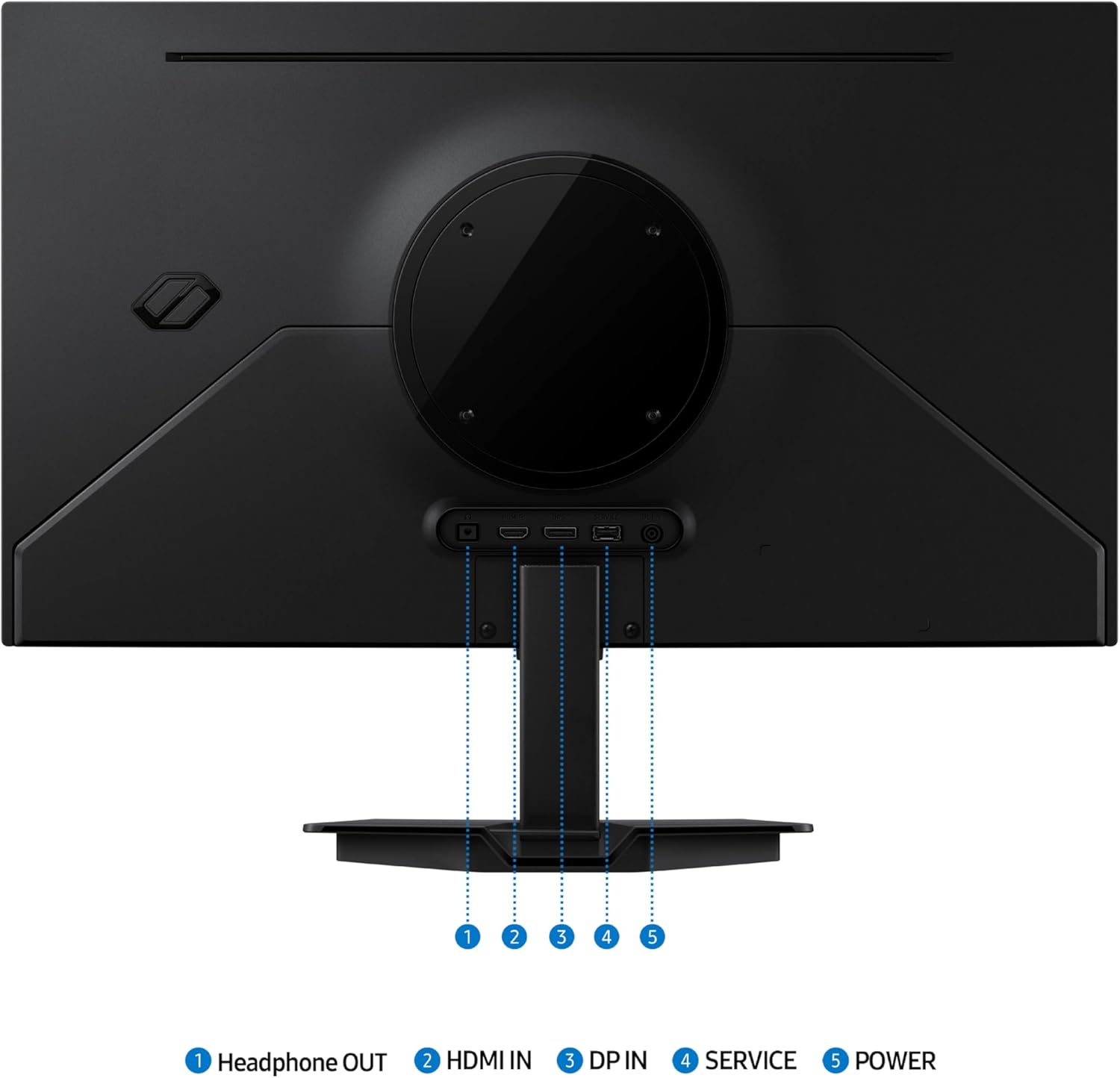
My previous monitor was an IPS panel, so the difference in contrast, response time, and refresh rate was stunning. However, this OLED monitor uses only DisplayPort 1.2 and HDMI 2.0. In fact, 180 Hz is only supported in 8-bit color when using the DisplayPort connection, whereas HDMI is limited to a max of 144 Hz. I found that 10-bit color is supported at 120 Hz, which is what I ended up using for the best visual quality.OLED is great for gaming, but it does have some quirks. For example, the image shifts a little bit periodically to prevent screen burn-in. I found this annoying, but it wasn’t really noticeable when playing fast-paced games. Also, the contrast ratio was uncomfortable for my eyes, so I set the Shadow Detail setting to +2. Additionally, the default color space is set to “Native,” which makes colors too saturated; the display looked much better on the “Normal” setting. The “Auto” color mode, ironically, made colors look desaturated.Overall, I like the image quality of the monitor, but the feature set is limited. It lacks simple ergonomic features like height adjustment or rotation, and you have to use a Phillips screwdriver to properly attach the stand to the monitor. On the plus side, the monitor has a matte anti-glare surface and is surprisingly lightweight. Unless you absolutely need instant response time and amazing contrast, a premium IPS panel might offer more value.
BlackkSkyEra –
Not a bad entry level gaming monitor
If you care most about smooth gameplay and fast reactions, this monitor delivers. But if you’re chasing cinematic visuals, rich blacks, and eye-popping color, especially in dark rooms or HDR mode, it might leave you feeling underwhelmed. Great for in game action, average for cinematic/movie watching. Would recommend
Roger Hajali –
Great OLED monitor – Bright and perfect picture
Gaming Computers are the best. Gaming Monitors are the best. This monitor has really dark blacks but isn’t 100% off the way I expected. The bright colors are bright. The image is even. No bright spots or dark spots.I sit close to my monitor, so the high resolution is perfect without any upscaling.