

Logitech MK955 Signature Slim Wireless Keyboard and Mouse Combo, for Larger Hands, Quiet Typing and Clicking, Switch Across Three Devices, Bluetooth, Multi-OS, for Windows and Mac
$13.49
Related Products





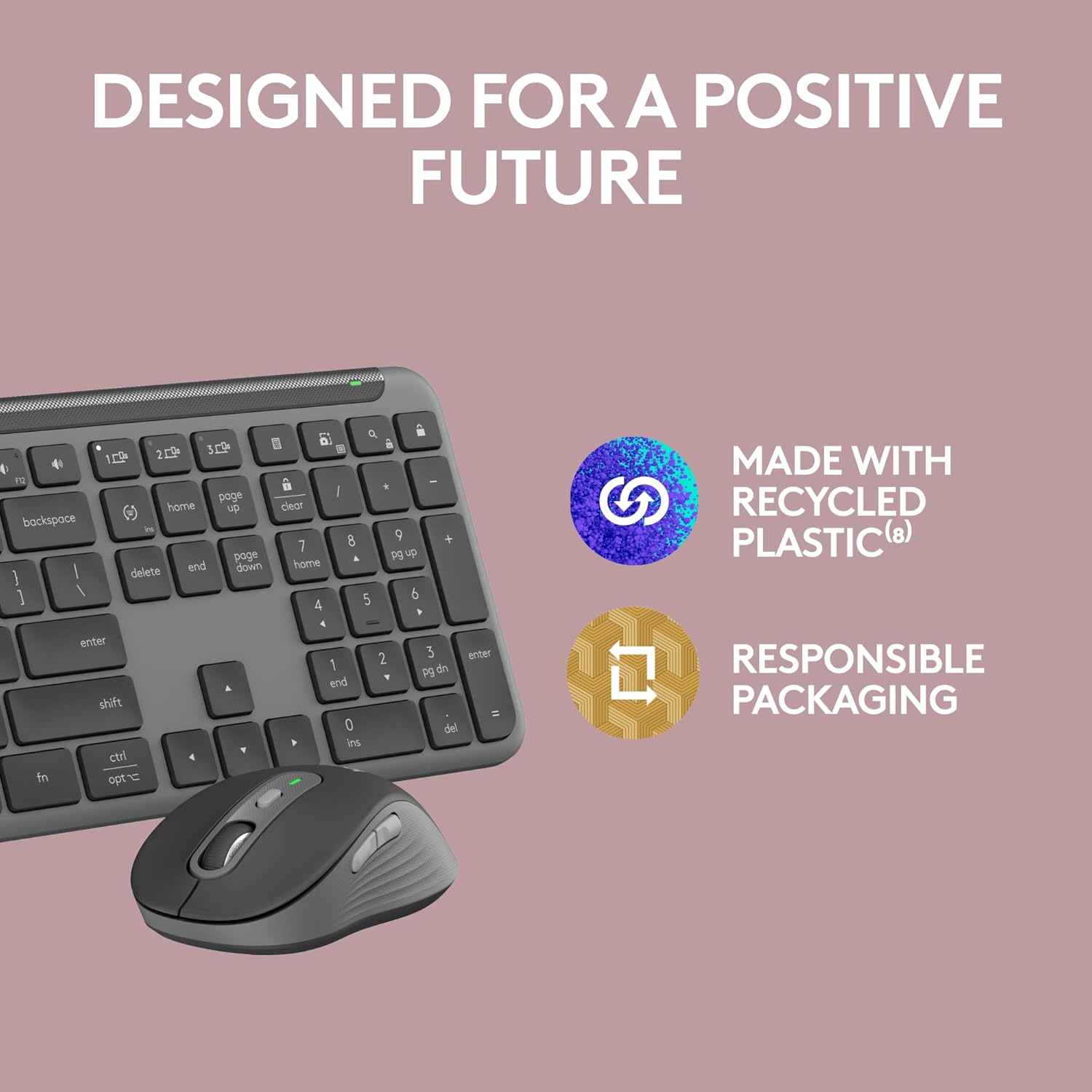
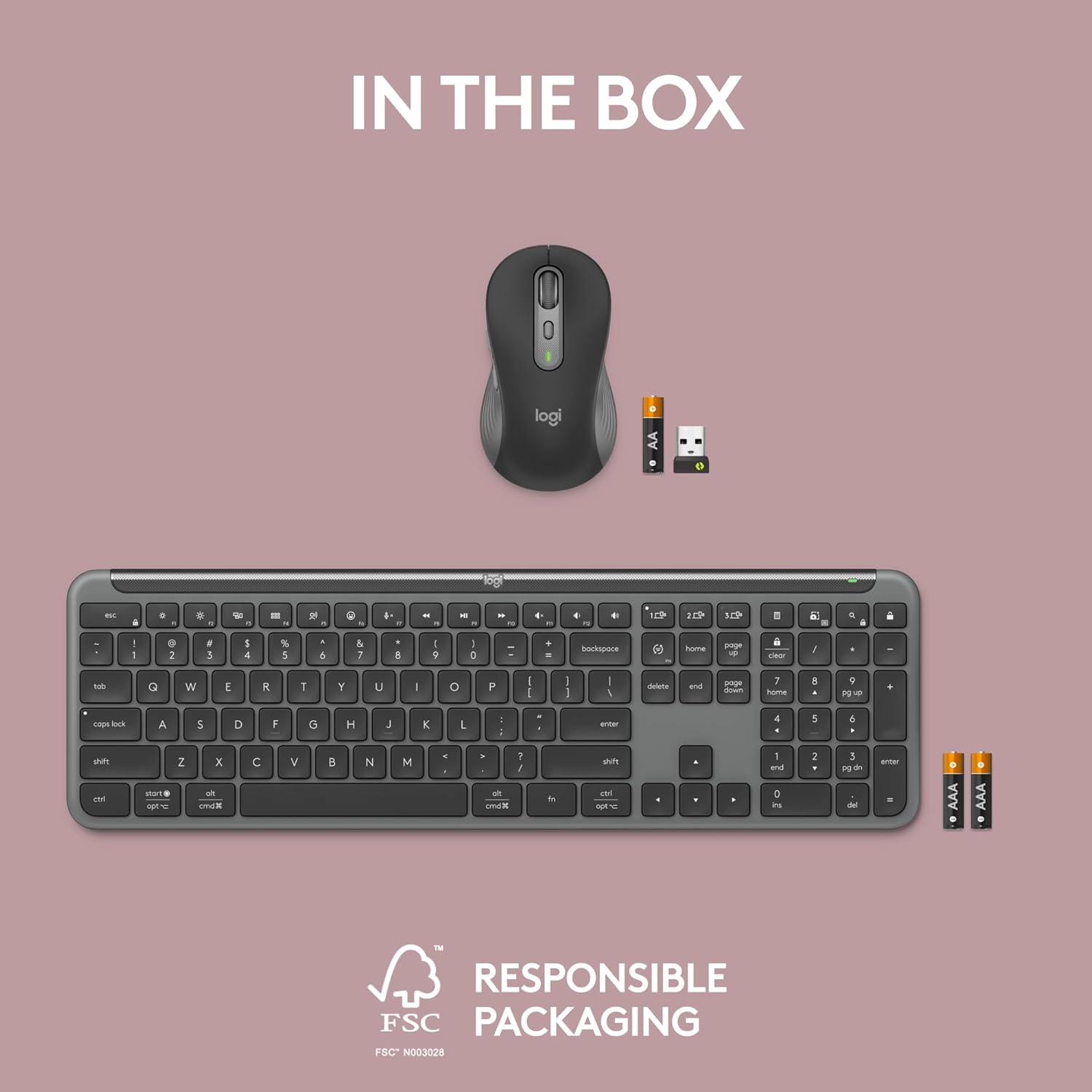
Type and click across computers effortlessly with the Logitech MK955 Signature Slim Wireless Keyboard and Mouse Combo made out of recycled plastic (8).. Make work-life magic with customization and shortcuts that keep you in control of your wireless mouse and keyboard. Enjoy fast, precise scrolling and a familiar laptop-style keyboard feel that allows you to work even smarter with the Logi Options+ App’s custom shortcuts (3) (4) (5). Quiet keyboard typing and mouse clicking (7) give you more focus and less disturbance to others. Connect wirelessly with Bluetooth or the included Logi Bolt USB receiver, and stay concentrated for longer with up to 36 months of battery life for the wireless keyboard and 24 months for the wireless mouse (1) for larger hands.
Type and Click Across Your Personal and Work Computers: Move seamlessly between your home desktop and your work laptop with this wireless and quiet keyboard and mouse combo (2)(3)
Save Time Like Magic: Customizable keys, buttons and shortcuts for extended possibilities with the Logi Options+ App; available for Windows and macOS (3) (4) (5)
Enhance Your Space: A sleek and solidly built full-size bluetooth keyboard with familiar laptop-style typing and a comfortable, contoured, bluetooth mouse made of recycled plastic (8)
Quiet Experience: Conjure some focus time with quiet typing and clicking; the M750 L Signature Plus is a quiet click mouse with SilentTouch technology for 90% less click noise (7)
Easy Scrolling: With the M750 L Signature Plus wireless mouse for larger hands, you can scroll through documents line by line, or fly effortlessly through long web pages with the SmartWheel
Switch Between Your Laptop, Tablet, and Phone: The K950 Signature Slim Keyboard of this multi-device combo allows you to switch typing between three devices with a single tap
Works on Most Platforms: Worry-free wireless connection to Windows, macOS, Chrome OS, Linux, iPadOS, iOS and Android, easily pair via Bluetooth or Logi Bolt (2)(3)(5)(9)
Feel Good About Your Choice: Plastic parts in Slim Combo include certified post-consumer recycled plastic (minimum 48% for keyboard; 25% for mouse)(8)
In case of wireless keyboard or combo (keyboard and mouse), the USB receiver is usually provided either inside the mouse (under the battery cover) or attached within the product packaging
Fully compatible with Windows 11
13 reviews for Logitech MK955 Signature Slim Wireless Keyboard and Mouse Combo, for Larger Hands, Quiet Typing and Clicking, Switch Across Three Devices, Bluetooth, Multi-OS, for Windows and Mac
Add a review

$13.49
Edward A. Gioja –
GREAT multi-system control. Full size keyboard. Nice feel.
I love this keyboard. I work form home and have a laptop that powers 3 monitors, a MAC, and a private computer. This keyboard connects to all three and allows me to switch with the touch of a button. I also use a Logitech mouse with multi-point (it has problems keeping connected to the Mac), and monitors that allow multiple inputs.I tried other keyboards. I work in the dark a lot, so the solar charge turned out not to be a good idea. Another multi-device keyboard I had worked well, but did not have the home, end, etc. dedicated to their own keys, so I had to keep worrying about whether I had the num lock on or off.I really like this keyboard and would recommend it to anyone needing to control multiple devices.
Dwight –
Comfortable, quiet combo with seamless device switching
I’ve been using the Logitech MK955 for a few months and it’s quickly become my favorite keyboard/mouse combo. The full‑size keyboard has a generous layout that fits my larger hands, and the keys are whisper‑quiet but still have a satisfying feel. The ergonomic mouse is equally comfortable and tracks smoothly on various surfaces. I love that I can switch between my desktop, laptop and tablet with a single button thanks to the multi‑device Bluetooth pairing. Setup was simple and it works flawlessly on both Windows and Mac. Battery life has been excellent and the build quality feels premium. If you need a reliable wireless keyboard and mouse with quiet typing and seamless device switching, this set is worth the investment.
Ekaterina S. –
Comfort, design, sun charging
I’ve been using the Logitech Signature Slim Solar+ Keyboard K980 for a few weeks now, and I’m honestly impressed. ☀️First of all — no more worrying about charging! It runs perfectly on solar and even artificial light, which feels so convenient and eco-friendly. The design is sleek and minimal, the keys are super comfortable to type on, and the connection via Bluetooth is instant and stable.I love that I can customize the keys and switch between devices effortlessly — it makes working between my laptop, tablet, and phone so smooth.After using it daily, I can say it’s definitely worth it for anyone who spends a lot of time typing or wants a reliable, sustainable keyboard that looks beautiful on the desk.10/10 for design, comfort, and innovation! 💻✨
Brittany Austin (@brittanyhaleyes) –
Reliable, Functional, AND Eco-Friendly!
I love the ease of use and the ability to switch between devices with the Logitech Signature Slim Solar+ Wireless Bluetooth Keyboard K980. This keyboard is solar and artificial light powered and it has up to 10 years of battery life. I am a big fan of there not being any cables attached or having to worry about recharging it. The keyboard is lightweight making it easy to take with you on the go!This is priced perfectly, especially since it will have up to 10 years of battery life. I love that this keyboard is functional and durable, and I am excited to have it for work and content creation purposes across multiple devices. Highly recommend!
Fungirl –
Good quality keyboard
The Logitech Slim K950 Wireless Keyboard works great as a replacement for my old Logitech USB keyboard, but it’s not perfect:Pros: Logitech is a good brand that lasts a long time, very easy to connect via Bluetooth (ready to use in minutes) but also comes with a USB to connect manually; runs on two AAA batteries (have not had to replace yet in over a month); Slim profile with low-profile keys; no problems with the functions on the keyboard so far; it’s a regular width keyboard with convenient number pad.Cons: It is a bit pricey compared to some other Bluetooth keyboards; the volume keys are above the backspace bar and sometimes I hit those instead of backspace; the main issue for me is that it is supposed to have keys that are “quiet typing” – I don’t like “clicky” keyboards and this one still clicks if I am typing fast or pressing hard. Not as much as other non-silent keyboards, but enough that I notice. That said, I tried a couple different “silent” keyboards and they really were not that much different, so maybe it’s just me!Overall this is a good keyboard and I would purchase Logitech again.
Aaron James –
Amazing feel.
I can’t explain the amazing feel of this keyboard; the keys have nice travel & soft sticky keys. I love the low, soft-click of the mouse is like heaven. Such a pleasant feel. Easy to connect and set up!
Kamilla –
Slim, reliable, and eco-friendly
I’m very impressed with this keyboard! The slim design feels modern and sleek, and it types quietly but with a nice tactile feel. The biggest highlight is the solar charging it works not only from sunlight but also from regular indoor lighting. I don’t have to think about batteries or charging cables at all, which is a huge plus. Logitech claims up to 10 years of battery life, and so far it feels like it will last forever.Connecting via Bluetooth was super easy, and it works seamlessly with my devices. I also love that the keys are customizable, so I can set shortcuts that make my daily workflow much faster.Lightweight, eco-friendly, and reliable this keyboard is a great investment if you want something stylish and long-lasting. Highly recommend!
DM –
Nice keyboard – don’t care for the mouse
I’ve been using Logi keyboards for years and generally go for the K520 and K540. I decided to try this keyboard, and I’m very happy with it after a few days of use. It’s well made and I don’t notice any lag that another reviewer mentioned. (Not sure why I keep accidentally hitting the caps lock, but I’m pretty sure that’s a “me issue” and not a problem with the keyboard.) So after a few days of use, I would give the keyboard 5 stars, and I do recommend it.I deducted one star because I don’t care for the mouse that came with it (the M750L). It has a flimsier feel than the M510 that I’ve been using for years. It also has these ribbed edges on the sides that are very irritating. I do a lot of work with the mouse, and had to set it aside in favor of my M510. I regret ordering the combo, and may still opt to return it and just order the keyboard, which is what I would recommend to any potential buyers. So if you need a keyboard, order the K950, but unless you need the option on your mouse to switch between devices, go for the M510. It’s just a better mouse.
ahmed abuomar –
I just bought the Logitech K950 combo with the M750L. I don’t know why this combo is called MK955, but anyways, the models mentioned above are what is written on the products. This combo is premium quality. Beautiful short travel and nice clicking to the keys. The mouse is extremely premium and soft clicking and can hook up to 3 different devices. I had the HP230 Keyboard and mouse combo was purchased in Sept 2024. It’s got larger key travel that I like and there is barely any clicking to the keys which is the feedback I personally like. Soft mushy like feeling to the keys. Mouse works fine well, nothing special, just works. There are no side buttons for browsing which is annoying not to the have once you get used to the idea of having them.
CL –
Having always been using Logitech keyboards and mice for work over 10+ years, I just took delivery of this MK955 combo to be the back-up keyboard/mouse combo for my MX Keys S and Anywhere 3S. Didn’t expect too much from MK955 as the combo does come in cheaper than the Keys S and Anywhere 3S combined, but it turns out the K950 keyboard and M750L mouse from this MK955 combo are fairly nice and comfortable to use. The keyboard (K950) doesn’t come with backlight but somehow I like the typing sound and handfeel of it better than my Keys S. The mouse (M750L) is certainly larger (by about 20%) than the Anywhere 3S, but still it’s easy to move around with it. Overall this MK955 combo is highly recommended for work, they are quiet and low profile, and based on my experiences with Logitech products, they ought to hold up well over time.
jaimee –
I love this keyboard so much, it’s just the right level of slim and I like that it’s got the little notches on the bottom to rest it on an angle. The keys have a nice feel and the size of the board is great. I have small hands and worried about getting a full-size keyboard (usually need smaller ones) but this is perfect.Only thing I’d change is I wish it was chargeable and not battery-operated. Still, not a big deal. And there’s a hiding spot for your USB connector in the battery area!
Delroy –
I wasn’t going to overpay for the Apple keyboard with numeric keypad. The keyboard is built well and has weight to it, so it stays put. Been using it for 1. weeks and I still like it. They should include a piece of paper explaining how to change the keyboard between PC and Apple mode and along with some other important setup steps. My one complaint is the time it takes for the keyboard to be ready after it sleeps. I wish the mouse was larger as well.
Fred McLeod –
As soon as I took this out of the box I could feel the hefty weight in the keyboard that quality electronics have.It’s super responsive and the mouse and keyboard are both extremely quiet.The mouse is very comfortable and responsive and has all the features. (back and fed side buttons are a must for me)All the main keys are in standard locations, which is a pet peeve of mine, when they aren’t.I haven’t used the device switching as I only have 1 workstation.I’ve only had a few days, so not sure about battery life, but I love it so far.