
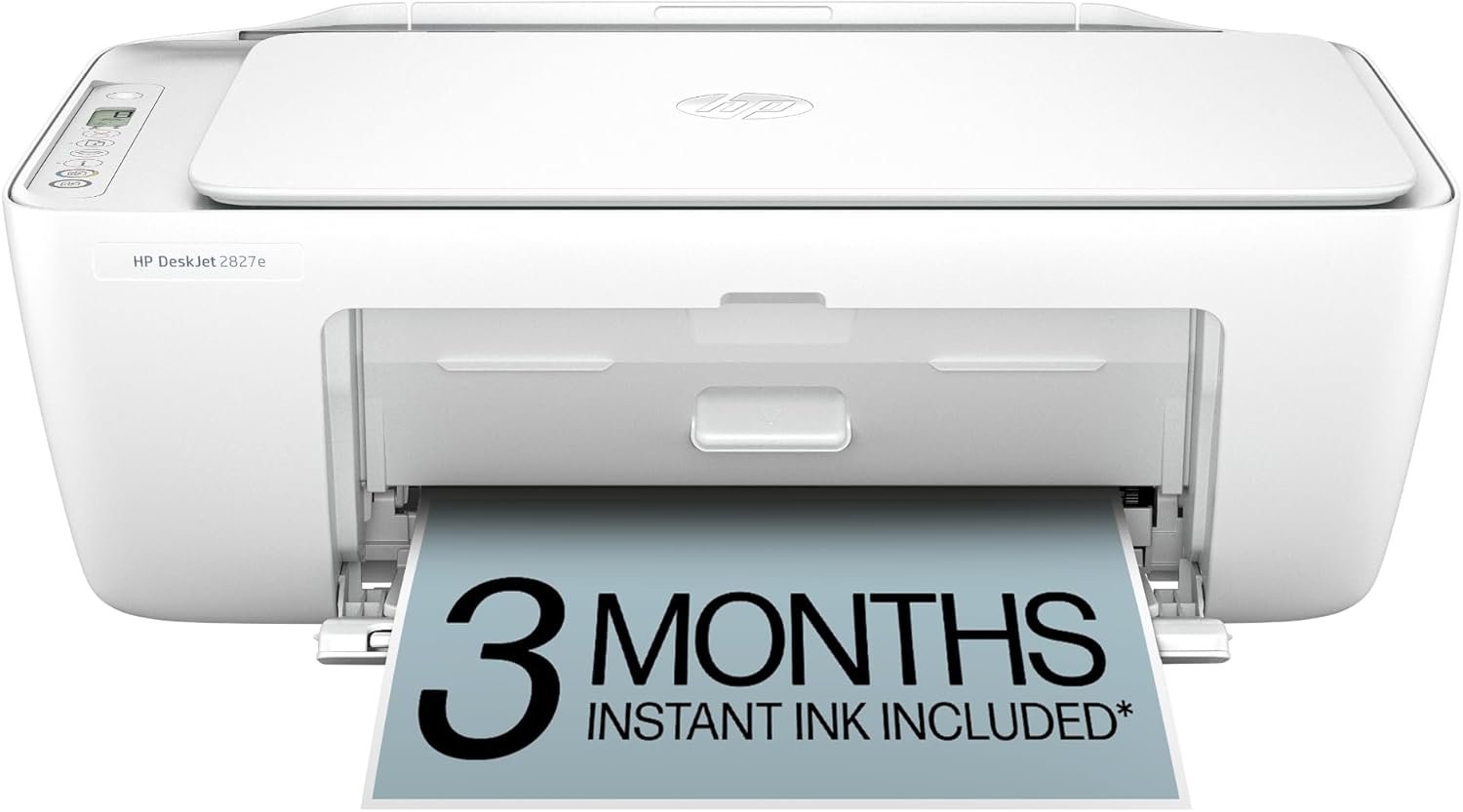
HP DeskJet 2827e Wireless All-in-One Color Inkjet Printer, Scanner, Copier, Best-for-Home, 3 Month Instant Ink Trial Included, AI-Enabled (6W7F5A)
$6.99
Related Products





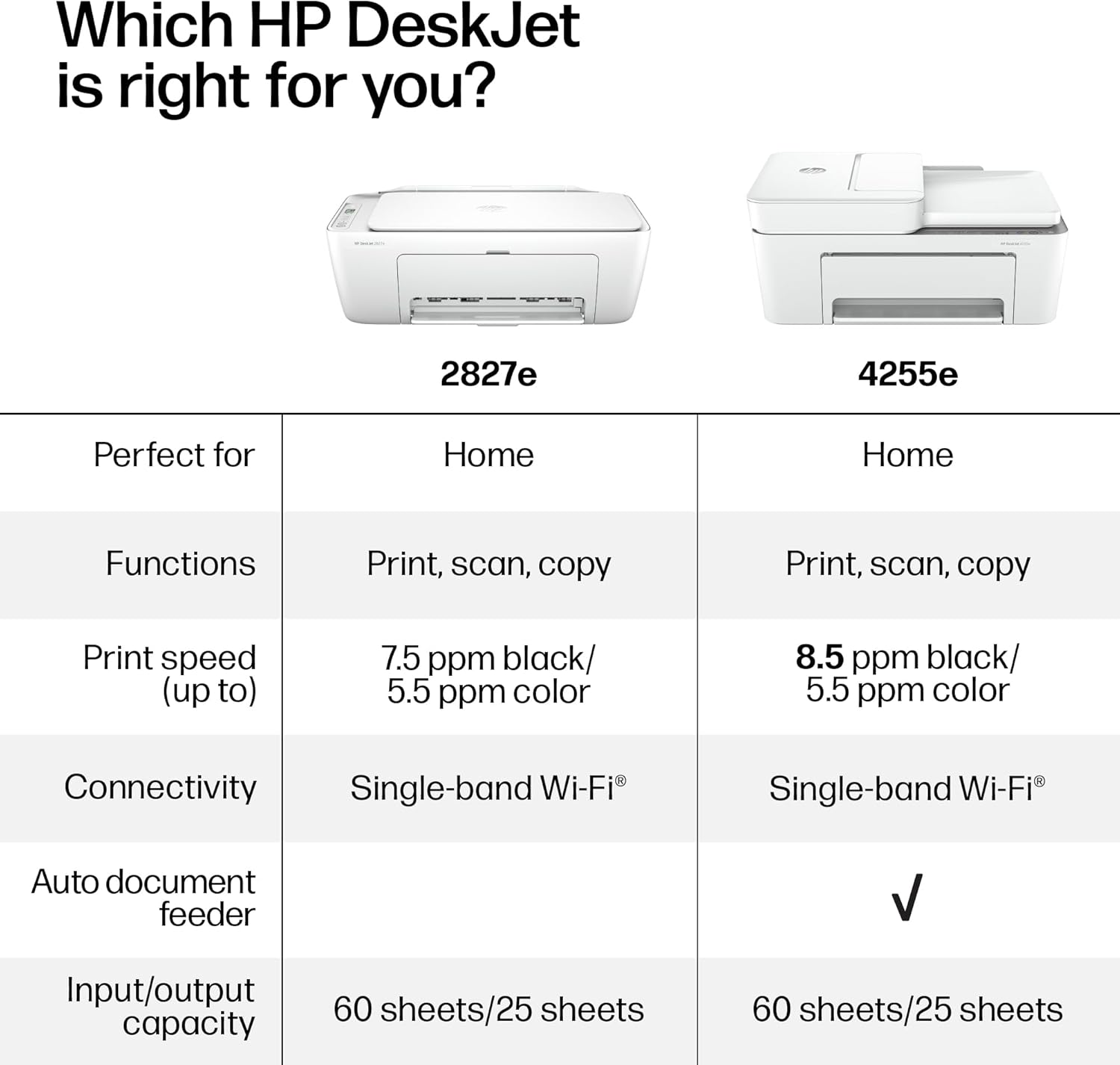



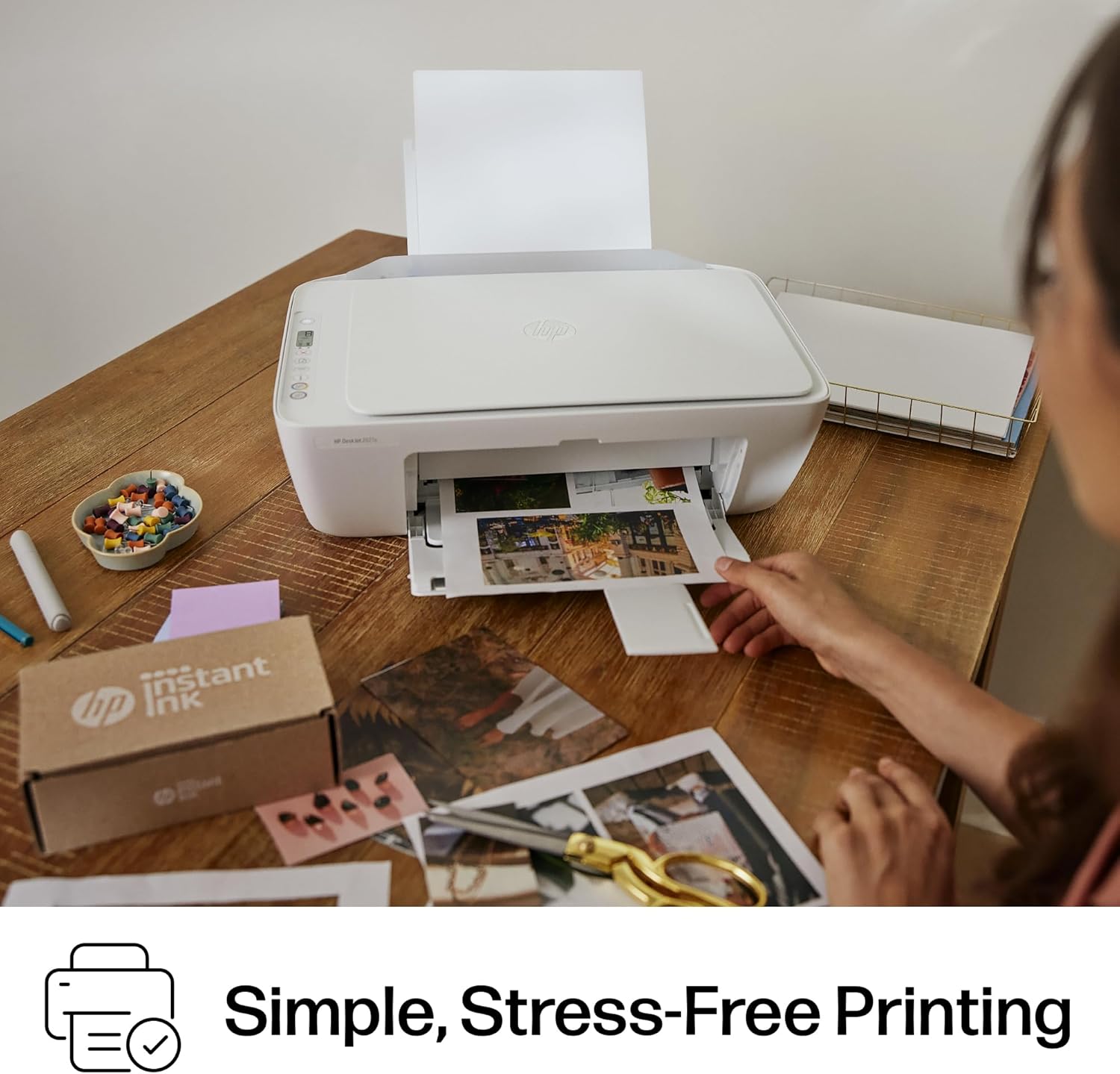



The HP DeskJet 2827e delivers color printing, 60-sheet paper capacity, and a flatbed scanner for easy scanning and copying. It includes 3 months of Instant Ink with HP+ activation at printer setup. It’s also AI-enabled to intuitively adapt to your workflow, with wireless and security features that keep your multifunction printer up to date and secure.
The DeskJet 2827e is perfect for homes printing to-do lists, letters, financial documents and recipes. Print speeds up to 5.5 ppm color, 7.5 ppm black
PERFECTLY FORMATTED PRINTS WITH HP AI – Print web pages and emails with precision—no wasted pages or awkward layouts; HP AI easily removes unwanted content, so your prints are just the way you want
KEY FEATURES – Color printing, copy, scan, and a 60-sheet input tray
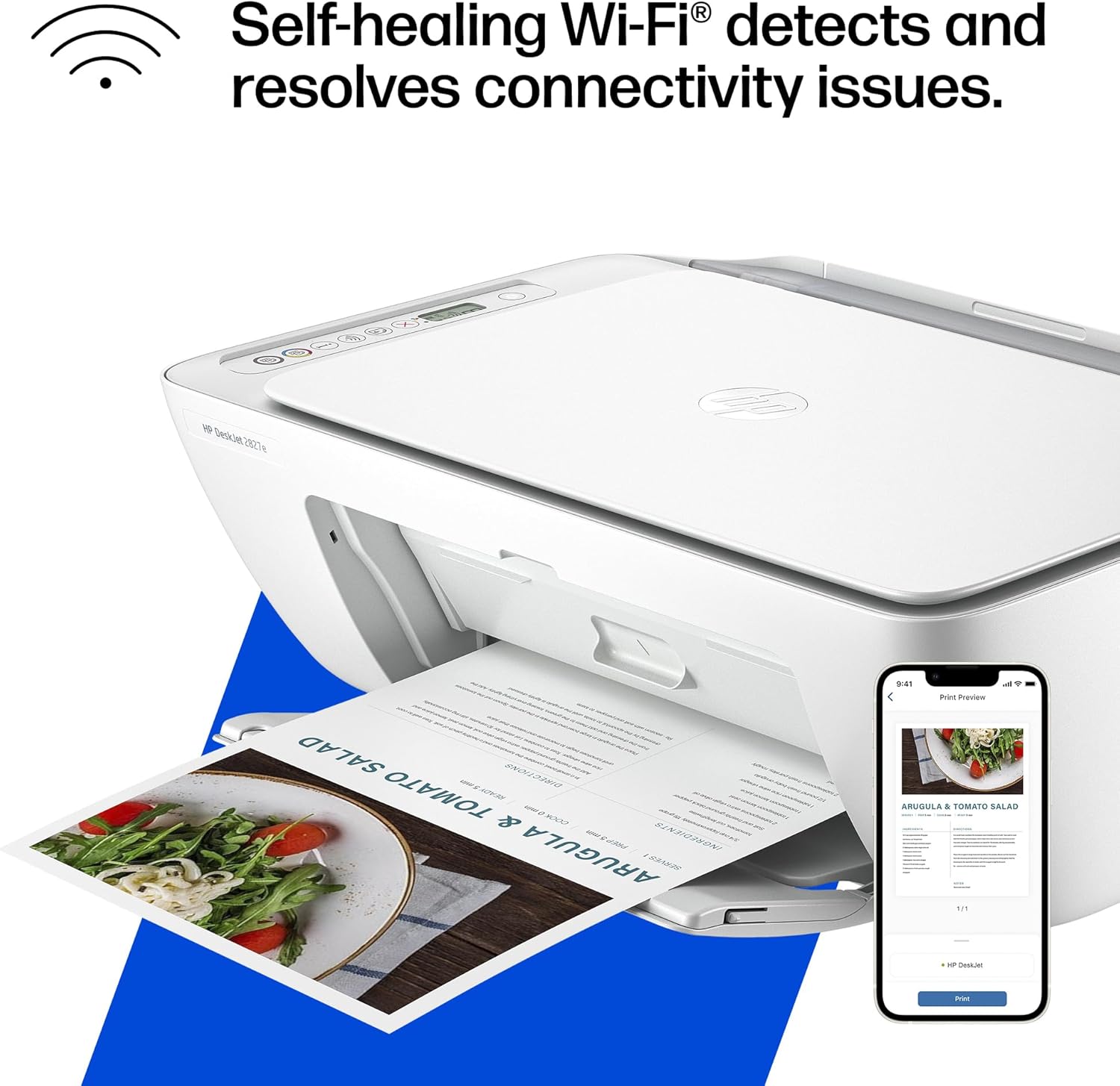
WIRELESS PRINTING – Stay connected with our most reliable Wi-Fi, which automatically detects and resolves connection issues
HP APP – Print, scan, copy, or fax right from your smartphone, PC, or tablet with the easiest-to-use print app
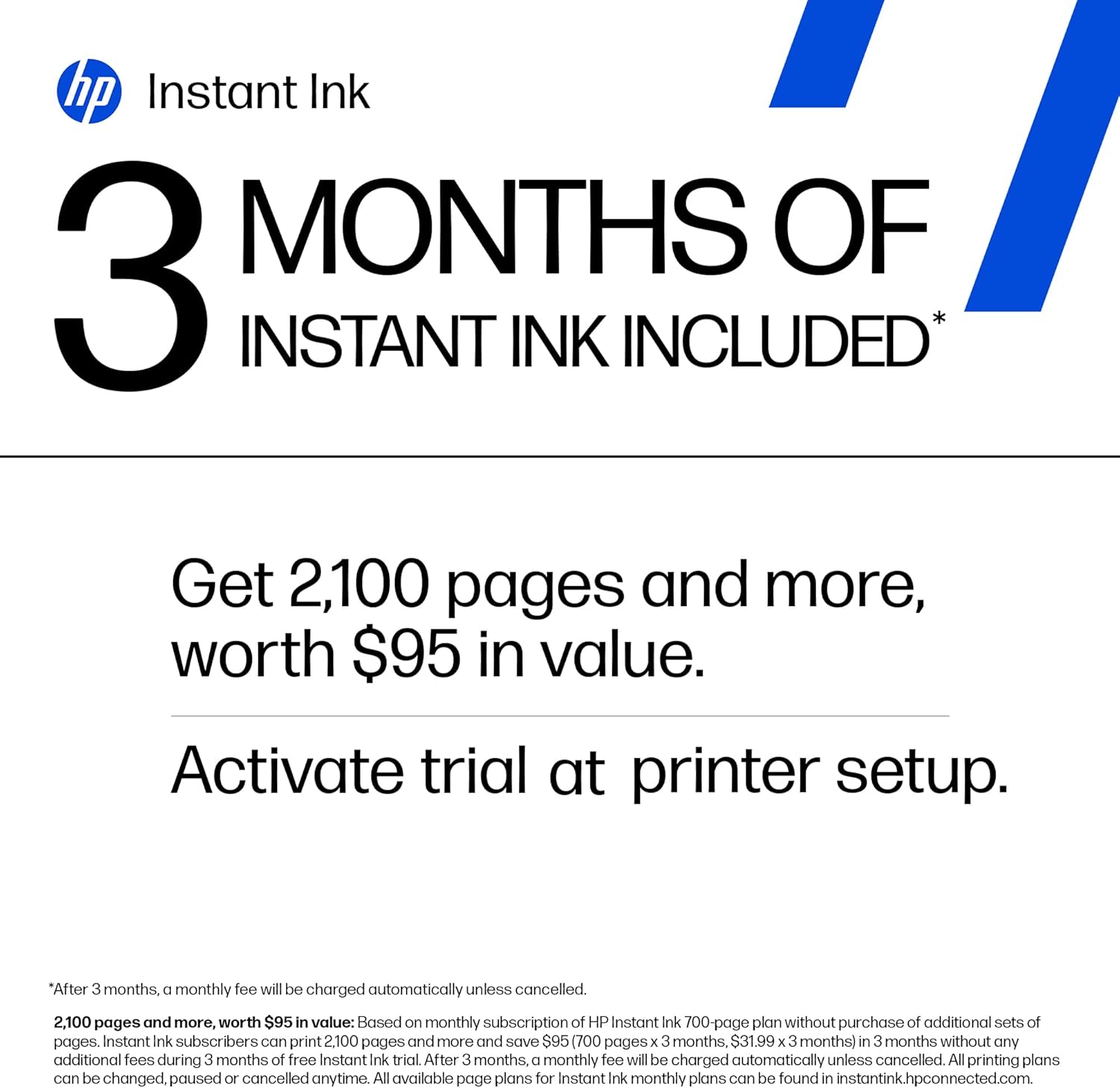
3 MONTHS OF INSTANT INK WITH HP+ ACTIVATION – Subscribe to Instant Ink delivery service to get ink delivered directly to your door before you run out. After 3 months, monthly fee applies unless cancelled
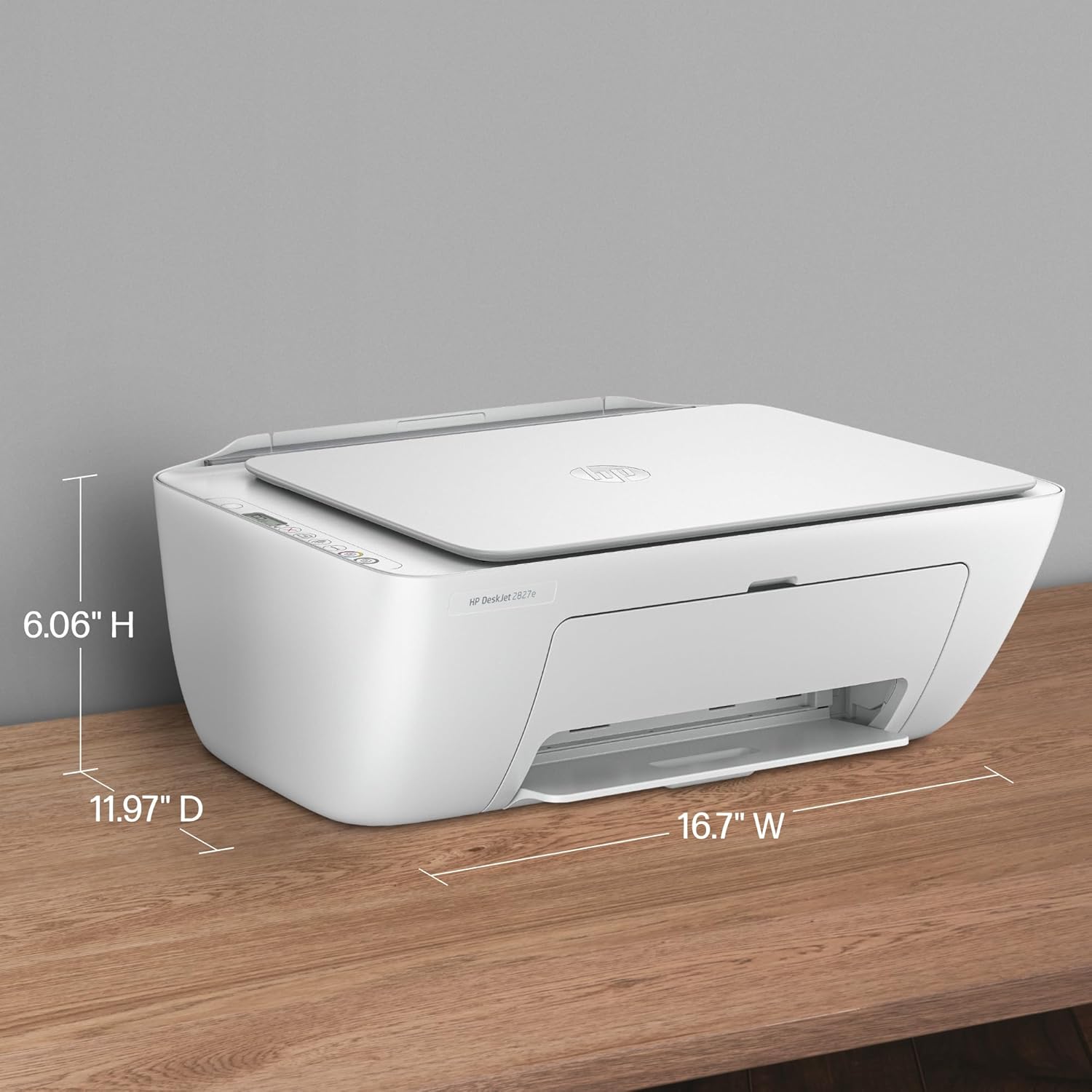
COMPACT DESIGN – Made to fit any home
ICON LCD – Print your basic documents with ease from the intuitive control panel
SUSTAINABLE DESIGN – Made with at least 60% recycled plastic. Meets industry efficiency standards and is Energy Star and EPEAT certified
This printer is intended to work only with cartridges with HP chips or circuitry and will block cartridges using non-HP chips or circuitry. Periodic firmware updates will maintain the effectiveness of these measures
13 reviews for HP DeskJet 2827e Wireless All-in-One Color Inkjet Printer, Scanner, Copier, Best-for-Home, 3 Month Instant Ink Trial Included, AI-Enabled (6W7F5A)
Add a review

$6.99
WillChill –
Just what I wanted for my low number of print needs.
The value is enormous for someone who maybe prints 20 pages per year. Very easy to set up and connect to wi-fi too. The software is excellent. It just works. The print and coloring are excellent. They give you small starter ink cartridges. I’m sure you’ll need to buy more sooner rather than later. I’m quite happy with it.
Mark –
A great printer at a great price!
Setup was a breeze IF you follow the setup guide. Duh! The only exception was the automatic “reading” of the Wi-Fi password; I actually had to enter the password. I was looking for a low price printer while my other printer is repaired under warranty. This HP Deskjet 2827e is perfect for me. I’ll probably give it to a grandchild when my main printer is repaired/replaced. The cost of printing is basically the cost of ink anyway.
Vannor –
A decent bare-bones printer that could use better instructions
I replaced a more expensive HP printer with this no frills, inexpensive HP 2827e printer. I loved the features and print quality of the expensive one, but it only lasted 22 months. I decided I don’t do enough printing to splurge a second time.As far as setup, I decided not to use a WiFi connection. I have it hooked up to my PC with a USB cable (a 6-foot 2.0 USB-A to USB-B). A USB cable is not included in the package, so I had to buy one separately. I have heard too many people complain about problems with wireless and I wanted to keep things as simple as possible. I did install the HP Smart App. I was pleased that during setup with the USB cable, I was never asked if I wanted to sign up for the Instant Ink subscription program, and I wasn’t pressured into establishing an account.There are no helpful instructions that come with this printer. No user manual. I had to search “how to” videos on the Internet just to figure out how to get adhesive tape (put on for packaging) off the printer and remove everything that needed to be removed from the interior, like a piece of cardboard. I admit I’m not tech savvy or intuitive or good at deciphering picture diagrams, so most people might not have any trouble at all, but I did. Even opening the plastic output tray door was a challenge. The door was tightly shut and required a hefty tug to open. I was sure I was going to crack it in two. The plastic feels flimsy. I also had to search the Internet for setup instructions. Most of the online how-tos assumed setup would be with WiFi, not a cable, so I ended up calling HP customer support and asking them to walk me through it. I was able to quickly get through to a human, which was a plus even though there was a slight language barrier. So, for me, setup was not a breeze, but it was manageable.As far as print quality, I would say it’s acceptable but not the best. Most of my printing is done in black only, and the black is not as sharp and crisp as I would like. As far as features, this printer is very basic. I think it will accomplish everything a more expensive printer will, but some things will have to be done manually. This means some jobs may take a bit longer and require a little more creativity. I do not do a whole lot of printing, so I can deal with that. I found the ink cartridges easy to install. And I was told in the question-and-answer box that I will be able to print in single cartridge mode, which means I will only have to buy black ink. Other pluses are that the printer is compact, lightweight (7.55 lbs.), is white (doesn’t show dust like black does), and is attractive.Bottom line, this printer is relatively inexpensive, functional and doesn’t take up a lot of space. It prints. It scans. It copies. If it conks out in a year or two, I won’t be devastated.
ronnie –
Worked for 3 days
This seemed to be a good printer. Set up was dicey. It would connect, then stop working. I finally got it going good. Then it worked for three days, telling me the ink was low. Now it won’t connect, telling me I have the wrong wifi password. It’s going back.
Jay R –
Attention!
Works great! A lot of the issues in comment section are connectivity issues.Solved. You can print straight from your phone or computer but best if set up on wifi network. In order for this unit to work you have to download app and or use a driver (mandatory). Driver has to be downloaded wifi if you phone doesn’t automatically download. You can download the HP driver or android driver. To print from phone without wifi you have to toggle settings on printer from wifi to direct wifi (like Bluetooth) connect. Connect to direct wifi using the code that will be printed when you press the info button. Prints fast , clean & has quite setting. To access deep settings must be on wifi. But works! So far so good. Good scan quality & print quality. Try these before sending back, it will work! Enjoy!
Lisa –
Easy Setup
Easy setup, done in minutes. Does exactly as expected with amount of time to print a single sheet. For Price the little printer is great. Used app on my phone to add to my network then added it to my pc wirelessly.
Aimee –
Honestly great printer.
Follow instructions step by step. Magically the printer printed further instructions after I completed the instructions in the box. There is not a hard wired cable to connect to your pc with but the printer has its own WiFi network so connecting wirelessly is a breeze. As long as you download the hp smart print app and install the printer as a new printer there shouldn’t be any problems with it. I can see why there would be mixed reviews though. Missing one step throws everything off. I thought I was taking a risk purchasing a frequently returned item on sale even. But it all worked out. It’s compact, quick and easy to use. I haven’t had a paper jam yet but I am only printing pictures …not lots of paper work. The color quality is superb as long as you haven’t over edited the photo.
Debbie –
2GHz Connection Only.
Good printer. Easy set up. Only thing is it can only connect to 2.4GHz Wi-Fi. Not dually compatible with 5GHz.
Judy B –
This was no “easy set up” for me. I (for some reason) had an Ethernet connection versus WiFi…so had to resolve that first. Once I finally got WiFi connected, the rest of the set up wasn’t too bad…until I attempted to “add a printer” to my computer and was asked for a PIN number. Online instructions were I could find it within the documentation that came with the printer…..nope! What’s not mentioned anywhere is that once the printer is set up, a page will print with a PIN number. It actually took me about 2 hrs to set this up after finally finding all the passwords, PINs, etc. that I needed. I’ve had nothing but HP printers and have never had problems before. But I’m not sure I would buy a wireless one again. HP should look into evolving with just a small USB that you plug in…and be ready to print. If I can do that with a mouse and a keyboard, I think it would be great to do that with a printer as well. HP also need revised documentation; I understand that it may be quite obvious to the people creating the documentation but there are steps missing. Having said all that, I still believe HP products are worth it. UPDATE: Have realized now that you cannot turn the printer off and/or it will not automatically shut off unless you disconnect it from the WiFi and nowhere does it say it will automatically reconnect when turned it back on or if you have to re-enter a password everytime. Needless to say I am no longer enamored with this HP product.
LJS –
not easy to set up had to spend 4 hours with online help but got an additional 3 months of free ink
hen3ry –
I sent it back… having unpacked it and turned it on, I discovered it only works with a WiFi connection up to 2.4 GHz, which wasn’t mentioned in the product specs. Mine is 5.0 GHz, so it wouldn’t connect by WiFi on my network. I only sent it back today, and Amazon has already credited me with the refund. Not a problem, but caveat emptor! 😀
MAMINATA MARIAM ADJA Toure EPOUSE BAMBA –
Jadore
Romi –
You know how printers sometimes just stop working and start giving you issues for no reason? This one doesn’t! It has been super reliable thank God. No random errors, no connectivity headaches.It prints, copies, and scans with ease, and the wireless setup was straightforward. Definitely a printer you can count on without the usual printer drama.