
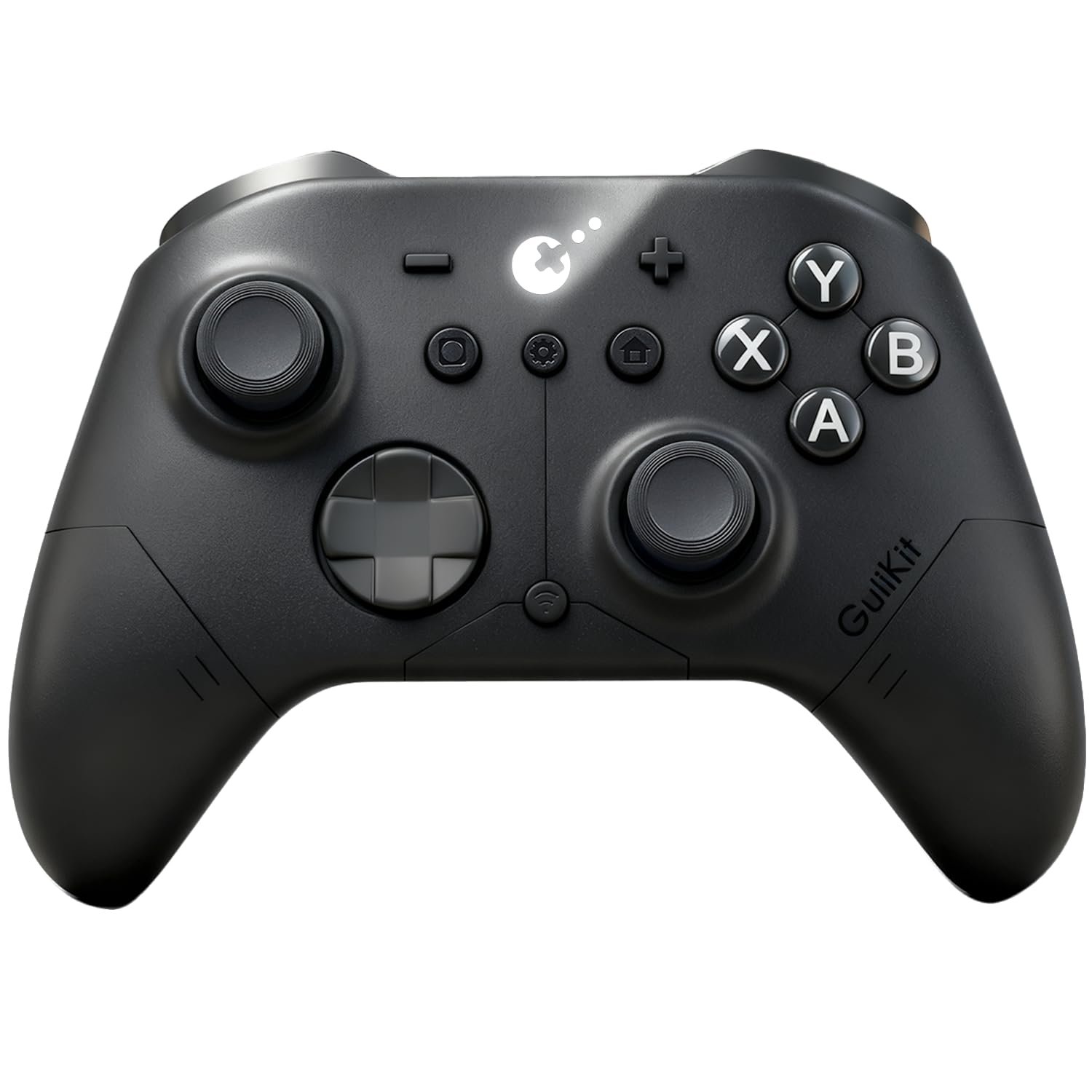
GuliKit ES PRO Wireless Controller – TMR Anti-Drift & Anti-Snapback Joysticks, Ultra-Low Latency, Compatible with PC/Switch/Android/Switch 2 Wake-up,30h Battery, Gyro & Turbo for FPS & Fighting Game
$23.69
Related Products






Product description
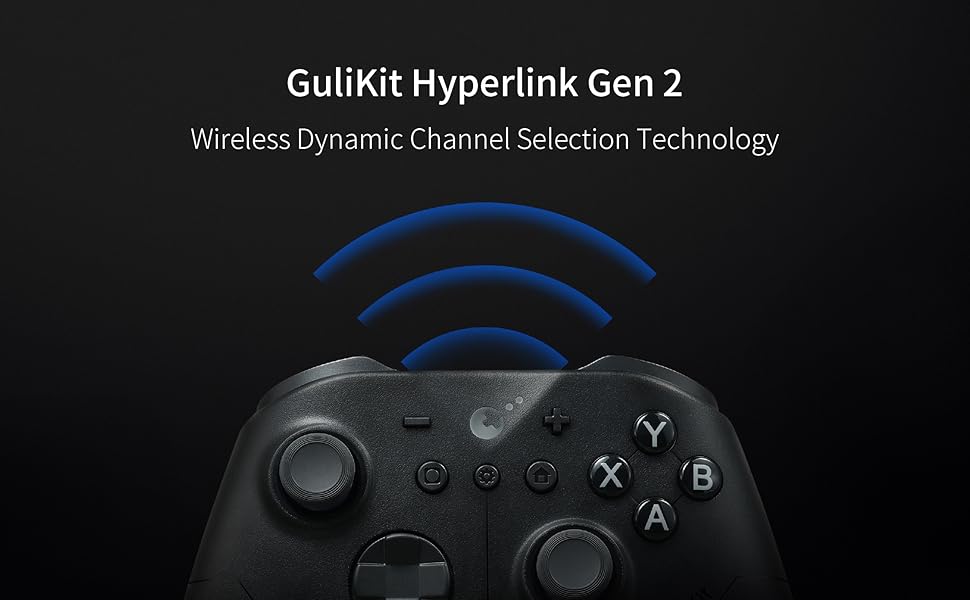
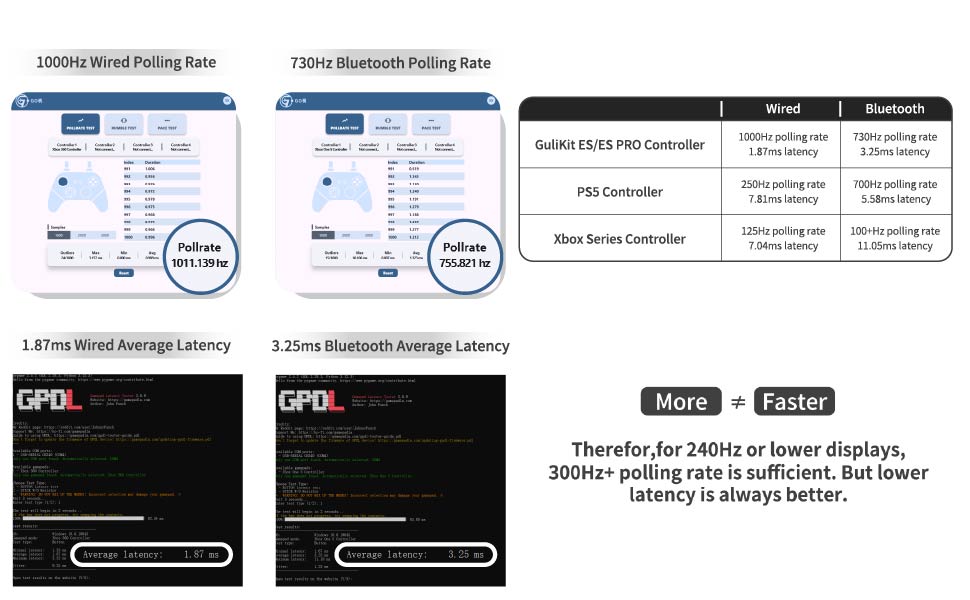
The fastest wireless controller by bluetooth
NOTE: Please follow SPECIAL pairing method for Switch 2 wake-up
Please check the uploaded video for pairing guide and make sure to update to latest firmware on our site.
A. Set controller to NS mode, turn it on, hold pairing button for 2 seconds, indicator flashes quickly to start pairing.
B. Set Switch 2 into sleep mode first( black screen), press HOME button on Joy-Con to wake screen, next enter controller pairing interface and get paired. (Pairing by regular way without setting Switch 2 into sleep mode first will cause only paired but with no Switch 2 wake-up support.)
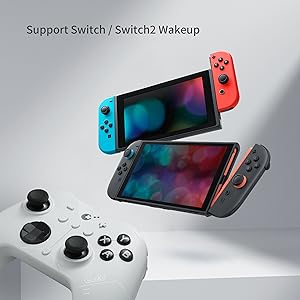
Support your Switch 1/2 Wake-up
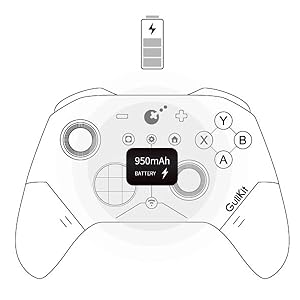
Support your 30 hours gaming
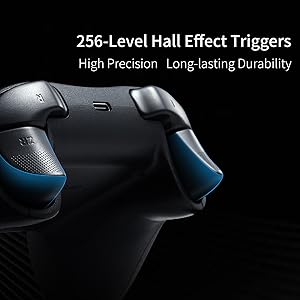
Deliver 256-level high precision
Q&A
1.Q: Why some Windows computer can’t retains its pairing relationship with the ES/ES PRO controller?
A:a. This is most likely due to a problem with the computer’s Bluetooth settings.
First, update the Bluetooth driver and reset the Bluetooth settings to factory settings. If that doesn’t work, check to see if your computer is using a third-party Bluetooth filter driver that’s preventing it from remembering the previous controller connection.
b.Our ES Pro controller will only remember the last device used in the same mode(PC or Switch). If you first connected the controller to Windows and then used the controller to connect to an Android phone. The connection between the controller and the computer will be disconnected.After using the phone to play games, they need to re-pair the controller if they want to use it with the Windows computer again.
2.Q: How to improve the accuracy of shooting games?
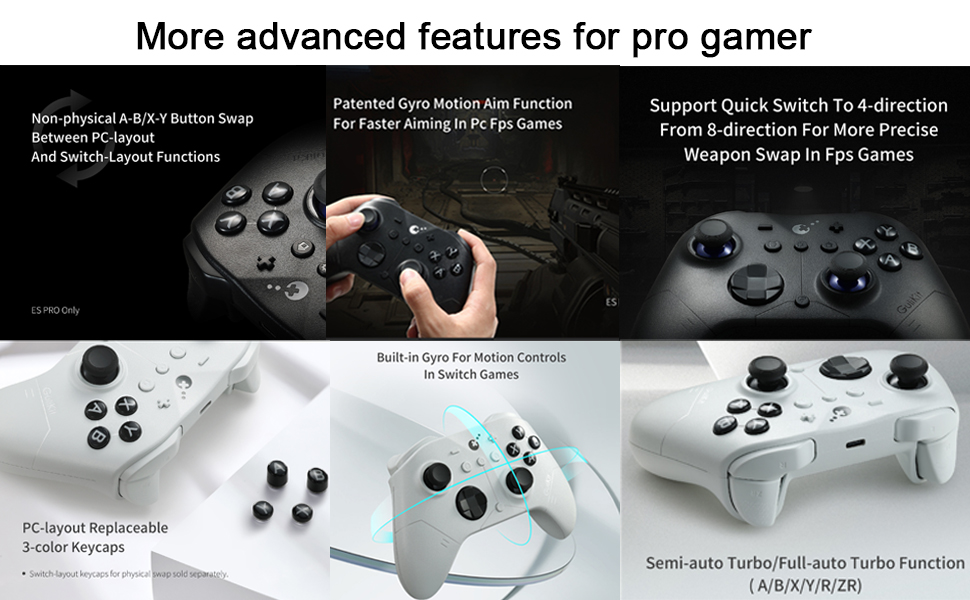
A: The ES Pro controller’s joystick supports three levels of sensitivity adjustment, allowing you to adjust it to your desired setting based on your gaming needs. It also supports PC motion aiming, helping you aim. Please note that you must update your firmware to the latest version to fully utilize this feature.
3.Q: How many levels of vibration intensity can be adjusted?
A: There are three levels: strong, standard, and weak.
4.Q: What is the ABXY layout of our ES PRO controller?
A: Our original ES PRO controller uses a PC layout. We will be releasing a new Switch layout replacement in October of this year.
Customer Reviews
4.0 out of 5 stars 98
4.0 out of 5 stars 98
Price
$23.69$23.69 $19.74$19.74
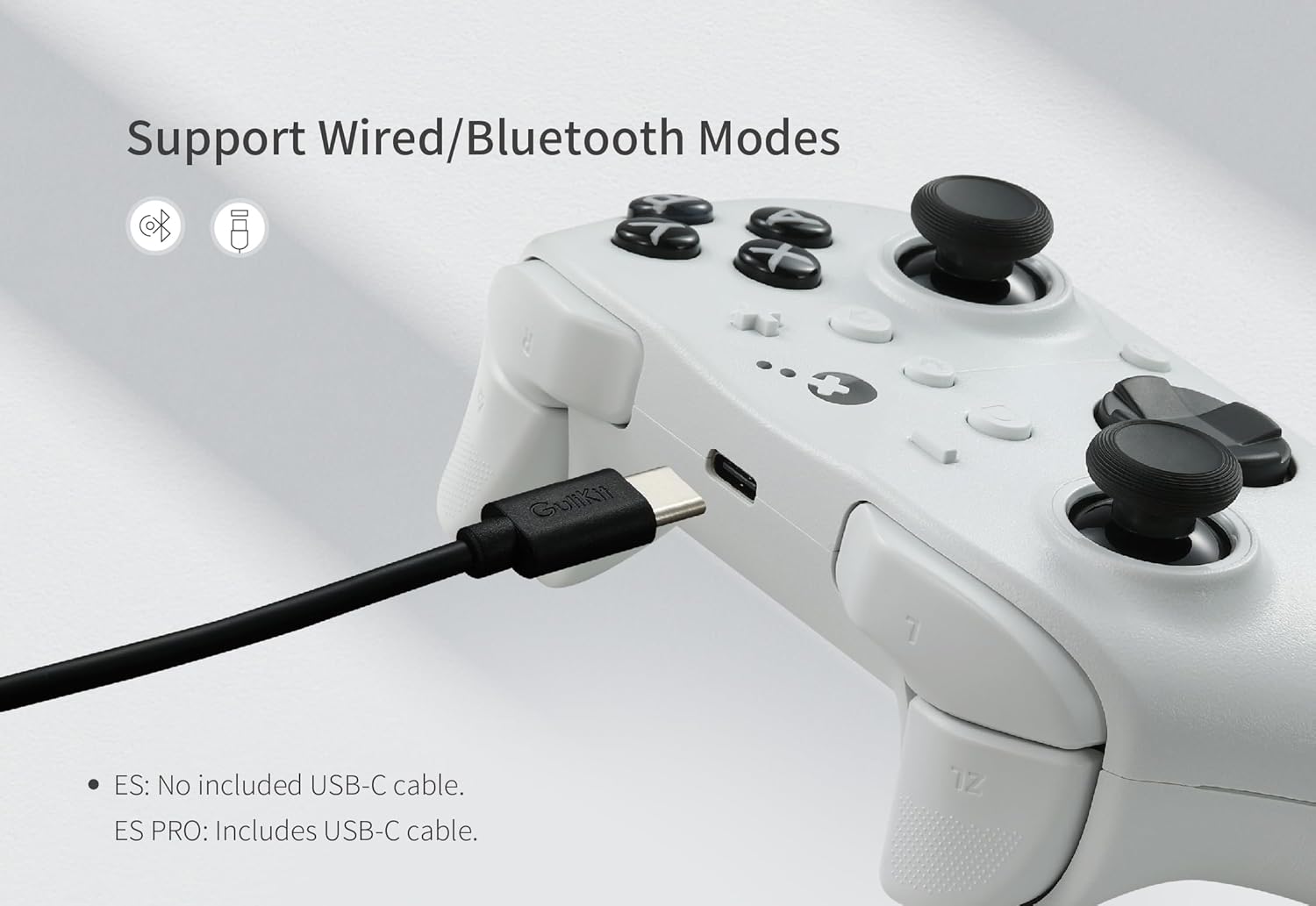
Compatibility
Windows,Switch,Switch 2,Android Platforms, Wired & Wireless Connection. Windows,Switch,Switch 2,Android Platforms, Wired & Wireless Connection.
Vibration
Rotor vibration Rotor vibration
Joysticks
Anti-drift TMR joysticks Anti-drift Hall effect joysticks
Polling rate
1000Hz wired/730Hz Bluetooth 1000Hz wired/730Hz Bluetooth
Switch 1 wakeup
YES YES
Switch 2 wakeup
YES YES
Motion control on Switch /Switch 2
YES YES
PC motion aim control
YES NO
Joystick sensitivity adjustment
YES NO
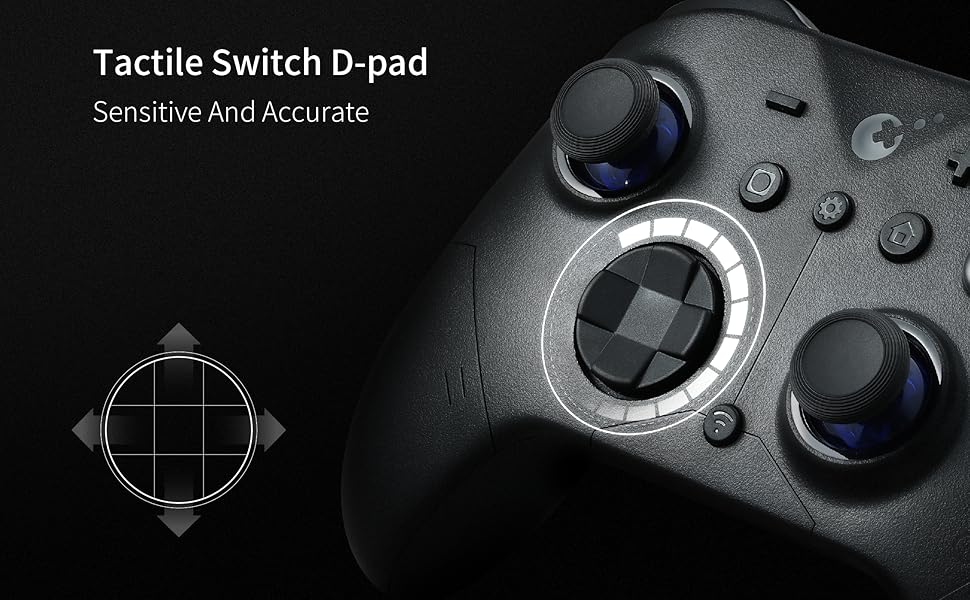
D-pad 8-direciton/4-direction swap
YES NO
WORLD FASTEST WIRELESS SPEED:GuliKit Hyperlink 2 wireless tech delivers ultra-low latency—3.25ms (730Hz) Bluetooth on PC and 1.87ms (1000Hz) wired—offering world-class speed and e-sports-level responsiveness on PC,Switch & Android.
INSTANT SWITCH 1 / 2 WAKE-UP: Supports Switch 1 / 2 with wake-up capability. Make sure to follow SPECIAL pairing method for Switch 2 wake-up: A. Set controller to NS mode, turn it on, hold pairing button for 2 seconds, indicator flashes quickly to start pairing. B. Set Switch 2 into sleep mode first( black screen), press HOME button on Joy-Con to wake screen, next enter controller pairing interface and get paired. (Pairing by regular way without setting Switch 2 into sleep mode first will cause only paired but with no Switch 2 wake-up support.) Please check the uploaded video for pairing guide and make sure to update to latest firmware on our site.
NOW FEATURING ANTI-SNAPBACK JOYSTICKS MODE: Prevents unwanted turnaround for Super Smash Bros. Ultimate players when the stick returns to center. How to activate: Press the HOME button and the Screenshot button simultaneously. When the controller vibrates twice, it enters Anti-Snapback Mode.
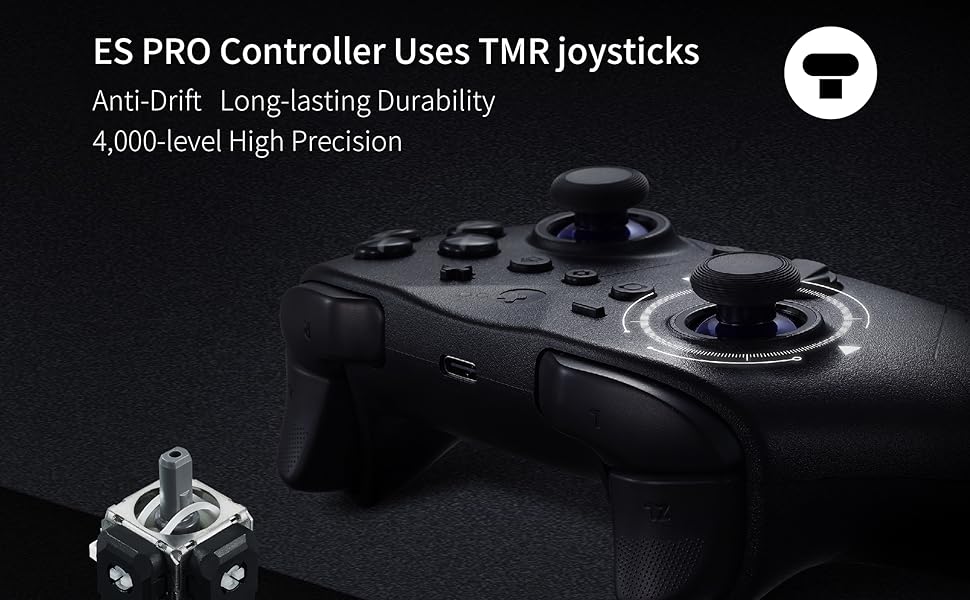
UPGRADED ANTI-DRIFT JOYSTICKS: Featuring TMR electromagnetic thumbsticks for anti-drift, long-lasting durability, and 4000-level high precision, plus 256-level Hall Effect triggers for superior analog responsiveness.
ACROSS YOUR DEVICES: Compatible with PC Windows,Switch 2,Switch,Switch Lite,Switch OLED,Steam Deck,ROG Ally/ROG Ally X,Android,iOS,macOS(Pairing with Android, iOS, and macOS in PC Mode on the back of the controller). Switch modes instantly with a single press—perfect for multi-platform gaming.
LONG-LASTING RECHARGEABLE BATTERY: With a 950mAh battery, you get up to 30 hours of usage with minimal standby drain. The controller recharges quickly, and an auto-sleep function after 15 minutes of inactivity helps conserve power and extend battery life.
ADVANCED CUSTOMIZABLE FUNCTIONS: Supports adjustable joystick sensitivity and vibration, Turbo, 6-axis gyroscope motion on Switch, patented Gyro Motion Aim for PC FPS, joystick dead-zone on/off, D-pad 8/4-direction mode, and physical ABXY swap (switch keycaps not included). Customize directly on the controller or via GuliKit’s web tool.
7 reviews for GuliKit ES PRO Wireless Controller – TMR Anti-Drift & Anti-Snapback Joysticks, Ultra-Low Latency, Compatible with PC/Switch/Android/Switch 2 Wake-up,30h Battery, Gyro & Turbo for FPS & Fighting Game
Add a review

$23.69
DRP –
Excellent
Now that the Nintendo-style abxy buttons are available (elsewhere), this is an amazing option for Switch 2. If you follow the instructions, S2 wakeup is achievable (it’s a pain, but does work).Joysticks feel amazing and I really like the switches Gulikit uses for their abxy buttons. UFO-dpad is super clicky and great. As good as the Xbox series controllers. Shoulder buttons are fine.My only qualm is the plastic used. The grippy parts are great, but the rest of the controller feels a bit too gritty and rough. That being said, the controller is very sturdy and doesn’t creak. This is only a minor personal preference, and frankly, I’d rather this over the S2 Pro Controller’s slippery coating.Highly recommended. Also check out Elves 2 (non pro) for another great controller that can wake the Switch 2. Both of these controllers are priced very competitively and are flying past the competition.
Severian –
Wakes Switch 2 (Eventually) & Has Many Other Strong Features for a Great Price
UPDATED REVIEW: Mfgr has posted detailed instructions and a video on this product page on how to set up controller to wake up Switch 2 – these instructions do work, making Gulikit (so far) the only third party Switch controller maker to achieve the challenge of being able to wake up Switch 2.The instructions are a bit tricky, and the controller will probably need a firmware update for most users before they can even follow these to set the wake mode up. Part of the issue here is that Big N is making it tough for third party makers to get this convenient function on board their controllers, so as to subtly nudge gamers towards buying Nintendo’s own pricy Pro Controller 2.So now that the ES Pro does what it say it would, I’ll discuss its merits as a controller…PROS:* Uses TMR joysticks, the newest flavor of the day, which are even better than Hall Effect sticks at resisting drift. I’ve used pot sticks for decades and never had drift, so I think the “need” for HE / TMR is a tad overstated, but I appreciate the application of technology to problems (even if not everyone has those problems) and in any case the implementation here is fine, with precise and ergonomic sticks that move smoothly through their range. Circularity is a bit high at around 8%, but this technical point had no usage impact that I could perceive.* Plus the presence of TMR sticks in a $30 controller is very impressive, especially when that tech is missing from the $85 Nintendo Pro 2 stick.* Hall Effect triggers, allowing smooth gradual application of trigger effects, good for racing games.* Buttons crisp and responsive.* D pad feels accurate and can be converted from 8 to 4 way use, depending on your needs.* Burly 950 mAh battery, very long use time between charges (easily 30 hrs +)* Easy conversion from PC to Switch use and vice versa. No need to worry about what mode you’re in, so features like vibration are automatically configured on PC, something all “universal” controllers should do.* Good ergonomics, grippy textured plastic. The “wings” are mid sized, bigger than the Nint Pro, smaller than XBox.* Pretty good detailed manual.Neutral:* Set up for Xbox / PC, the face buttons automatically convert over to Switch functions when in that mode – i.e. “B” button works as A on Switch when you press it. This is a great feature if you are using muscle memory to recall game controls on Switch, less so if you look down and try to press A by looking for said button, or if you learning a new game and it says “press A” and you look for that face button rather than its “usual” position on Switch controllers. In other words, the buttons retain their labeling but work differently based on their position in the two different modes. I like this, but it can lead to some confusion for Switch users. You can always reprogram the buttons in the Switch system and have those new settings retained if you like.* Kind of convoluted to get Switch 2 wake to work, but that is more Nintendo’s anti-competitive behavior at fault than Gulikit. At least the feature does work eventually, something no other 3P controller maker has yet offered.* Crappy website, par the course for Chinese controller makers. To be expected. You can go buy a $200 Razer controller if you want a smooth fully featured English language website.Cons:* Rumble is awful. Heavy, only on/off, makes controller rattle cheaply. CBP 2077 has a whole altered reality / flashback sequence after Konpeki Plaza which has a variety of rumbles from soft to medium to heavy, readily experienced on the Pro 2 stick, and that is utterly lost on the ES Pro with a tacky oafish heavy rumble making everything clatter. I’d rather just turn rumble off than have this heavy unpleasant one-note shaking.* When initially setting up, the controller “bricked” and would not respond to any input until I pressed the small reset button (center of the rear bottom frame). The little button was not mentioned in the manual, so maybe it should have been.* Plastic used in construction looks and feels cheap.Bottom Line:Ninty’s Pro Controller 2 is better in every way, even with its pot sticks. However, it also costs roughly three times as much. The ES Pro, at its price, is highly competitive and full featured, and most users will be very happy with it. The inclusion of wake for Switch 2 is notable. The only real issue here is the dreadful RRRRUUUUMMMBBBLLLEE but other than that, this is a great budget controller.Original One Star Review text below, now superseded —Decent controller, but if the maker is going to say “Switch 2 wakeup” in the product description, it’s not acceptable if that capability does not exist.I followed the convoluted instructions on the mfgrs website to update the controller firmware, and even after that process, the Gulikit not only does not wake the Switch 2 up, it will not even reconnect automatically to the Switch 2 once the console has been woken up by other means. Instead, the Gulikit needs to be laboriously paired with the console each and every time you want to use it. Last gen controllers and the current 8BitDo controllers at least don’t have to be paired with each use on Switch 2, thought they don’t wake the console up either.Gulikit, be 100% sure that your products do what they say they will in the product title. If I bought this not expecting it to wake up the Switch 2, I would not be so critical, and the main reason why I expected this feature is because you advertise it in the description.
Ed –
Great value
I never write reviews but felt the need to do for this. I was looking for a decently cheap controller that could wake my switch 2. Stumbled upon this and it’s been amazing. No issues whatsoever with pairing and whatnot, just make sure to follow the instructions of how to pair to get the wake up function. The actual feel of controller is solid and doesn’t feel cheap despite the price. Having also used the official Switch 2 controller at a friends house, that one definitely feels like more of a premium controller, but this one still holds it own (I would compare it to a Xbox one controller). Other than, all buttons work as intended, and battery life is extremely long. No complaints at all. 100% worth the $30ish I paid.
WendyB –
Amazing for Stick Resolution and Latency, but no extra buttons could be a dealbreaker
Okay I really like the controller in terms of latency and stick resolution. They are both phenomenal and I can tell it is much faster over bluetooth and wired than other controllers I have like Vader 3 Pro, Gulikit KK2 Pro, and 8Bitdo Pro 2. But the problem I have is with the internal restriction gate. I don’t know why they didn’t just keep the same one that they made in the vader 4 pro. That controller had its gate around the edges of the stick dome. This controller for some reason though it was a good idea to make that restriction gate around the stick(Credit: VK’s Channel on Youtube). If I push hard enough (and mind you not very much force at all) I can get the stick to register farther outside the calibrated range.Love the power button, the dpad is really satisfying offering a very tactile, yet muted click much like that of a clicky fidget toy or the buttons on a joycon 1. I am also probably not the only one but I thought the controller would be much better with back buttons/extra shoulder buttons, but maybe for an extra $5? as ES MAX?.Also like the rough texture on the front plate, feels grippy, but not as much as rubber.Gyro also feels very nice because of the high polling rate even though on switch mode I think its only at 125hz polling rate (but ES Pro is LOCKED at 125hz) compared to KK2 which often was in the 50hz-80hz range on switch mode on. Same story for the the 8Bitdo Pro 2 (however this one is known for being fairly laggy in general).I put 3 stars because a past gulikit support ticket that went unanswered after they told me “we did our own testing ourselves” and hey maybe they did, but when I explained that their answer wasn’t satisfactory they did not respond.
JG –
They mention several times that this controller is compatible with MacOS, both on this page and their website. It is not. It is virtually impossible to wade through the trash online to find out how to actually install the drivers on Mac for this to work via bluetooth (they don’t work, AND you can’t uninstall them). It doesn’t even work when you plug it in. I shouldn’t have to have a computer science degree just to figure out how to play with my silly little digital toys.
Ruba –
So far so good
George –
First things first, patch up the controller to the latedt firmware which is V3 at the moment. Then do the normal sync with switch 2. If you sync to switch 2 without the patch, it will not wake up and the switch 2 is unable to detect the controller after sleep mode. You need to sync every single time. If this happens, just go to settings then do a disconnect all controllers then just flip the switch to pc then back to NS and try again as per normal.