
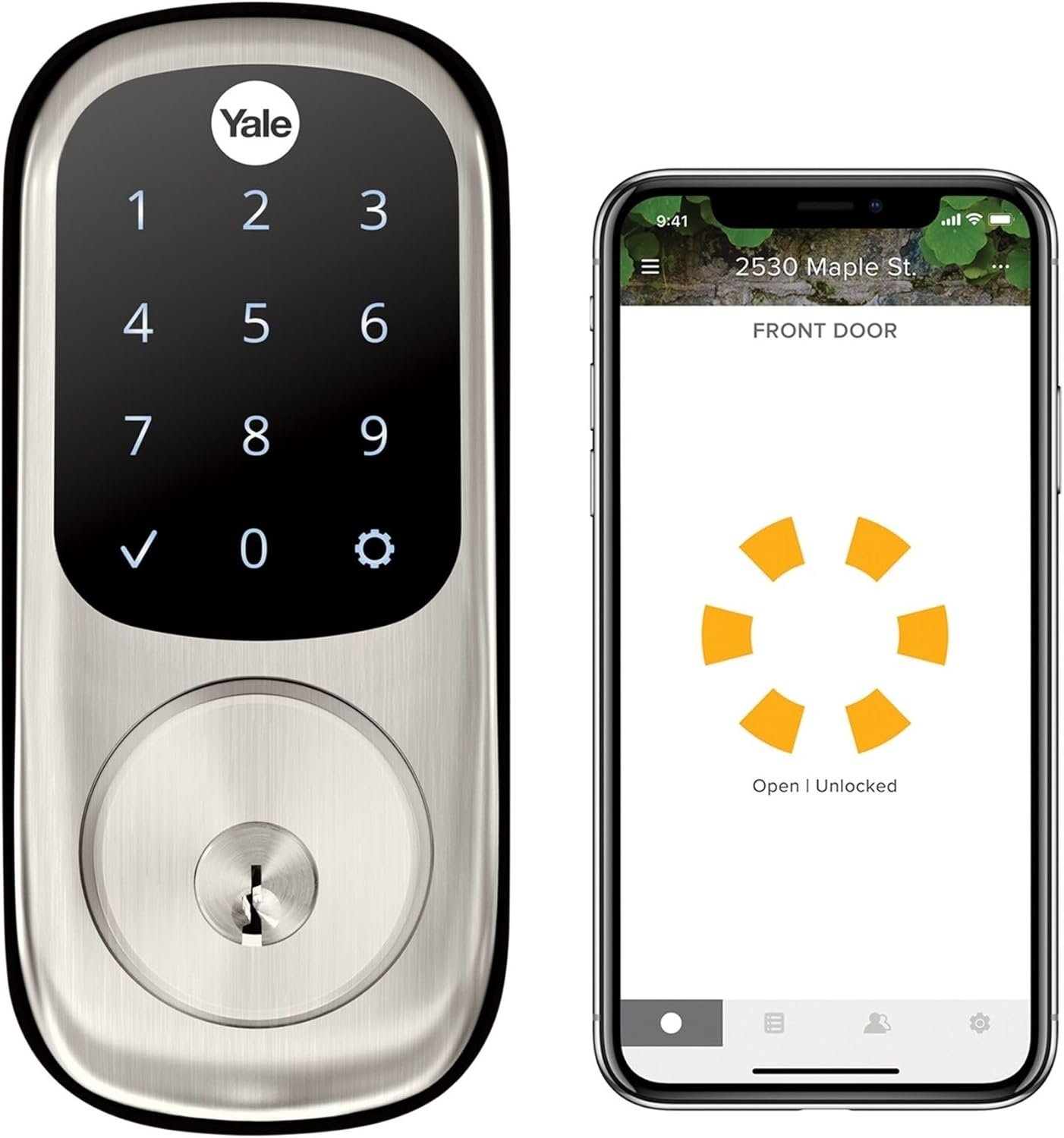
Yale Assure Lock with Wi-Fi – Satin Nickel Smart Lock for Front Door with Touchscreen Keypad, App Control, Backup Key, and Deadbolt – Secure Keyless Entry Door Lock, YRD226-CBA-619
$33.99
Related Products


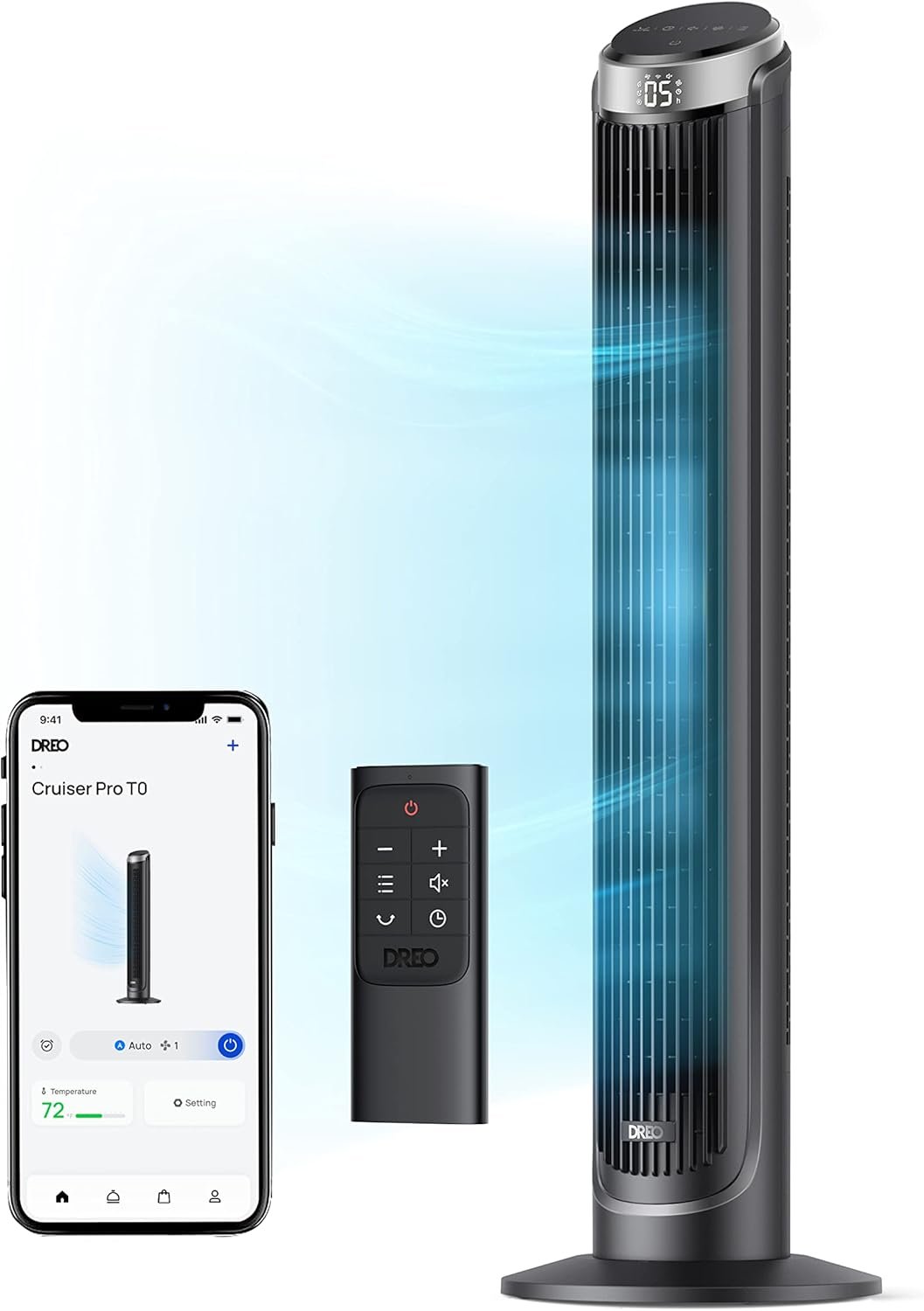

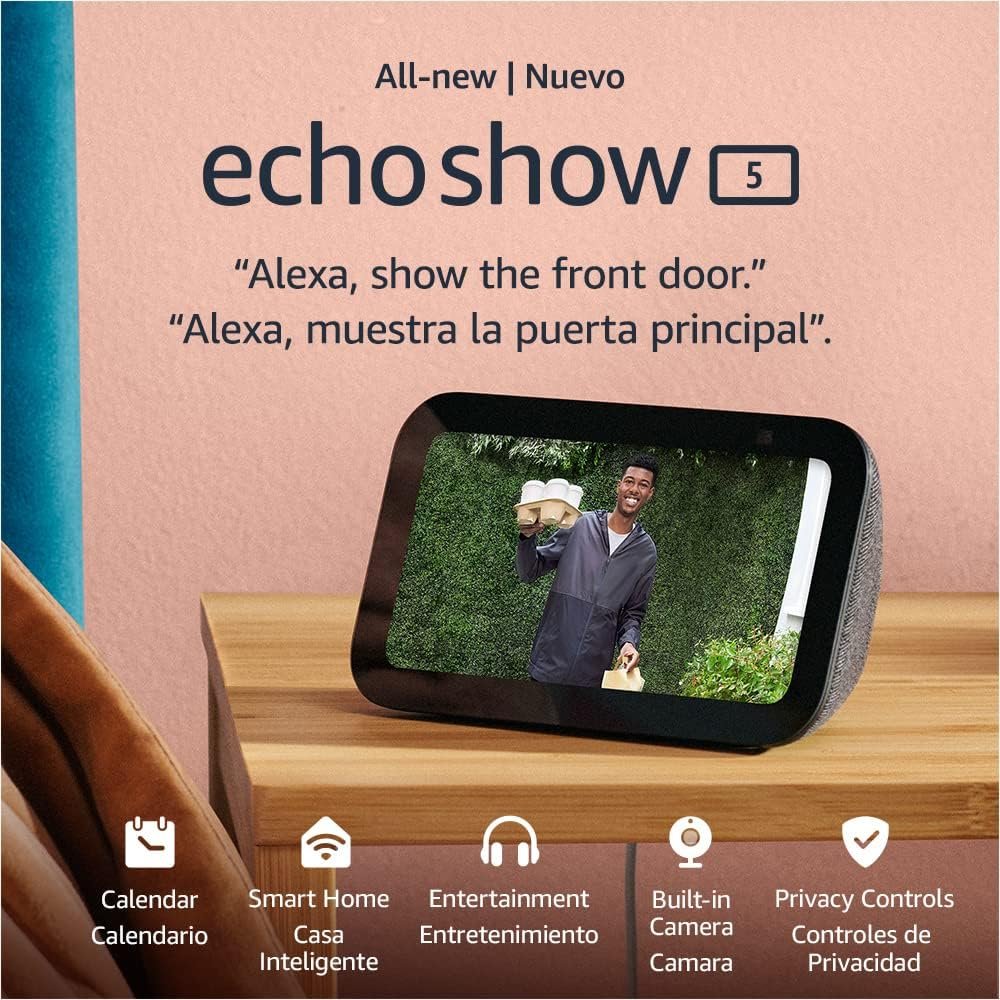


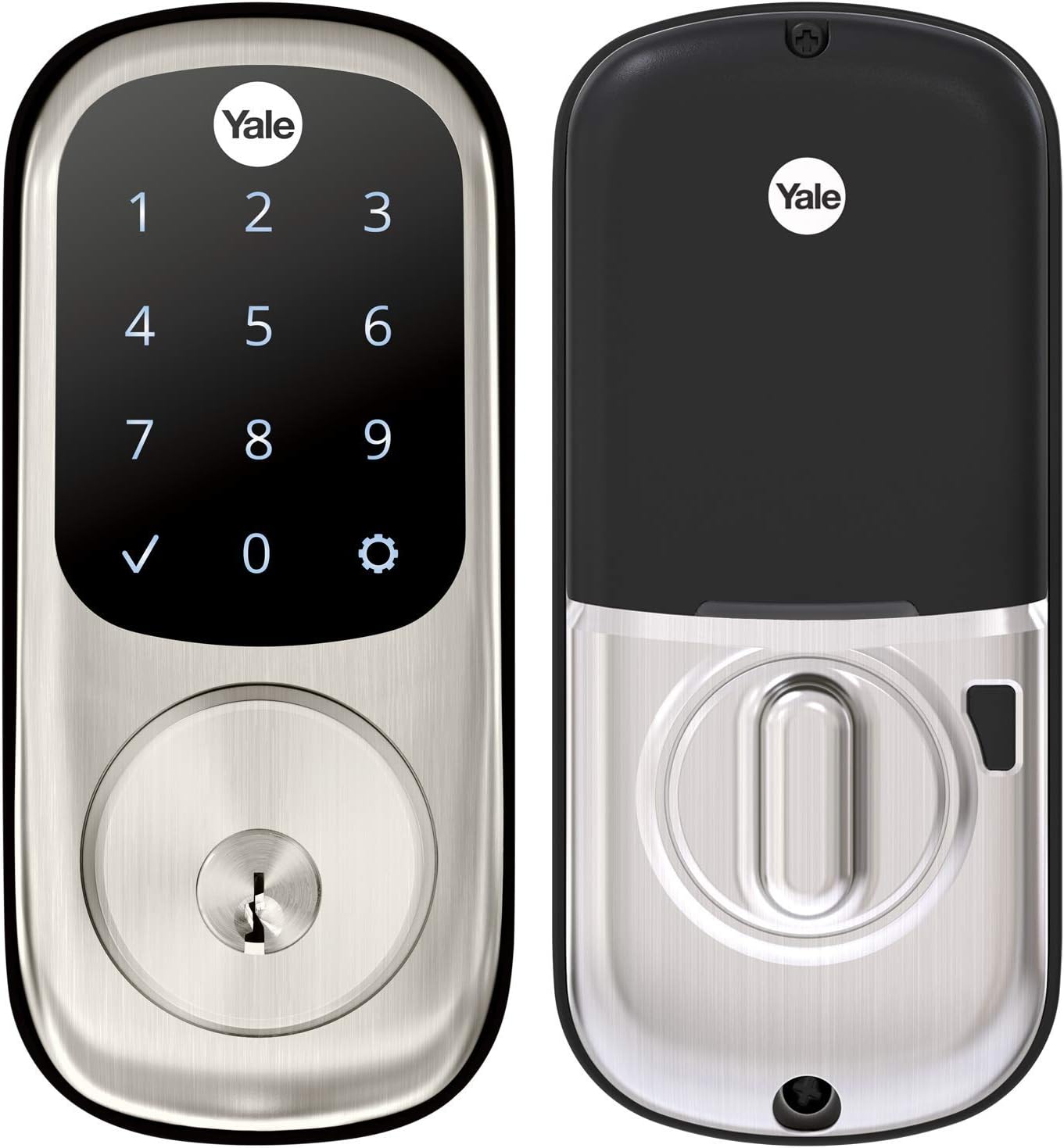
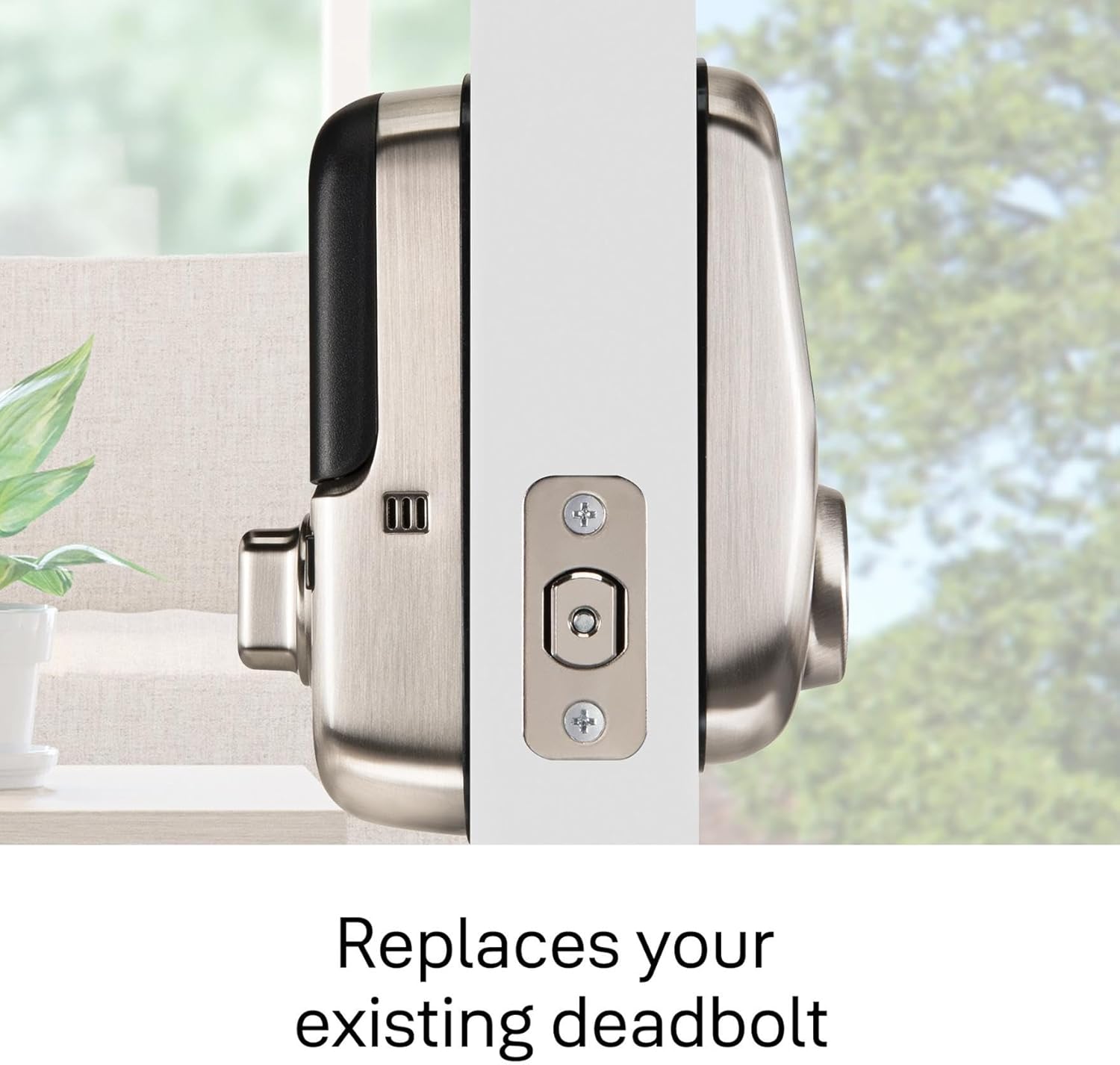
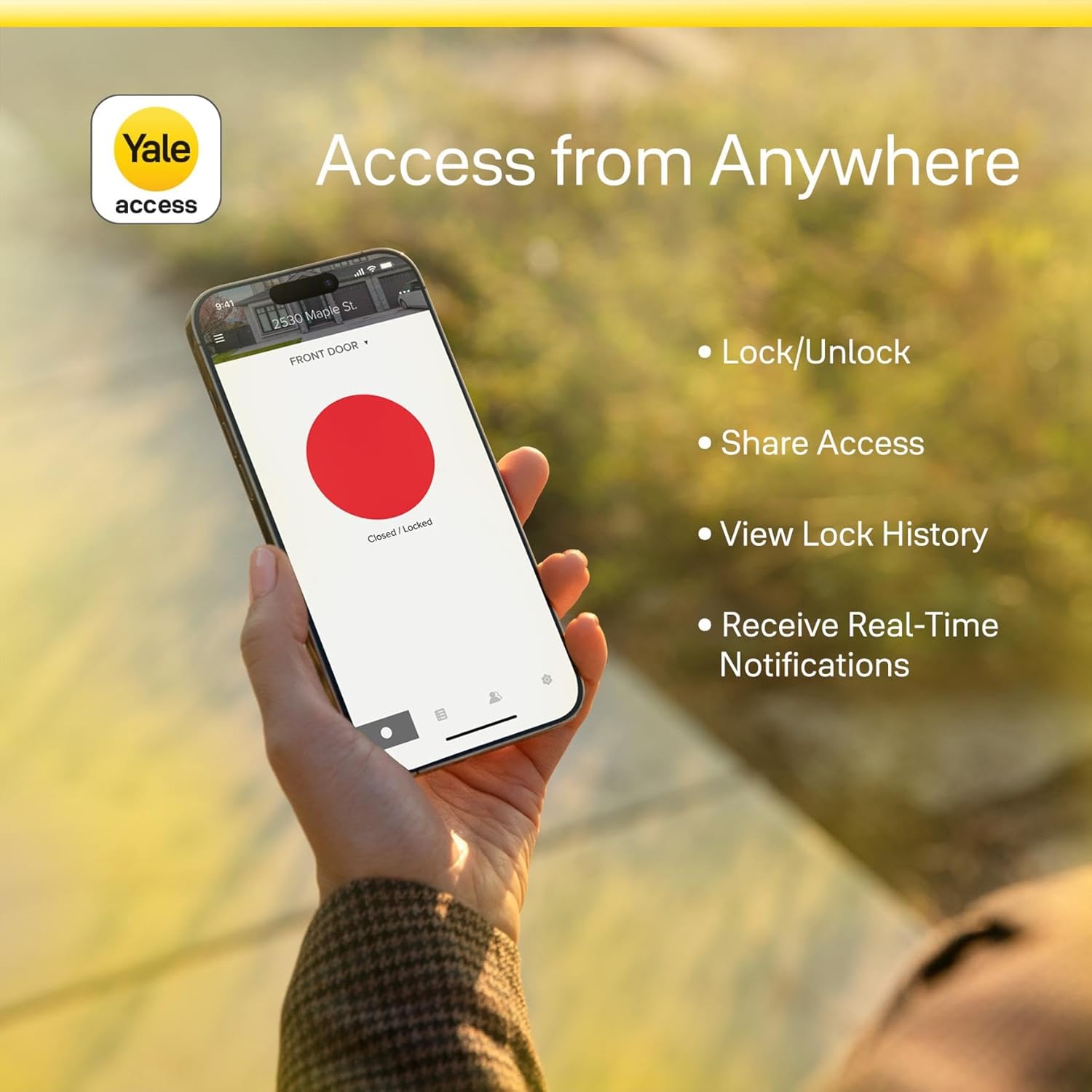

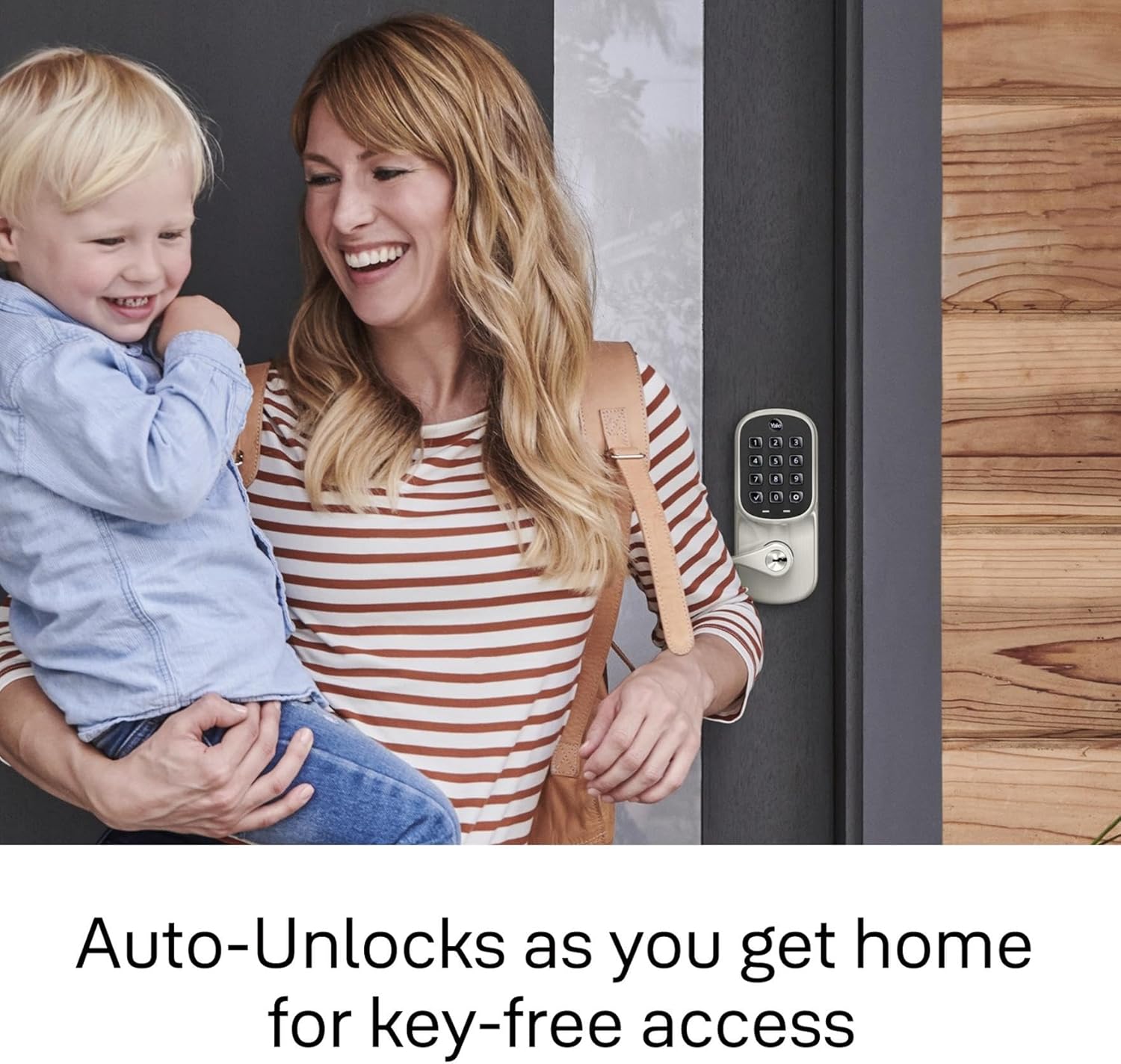


Upgrade your door with the Assure Lock, a smart lock with a sleek touchscreen keypad for key-free entry. The lock has Wi-Fi and Bluetooth so it lets you to lock/unlock, share access and see who comes and goes all using your app, from anywhere! For ultimate convenience, your Assure Lock will unlock automatically as you approach the door and it will relock once the door is closed! Plus, you can lock, unlock or check current status with voice assistants including Amazon Alexa, Hey Google or Siri. The lock features a backlit touchscreen keypad so even when you don’t have your phone, you can unlock your door without the hassle of keys. It’s super easy to use and installs in minutes with just a screwdriver on standard doors (1-3/4″ to 2-1/4″ thick).
REPLACES YOUR EXISTING DEADBOLT: With a touchscreen smart lock, you can lock and unlock your door without the hassle of keys.
KEY-FREE ACCESS: Lock, unlock, share access and see who comes and goes from anywhere using the Yale Access App – no additional hub needed, Wi-Fi Connect included. This product will not operate outside of the US or Canada.
HANDS FULL. NO PROBLEM. A lock that auto-unlocks as you approach – now that’s a warm welcome. With this hands-free option, you don’t need to touch your lock or your phone. If you don’t have your phone, just use the keypad Always let Yale get the door.
WORKS WITH YOUR FAVORITE VOICE ASSISTANTS: Lock, unlock and check lock status with voice assistants including Alexa, Hey Google and Siri. Alexa can also provide notifications when your battery is running low so you can proactively replace them. Set up smart reorders through Dash Replenishment to make sure you always have replacement batteries when you need them. – No additional hub needed.
AUTO LOCK FOR PEACE OF MIND:You didn’t forget to lock the door, your lock did it for you. Rest easy knowing that your door is locked every time you leave the house and when you go to bed at night. Disable it at any time from the lock menu.
7 reviews for Yale Assure Lock with Wi-Fi – Satin Nickel Smart Lock for Front Door with Touchscreen Keypad, App Control, Backup Key, and Deadbolt – Secure Keyless Entry Door Lock, YRD226-CBA-619
Add a review

$33.99
emperor_penguin –
Required some troubleshooting, but works great!
Overall, I’d highly recommend. I went with the “keypad + key” option as I live in a condo with only one entrance, and I don’t trust anything electronic 100%. This way I can keep a key in my car, just in case.The hardware part of the installation was simple enough; luckily all the dimensions on my door and doorframe were within tolerances. The only surgery was drilling a 5/8″ hole in the doorframe to place the included magnet (which allows the lock to know when the door is closed, enabling features that depend on that). They also give you the option to glue this magnet to the interior face of the doorframe, if you don’t want to drill (but it’ll be visible). Or you can omit it entirely.The software part didn’t go 100% smoothly, but it was *much* better than I’d expected. I followed the included directions which tell you to put everything together and set a master code on the keypad. I then installed the Yale app and attempted to link my lock, but got a message stating that the lock was already registered and the current owner would have to give permission to allow a factory reset. Weird, as I bought it new, but I clicked “OK”. I was then prompted to scan a QR code, and received another error stating that it didn’t match the lock’s serial number–which was bogus. I decided to do a factory reset and try the in-app setup first (before setting a master code) and this did the trick, so it seems you need to do things in that order–but the instructions don’t state this, and the app was giving odd/incorrect feedback. Another point of confusion is whether to have the ‘smart’ module plugged-in when you remove/insert batteries. It seems to differ based on exactly what you’re trying to do. I eventually got it all set up, though.I also had a minor issue with placing the WiFi bridge module. I have an outlet that I *thought* was ideally placed: it’s on the same wall as the door, only about four feet away. It’s also unused and hidden behind furniture, so perfect for my purposes. Unfortunately, I could not get the bridge to connect to my WiFi from this spot. When I moved it to the other side of the room, it connected up just fine. I thought this was strange, as it’s only about a 15′ difference and there are no additional obstructions besides a cheap couch–which 2.5GHz should zip right through. Who knows?With everything working, I’m very satisfied. Auto-unlock (when my phone gets in range) works superbly, and I like that I can set it to automatically lock as well. The app is reasonably intuitive and stable. All in all, it’s the right combination of features and it’s nicely executed.
BC –
disappointed… the technology is still not mature after so many years
I went through several main stream journal reviews before I decided to purchase this product. The August Lock is the top selection or is recommended in most reviews, but I need the key pad function, so I purchased this Yale lock with the August solution for Smart Home Controls. However its Smart Home Controls function is what disappointing me.* I cannot use the DoorSense function since the calibration can never succeed. I ran the calibration for more than 10 times, even every step was completed without a problem, the process ended with an error and it gave no clues.* The integration with Alexa and Google sucks. It happened many times that the lock showed offline from the Alexa app and Google Home app, but it’s steady online on the Yale app (it’s truely online though for the Yale app). Locking and unlocking from the Alexa app or Google Home app took about 6 seconds or more, then the app complained an error (indicating it’s offline, looks it’s because of communication timeout), and the lock did get locked or unlocked after another 1 to 2 seconds. I tried both apps for a few times and all got the same failure.* There is no way you can setup a rule that turns on a light when the door is unlocked. It is very disappointing on the Smart Home technology and the industry, after so many years selling so many smart home products, such a common and basic function is still unavailable, shame on the industry.I tried both Alexa and Google Home, none worked. Actually I want a light to be turned on when it’s night time (e.g. after 6pm) and when the lock is being unlocked. Neither Alexa or Goolge Home gives such a function, Alexa only allows one condition to trigger multiple actions, not multiple conditions to trigger some actions and looks Alexas doesn’t have a condition for a time period. Google is even worse, they only give you pre-defined routines and none can use a smart lock.Even I lowered down my expectation and just asked for the light to be turned on when the lock becomes unlocked (forget about multiple condtions thing which could be too difficult for the smart home technology, sigh…), the routine on Alexa still doesn’t work. I found a person complained the same issue on the Alexas forum. He used a Schlage smart lock and he thought the lock didn’t send the Unlocked event to Alexa. I felt this Yale/August smart lock has the same issue. After all, its Alexas/Google Home integration really sucks.https://www.amazonforum.com/s/question/0D54P00007PhF2N/i-created-a-routine-to-turn-on-lights-when-my-door-unlocks-but-it-doesnt-workI tried IFTTT free version, which only allows one condition. It worked OK initially, the delay is less than 5 seconds from the lock is unlocked to the light is turned on. After a couple of weeks, the delay is more than 10 seconds. Looks the cloud side integraton really sucks.* The installation was surprisingly not difficult. To replace my original deadbolt with this smart lock is easier than I expected. Yale also provides installation instructions through the BILT app, which is nice. But there are quite many QR codes, one for the app download, one for Yale Access (i.e. August integration), one for the WiFi bridge, one for Apple Home ID, and there are some duplicates… I wonder if people really know which one is used for which purpose.* The one-touch lock function sometimes seemed not to work. I like this function and I’ll try it few more times. Besides it happened once that the lock automatically locked when I had just opened the door (less than the 2 minutes window for the auto-lock function).* The auto-unlock function does not work well. Initially it worked well on my phone, after a couple of weeks, sometimes the unlock did not happen until more than 5 seconds after I stood in front of the door.Auto-unlock worked for a few days on my wife’s phone, then it never worked…
Mauricio –
Pero si tienes que tener las herramientas correctas para que el trabajo sea lo más limpio y correcto. Cabe mencionar que para la programación no es tan sencilla, hay que ser paciente y buscar, pero hasta ahora después de un mes de uso está funcionando muy bien.
shayned –
I couldn’t find the lock with the keypad and key option as well except for on American Amazon. Unfortunately that means that the bridge that comes with it for wifi is a US plug so I had to buy an adapter to plug it in. During setup was a bit of a doozy to told me that the lock was already registered to another owner, then I realised you have to scan the QR code on the bridge not the wifi module. Also registering the module prior using the keypad is important.It should be noted that the module and bridge that came with this lock are actually Yale branded and I could not get it to setup in the august app, it did work perfectly with the Yale access app. My router does pick it up as an August product so I presume august and Yale modules and bridges come from the same factory and they just brand them with which ever logo they feel like on the day.Overall my experience with this lock over two weeks since being installed is really good, I’ve had zero connectivity issues that others have mentioned. My bridge connect is right next to the door hidden inside a wooden bench seat.The app is flawless, have assigned access codes to 10 different people and the activity log and ability to lock and unlock remotely is amazing.The lock looks really smart on the wooden door with matching black handle. Definitely the nicest looking smart lock I’ve come across.
David –
Súper cerradura, un poco complicada su configuración, pero al final quedo todo bien configurado, excelente cerradura, 100% recomendable, ahora solo falta que así siga funcionando, al100%
ajumax –
Easy to install and works like charm. Have keys, door sense and wifi module all inclusive for a very reasonable price. Lot of functions, especially liked the autolock and door ajar warning features.
Maria –
El número de serie y módulo nunca funcionó. Adicional a esto se contactó al vendedor para factura y nunca respondió