

TP-Link ER605 V2 Wired Gigabit VPN Router, Up to 3 WAN Ethernet Ports + 1 USB WAN, SPI Firewall SMB Router, Omada SDN Integrated, Load Balance, Lightning Protection
$6.99
Related Products



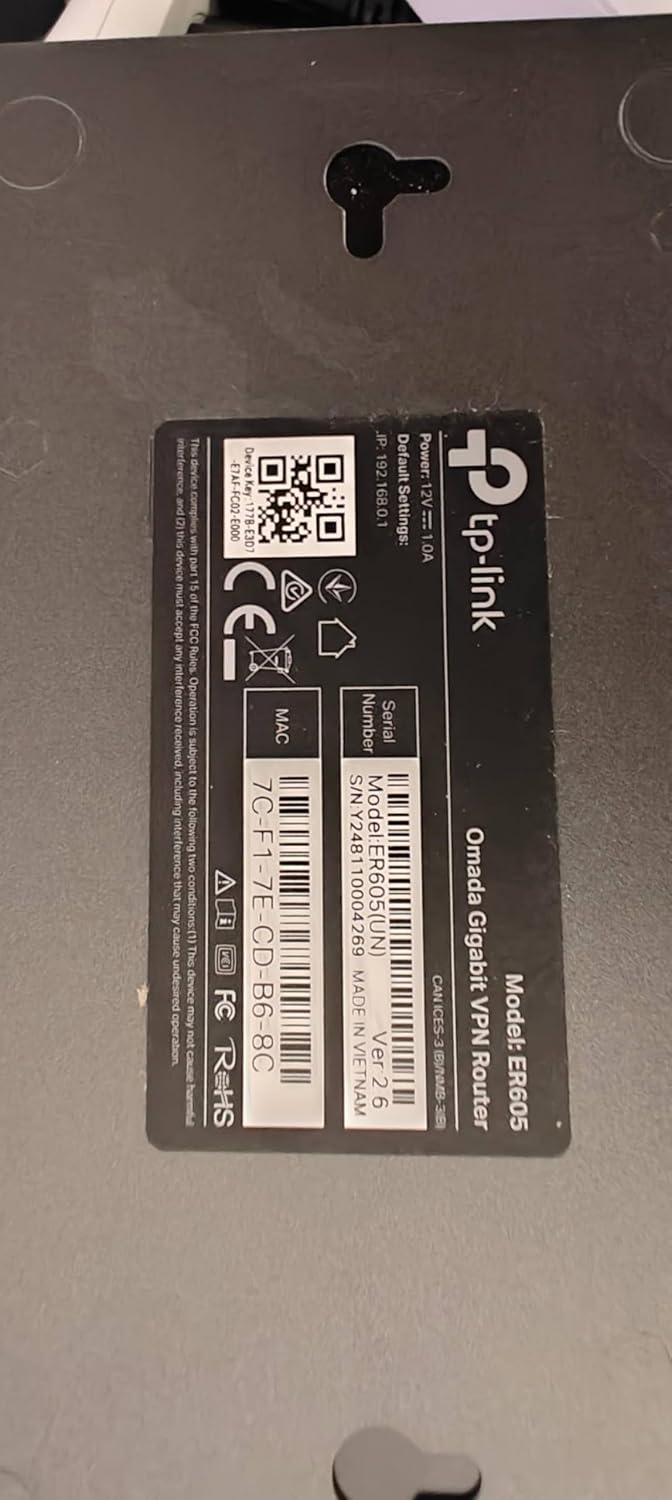


Multi-WAN Gigabit VPN Router with Omada SDN;The product is multiple voltage compatible, that voltage arrange is 100-240V.
【Five Gigabit Ports】1 Gigabit WAN Port plus 2 Gigabit WAN/LAN Ports plus 2 Gigabit LAN Port. Up to 3 WAN ports optimize bandwidth usage through one device.
【One USB WAN Port】Mobile broadband via 4G/3G modem is supported for WAN backup by connecting to the USB port. For complete list of compatible 4G/3G modems, please visit TP-Link website.
【Abundant Security Features】Advanced firewall policies, DoS defense, IP/MAC/URL filtering, speed test and more security functions protect your network and data.
【Highly Secure VPN】Supports up to 20× LAN-to-LAN IPsec, 16× OpenVPN, 16× L2TP, and 16× PPTP VPN connections.
Security – SPI Firewall, VPN Pass through, FTP/H.323/PPTP/SIP/IPsec ALG, DoS Defence, Ping of Death and Local Management. Standards and Protocols IEEE 802.3, 802.3u, 802.3ab, IEEE 802.3x, IEEE 802.1q
9 reviews for TP-Link ER605 V2 Wired Gigabit VPN Router, Up to 3 WAN Ethernet Ports + 1 USB WAN, SPI Firewall SMB Router, Omada SDN Integrated, Load Balance, Lightning Protection
Add a review

$6.99
Geewiz –
A Robust Router with a Quirky Interface
Our home is 4,000 sqft on two levels and the wifi distribution was built using an older Netgear wifi/router with a first generation Rockspace wifi mesh. As more smart devices, tablets, IOT’s and such being added, the system really began to choke and just couldn’t handle the load. That’s when I decided to rebuild the topology using a standalone router and upgraded wifi mesh.There isn’t a huge selection of standalone routers in the home networking category, and the selection came down between Ubiquity and TP-Link. I settled on the TP-link ER605 and am very pleased with the overall results, though it did come with pretty steep learning curve, due to its (in my opinion) confusing GUI interface.For instance: setting a DHCP address pool is hidden within a category called “Network List”. All that is displayed is a Network Name “LAN”, the IP address of the router, and a couple other parameters. You must select an edit icon to expand the display which will allow you to customize your LAN set up. It’s subtle, and easy to miss if you don’t understand the GUI design intention of the programmers at TP-Link.The MAC/IP Reservation controls are straightforward, but there is no obvious way to sort the list by IP or MAC address. I have nearly 70 devices hanging off my network, and not being able to sort the lists makes for a tedious effort when looking for a specific device. I contacted TP-Link support about this and told me that, no, you cannot sort the DHCP IP listing, but you can if you use their add-on OMADA Hardware Controller (at a cost of about $100), but I really don’t want another layer of hardware or complexity to deal with.There are other quirks in the interface that slowed my setup time, only because I had to spend more time just to find where the specific option I was looking for is buried within the GUI. Now, anytime you migrate to a new topology, there will be a learning curve, but most of the quirks I ran up against could easily be addressed with a bit of effort on the GUI design.Things like Port Forwarding (Called “Virtual Servers” in the GUI), Dynamic DNS, and OpenVPN services are all there and are fairly straight-forward to set up. So, overall, this little modem has delivered everything I expected and need and this, coupled with the new wifi mesh system (Eero 6+ with 4 nodes with backhaul to the router) has dramatically improved our overall network and wifi service throughout the house.The ER605 modem has proven to be very well suited and is a fast and efficient workhorse of a router. With a bit of pain, effort, and patience to get through the learning curve of the interface, there will be only a few minor disappointments in the interface.
Aaron C. –
cheap, fast, easy
used this to offload some processing from my mesh network. worked perfectly. i see a lot of people complaining it was tough to set up. initial setup was very easy for me. getting ipv6 working was not cut and dried but youtube saved the day
Vectorspace –
Great, flexible, Mulit-WAN router
This is a great multi-WAN router with flexibility to have one to three WAN ports. Two ports are fixed LAN. The router allows you to have a fail-over mode for WANs that is somewhat limited. Each WAN can fail over to one other port, but they cannot have a secondary WAN fail over to a tertiary WAN. So there is some limitation for complex (3 WAN systems), which is likely a rare situation. There is also a rough load balancing on WANs based upon numbers you enter for each WAN (TX/RX), which are usually supposed to be the bandwidths of the WANs in kBPS. Mixing fail-over and load balancing seem a bit tricky if you don’t want a secondary WAN to have any traffic at all until failover. The router automatically checks for up-status of WANs. Lots of other functionality in this router besides the Multi-WAN function. Easy to use web interface, but unfortunately have not gotten https to work on it yet. Two ports are LAN. One port is fixed WAN. Two other ports are configurable to be WAN or LAN. So you have have three WAN and two LAN. You could have one WAN and four LAN, etc.I used this router to have a primary WAN (Comcast) and secondary WAN (Orbic hot spot from Verizon – hard wired Ethernet). This seems to work well. I am using it to a potential (still playing with it) third WAN. Multiple weeks. No issue. I was using an Edge Router for this before – but the Edge Router seems to regularly drop packets while this one does not. In my system, the LAN output of this router goes into the main router for the home, a WIFI 6 router with other functionality and mesh devices.
Stanislav Ivasyuk –
Works. For Limited Projects Only!
It required effort to set up my task (MAC filtering), but I managed to make it work. Although I am not a professional network engineer and possess only basic knowledge, I’d rather consider myself an amateur in networking.Upon receiving the product, I found that it did not come with the latest firmware, and the essential function I purchased it for was missing. I resolved this issue through a two-step firmware upgrade, but it demanded careful attention, patience, and persistence on my part.To be honest, I contemplated returning it three times due to inconvenient flaws in the product design. These included the administrator panel going offline after a period of inactivity, apparent issues with MAC filtering in the LAN-to-LAN mode (or again, I might be wrong, I just couldn’t make it work), a considerably lengthy reboot time, and the very delayed reappearance of the web panel.There was another confusing point.The purchase’s original purpose was to isolate a small network of security PoE cameras through the MAC address filtering feature to increase home network security. So after I reconnected my PoE switch through this router to perform that filtering, all my cameras had to be restarted as their network did not change automatically. Probably, this is a downside of my SECURITY CAMERAS with their limitations, not of the router, as my laptop reconnects easily every time I physically switch connections from one network to another. So be aware of this issue. I was lucky that I could reboot my cameras easily as their PoE switch is on my work table. If I did not have access to that, the cameras might have gone offline for some time.Despite these challenges, I decided to give it a final chance and eventually succeeded.Taking into account the product’s price and the TP-Link Live Support’s willingness to assist me, I exercised patience and thoughtfulness in finding a suitable solution before considering giving up.Over time, I began to experience routing issues with this router. Automatic DNS resolution periodically fails with dns_probe_finished_nxdomain error. After receiving the dns_probe_finished_nxdomain error, it takes around 1-3 minutes, then it eventually resolves, and the connection works. This issue ultimately led me to rate it 3 stars instead of 4, as it’s becoming too problematic. Fortunately, for cameras, where the connection to a few constant IPs remains active, all routing tables, etc., are kept up to date. However, if you want to connect your laptop or—G-d forbid!—your entire company network, you might encounter unexpected and painful problems. It’s very sad that the router does not do a normal routing job – there is no local DNS solution provided. I have the latest firmware installed – ER605(UN)_V2.6_2.2.6 Build 20240718. If you are connected to a VPN, it does address resolution work for you, so with VPNs it works fine. My cameras, again, have no problems as they all connect to the same IPs to operate properly.Update: the dns_probe_finished_nxdomain issue is gone now. I am not sure now if it was a glitch on the side of my ISP, or it was the router. Back to 4 stars.
Daniel Lapierre –
Très bon routeur, connaissance requise pour les configuration avancé.Recommander
Michele –
perfetto
anonymous user –
I have been using this for more than a week, overall good product. Must but if you want to use with multiple internet connections in one networkPros: extremely easy user interface5x gigabit portsWAN fail and load balancingSmall form factorNo need for omada contollerSetup and forget configurationsCons: don’t use with omada contoller. Horrible placement of options.WAN connection polling time cannot be set in standalone modeSome settings require hard reboot to apply, auto soft reboot not reflecting the settingsThe order of WAN port number is reversed for working order, last WAN is default not the first one
ST –
Great product
Alexander Joseph –
I bought this unit because I only have vdsl. I bought a second line to gain more bandwidth. I I run alot of services in my homelab. Even when I’m downloading or uploadeding large files it only sits at 60 percent. Great for people who need a backup line or load balance between 4 connections. I it has good fetures like port forwarding and all standerd networking. I works with cloudflare tunnels