

Stylus Pens for Touch Screens Power-Display Tablet Pen POM Tip Magnetic Digital Touch Pen Compatible with iPhone/iPad/iPad Pro/Lenovo/and Other iOS/Android Smartphone and Tablet Devices (Black)
$9.99
Related Products




From the brand


DOGAIN 2SS New Universal Stylus Pen
1.Pen body 4 level power display, real-time display of power
2.POM material nib, wear-resistant and efficient
3. Upgrade Type-C Fast charging
4. Aluminum body, full of texture
5. Intelligent touch switch, full of science and technology
Universal stylus 2S/2SS
New upgrade – Live Energy Display: This stylus pen has a live energy display function, which can display four levels of power. Through the battery indicator, you can know the battery status of the iphone pencil stylus in real time, so as to effectively protect your work process and charge the stylus when the battery is about to run out
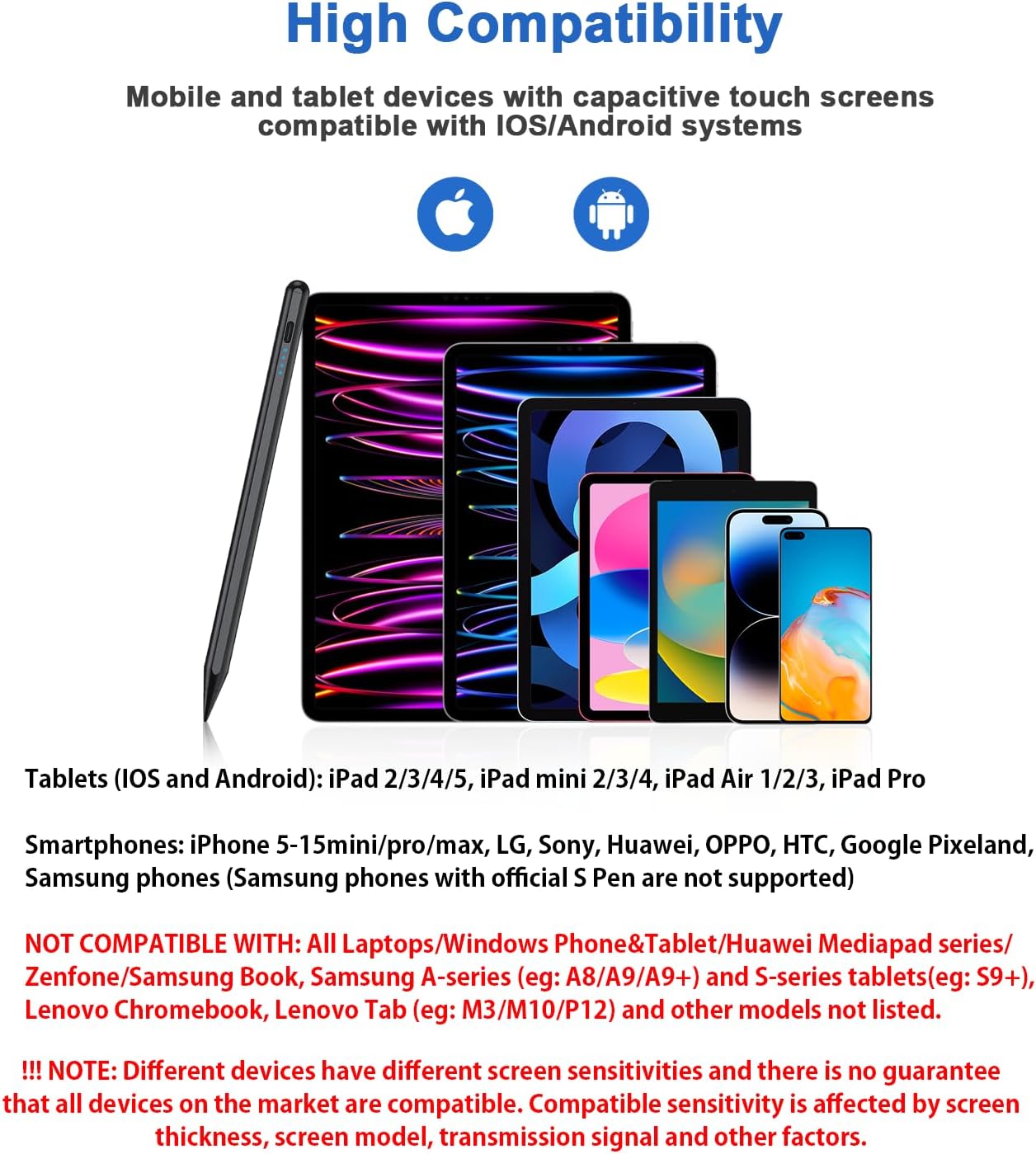
Wide compatibility: This stylus pens is compatible with IOS and Android smartphones and tablets such as iPad /iPad Mini/iPad Pro/iPhone Pro/MAX, Lenovo, Xiaomi, Huawei, etc. [Note] Not compatible with laptops, Huawei Mediapad series, Zenfone, Xperia, Windows (Microsoft), and Samsung tablet/phone models using the S-Pen. In addition, handwriting may not work well when used on the iPad 8th generation and iPad Air 4th generation tablets
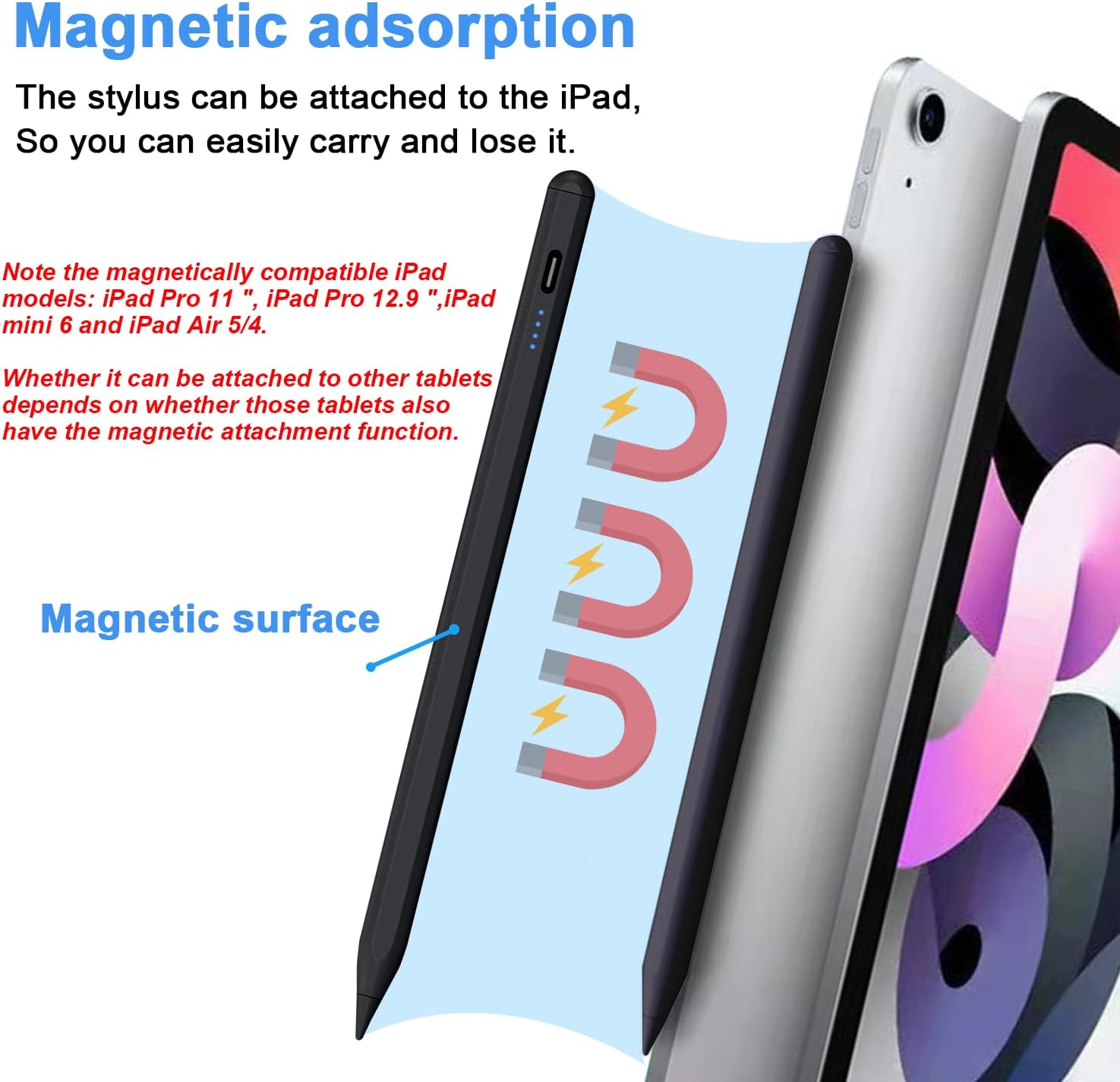
Magnetic absorption: The ipad pencil stylus body is made of aluminum alloy. Through the magnetic adsorption function on the front of the ipad pro pencil body, when you travel or have a meeting, you can attach the ipad stylus to the side of the ipad tablet device, which is convenient to carry and is a good helper for office workers. Note: iPad models that support magnetic function are: iPad Pro12.9″ (3rd / 4th / 5th generation); iPad Pro11″; iPad air4; iPad mini6
USB-C Charging/Smart Power off: This ipad pen uses the popular USB-C charging port, which allows better connection to a computer or adapter for charging. The active stylus pen for ipad also has a smart shutdown/mitigation model that triggers an automatic shutdown after 90 minutes of work and writing, helping to remind you to rest and also helping to conserve battery power. (After automatic shutdown, restart can continue to use)
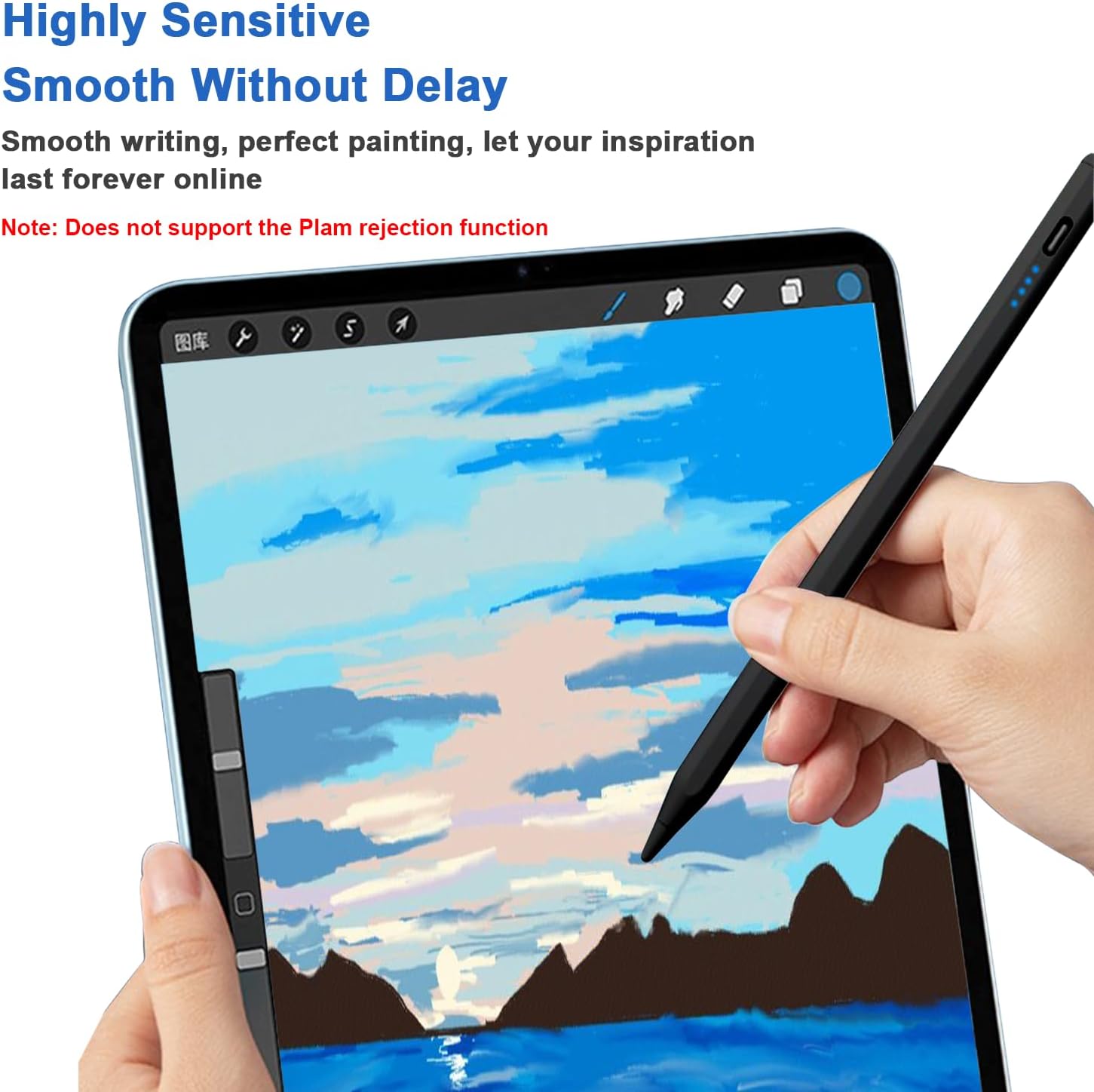
High accuracy/Sensitivity: The iphone stylus is made from the same POM material as the apple pencil. The high-quality tip not only gives you a precise writing experience, but the smooth surface of the POM material is also very soft and will not easily wear down the screen of your smart device. The dogain iphone stylus pen set includes 4 replacement POM tips of the same quality to effectively extend your use time and also extend the life of the tablet pen
8 reviews for Stylus Pens for Touch Screens Power-Display Tablet Pen POM Tip Magnetic Digital Touch Pen Compatible with iPhone/iPad/iPad Pro/Lenovo/and Other iOS/Android Smartphone and Tablet Devices (Black)
Add a review

$9.99
Amazon Customer –
Works great with the apple iPad and battery life has been really good for me
The stylus performs well with the iPad. Would recommend to everyone that doesn’t want to spend a lot for the actual apple brand
Wendy Sue –
Great!
Works great! Exactly what I expected.
Mott –
works ok but not totally accurate
I got this to use with my iphone. It kinda works and I like that it has a pointed tip.It’s not very accurate; for example when you use it to draw and place the tip on your screen, the drawing line will start a couple cm away from where the pen is touching your screen
Natasha –
As described
Cool product, works great with my tablet. Love the charging capabilities and thin tip that I can use to draw.
poisonkittie13 –
Why is it sooo… wavy???!!!
Sadly I’m having issues with this item. I got it so I could Start drawing again and wanted to move into the digital media didn’t want to break teh bank. Saw this figured I’d give it a go. Drawing lines straight down works fine bit if I try to do any kind of curve like a face it starts waving the line I tried many different ways to see if it would change based on angle or pressure or no pressure changed the tip ( it comes with extras ) nothing I try is working. Tried 7 different programs 3 different devices nothing changes that when I try to draw a curved line or a circle it’s Hella wavy can’t even write letters with it either. Kuz lines across also turn wavy only lines straight down are straight… not sure why it’s doing this soo. I guess I’ll use it as a tap to color or a tap the screen to do keyboard or whatever other taps or if I need to draw a down line….. guess I wasted money.. kuz I have to find another one. And spend more.. pretty disappointed kuz this item had 4 stars… I’m not the only person having this issue. Someone posted a video of the issue I’m talking about with her reveiw. Give it a watch.
norma ydalia –
Lapiz digital universal
Super bueno.. funciona para cualquier aparatoLa carga le dura mucho tiempo
Kindle Customer –
Charging and sensitivity
Pros:- Magnets inside so you can stick it to the side of a tablet if applicable- no button on the side so you won’t accidentally press it unless you slide the pen down a lot when your write/draw- it comes will a lot of replacement nibs- charges fairly quickly (DO NOT LEAVE IT ON CHARGE TOO LONG ONCE ITS GREEN UNPLUG IT OR IT WILL GLITCH OUT)- I found with most pens on here the actual area where you press is a little to the left or right, iykyk but this pen doesn’t have this problem so it’s easy to draw with- it’s lightweight- there’s a flat side so it won’t roll away- the pen functions fine enough (see cons for more details)- the size is good and the diameter around the pen isn’t too slim so it should work for most sized hands- very easy to use- the pen is nice quality- the latency (lag when being used) isn’t an issueCONS:- The pen will randomly turn off sometimes- sometimes it just won’t tap- if you leave it on charge to long it will turn off randomly when you’re using it- obviously no palm rejection so you’ll need to buy an external glove- it’s lightweight so if you prefer heavier pens it might take some getting used to- sometimes the nib comes untwisted and the pen won’t work even if it only open a little- sometimes the nibs stop working even if they have no visible wear
Julio Enrique Bermudez Rodriguez –
Practico
Practico