
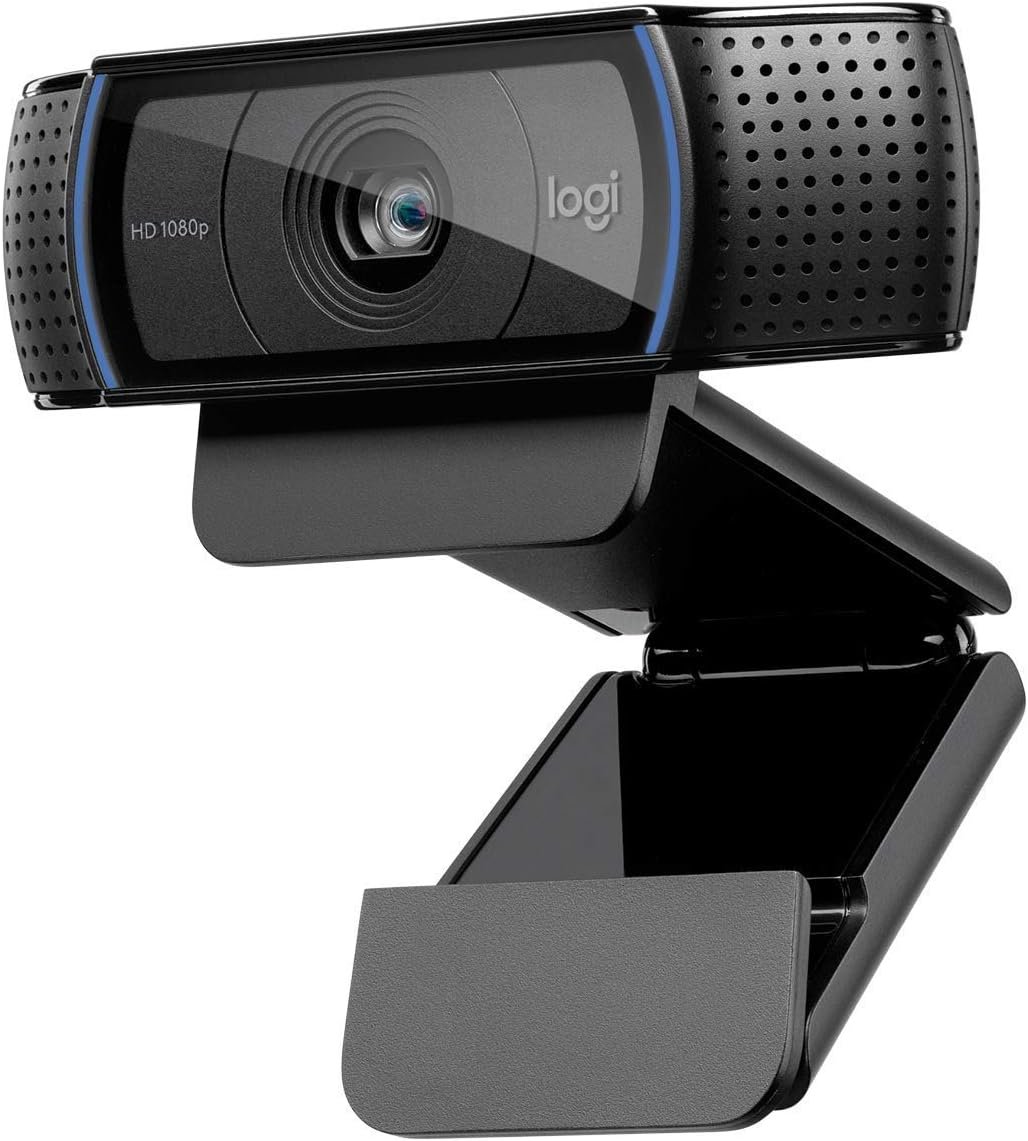
Logitech C920 Hd Pro Webcam (Black) Black
$6.99
Related Products


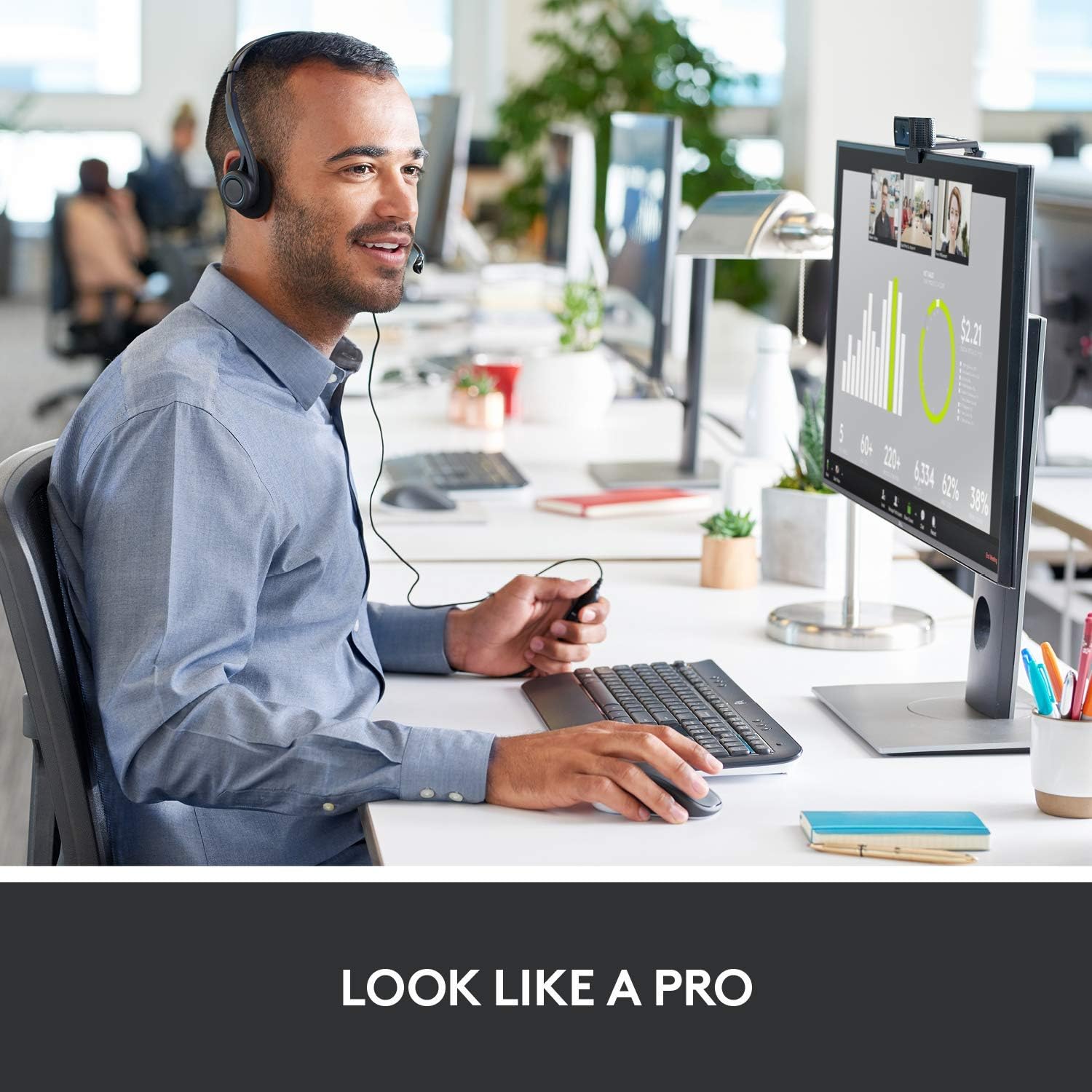


Full HD 1080p video that’s faster, smoother and works on more computers. Skype in Full HD 1080p Get breathtaking Full HD 1080p video calls on Skype for the sharpest video-calling experience. Smoother. Sharper. Richer. Clearer. Logitech Fluid Crystal Technology. It’s what makes a Logitech webcam better. It’s smoother video, sharper pictures, richer colors and clearer sound in real-world conditions. Call in HD 720p Enjoy widescreen HD 720p video on most major IMs and Logitech Vid HD. HD your Facebook One-click HD upload (1080p) to Facebook, Twitter and YouTube makes it easy to share your life with friends and family.
Full HD 1080p video that’s faster, smoother and works on more computers. Skype in Full HD 1080p Get breathtaking Full HD 1080p video calls on Skype for the sharpest video-calling experience. Smoother. Sharper. Richer. Clearer. Logitech Fluid Crystal Technology. It’s what makes a Logitech webcam better.
Logitech partnered with Skype(TM) to deliver high-definition 1080p resolution with the C920 webcam
Record videos in widescreen Full HD 1080p at 30 frames per second
The same H.264 encoded compression that enables high-definition video calls with Skype, also lets you capture great videos
Smooth video quality, rich colors and clear sound in real-world environments are produced by Logitech Fluid Crystal technology

the Scientist –
Industry standard
Logitech makes decent webcams. Are they the clearest most high def virtual reality? No but they are consistent and never cause me any grief. The previous 720p model I had kicked for more than 8 years! They are durable and they work. No compatabilty issues even if you don’t run their software. This one is an upgrade and it works just fine. You can drop it spill liquids on it and it still works.
Isaac Morillo –
Really good, just don’t buy them overpriced as other reviews
Camera quality is pretty nice at 1080p, pretty sharp, darker lighting could be an issue but that’s expected and still better than a regular laptop cameraMic is amazing, I’m not a huge fan of how I sound but to fix that I’d have to get a way better, expensive standalone mic… BUT! This thing can pick up audio from pretty far away, I’m surprised that I can get up, walk across the living room and keep talking, maybe louder, but I’ll be heard just fine. Even if I’m sitting, someone else on the other side of the room, we will be heard just fine, they won’t be filtered out (but if that’s exactly what you want, maybe try those settings in the program you use, should work fine)Sits nicely on top of the monitor, just be careful if your monitor has a rounded top, that could be an issue.Absolutely no problems on an M1 Mac. (Maybe those other reviews got a Chinese knockoff?) Not sure if I even had to install any drivers, but if anything, it was fast and can’t remember now.I’d recommend buying this for everyday office use. I do office meetings on Teams, online teaching through Zoom, chat on Discord and the occasional Google-Meet call with a friend. Just try to buy it at the suggested or lower price, don’t overpay for things, because then you feel you didn’t get your money’s worth.Won’t be needing a new webcam for a while.
Thamy Brecak –
Stop and Buy This Webcam – Great Quality and Easy Setup
One of the best webcams on the market. If you’re comparing which webcams to get I would highly recommend you stop and pick this camera up. It is the safe choice and you know you’re going to get a quality product from a reputable brand. The camera quality is 5/5. It is a wide-angle lens so it is able to capture a large portion of the background behind me. Low light quality is not the best, however, that can easily be fixed with lightning. Built-in mic works fine and my colleagues can hear me much clearer then using my laptop mic.If you’re looking for a more professional setup then you would have to get a professional DSLR/Mirrorless camera and purchase a Camlink to be able to use the camera as a webcam. However, that will cost hundreds of dollars. This setup alone is good enough for 90% of people. Add some professional lightning and the quality will increase tenfold and be on par of professional setups.
alex –
Great Camera, One Unfortunate Issue
Right off the bat, I will tell you that my camera doesn’t zoom in. I’ve tried it on multiple PCs using Logitech’s programs (G hub, etc.), and it will not respond. The c920 is supposed to do this, making me feel unsure about what I purchased. Other than that, the camera is light, and fits perfectly on top my thin monitor. It lights up blue when in use, and has a pretty decent picture quality for my setup being in a dim room. When adding more lighting, it automatically picks up and refocuses itself perfectly. Angling the camera is so easy! The piece that attaches to the monitor comes with a soft material lining, so you don’t have to worry about it scratching. The camera was easy to set up, and you can download programs from Logitech to test/use the camera. Picks up audio well, and definitely has good focus quality. Overall, the camera looks and works great, just wish I could zoom in to crop out some of my wall.
Charlotte Rice –
Webcam
This Webcam is perfect if you are using a desktop. All you do is plug in and it works immediately. I have bought a couple for others at my office.
Dr. Robert Johnson –
Good webcam
These are good webcams. They work well and have on board systems that don’t require your computer to work as hard as cheaper ones do. They have good sound and imaging.
Todd Stewart –
Really easy to set up — good quality Zoom camera
Just installed the Logitech GoHub software, popped the camera on top of my monitor, plugged it in, and opened Zoom. Everything just worked with no fuss right out of the box.Lenovo Legion Y545 gaming laptop, Windows 10 latest version, ZoomThe GoHub software seems to automatically update rather often (6+ times so far in just 3 months). It doesn’t seem to change anything each time. It seems to be more of a Logitech marketing surface rather than an actual device management app. But it’s all working so I’m not complaining.There are cheaper options available on Amazon, but I wanted something reliable and this one seems to be known and well regarded by just about everyone, so I went for it. Happy with my purchase, I would do it again.
Robert Burlingame –
Camera crashed 2 months after I purchased it, apparently caused by Babel
2 months ago, I purchased the C920 Webcam, and it worked correctly. Not the best and sharpest picture, but it satisfied my requirements.Then 2 weeks ago, I purchased the Babel software to learn Spanish. I opened the application and it spoke the first word, “gracias”. After this, the speaker went silent. I looked at my speakers and found that all had been disconnected and it was not possible to reconnect them. I unplugged the C920 and after a few minutes, the speakers worked correctly. So there appeared to be a sudden problem with the C920. I plugged the C920 into other computers and it worked correctly.I contacted Logitech and they sent me another camera. My computer had the same problem. So, the problem was not with the C920, but with the drivers (it used a Windows driver). I contacted Babel, but they did not give any help. They suggested I should get an expensive consultant to fix the problem.For anyone else having this problem, my computer is Acer Aspire 5 and I am using Windows 11, with all the latest updates. The problem occurred when I began running Babel.