

Level Bolt (Wi-Fi) Smart Deadbolt – Make Your Lock Smart & Keep Existing Hardware and Keys – Lock/Unlock from Anywhere – Level App for iOS & Android – Works with Apple Home, Alexa & Google Home
$33.99
Related Products





Product description
The video showcases the product in use.The video guides you through product setup.The video compares multiple products.The video shows the product being unpacked. Level Bolt Smart Lock (WiFi) Merchant Video
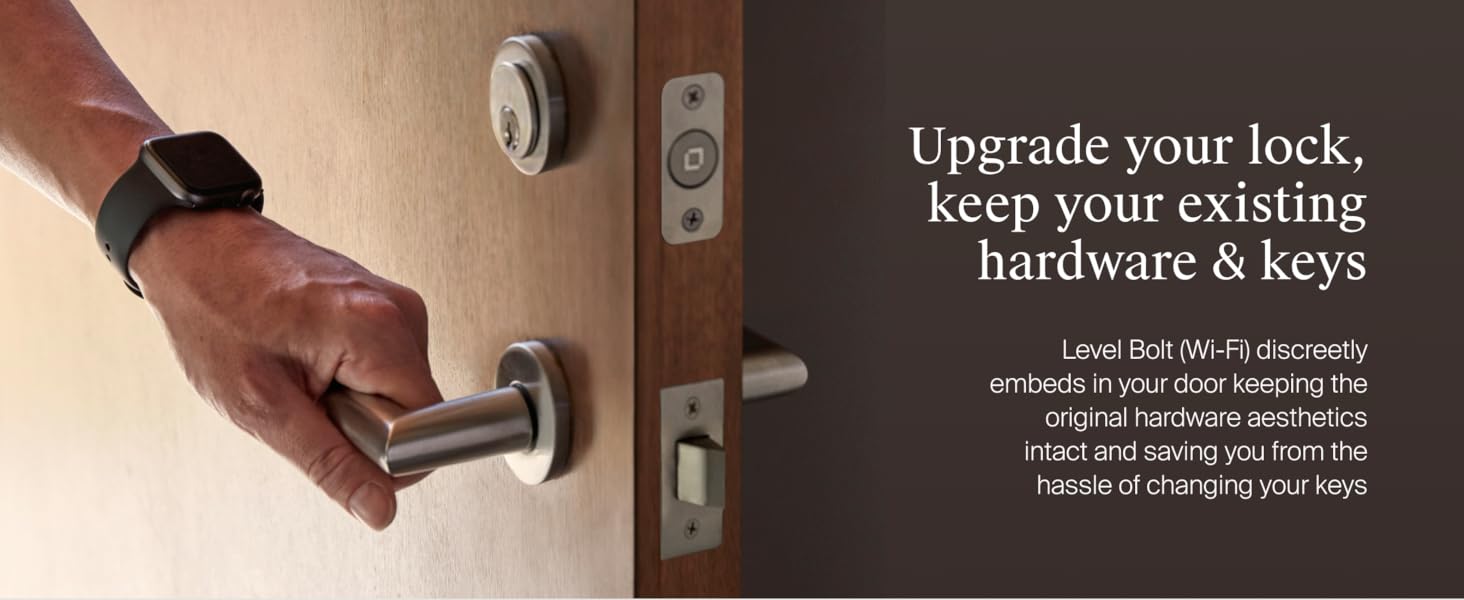
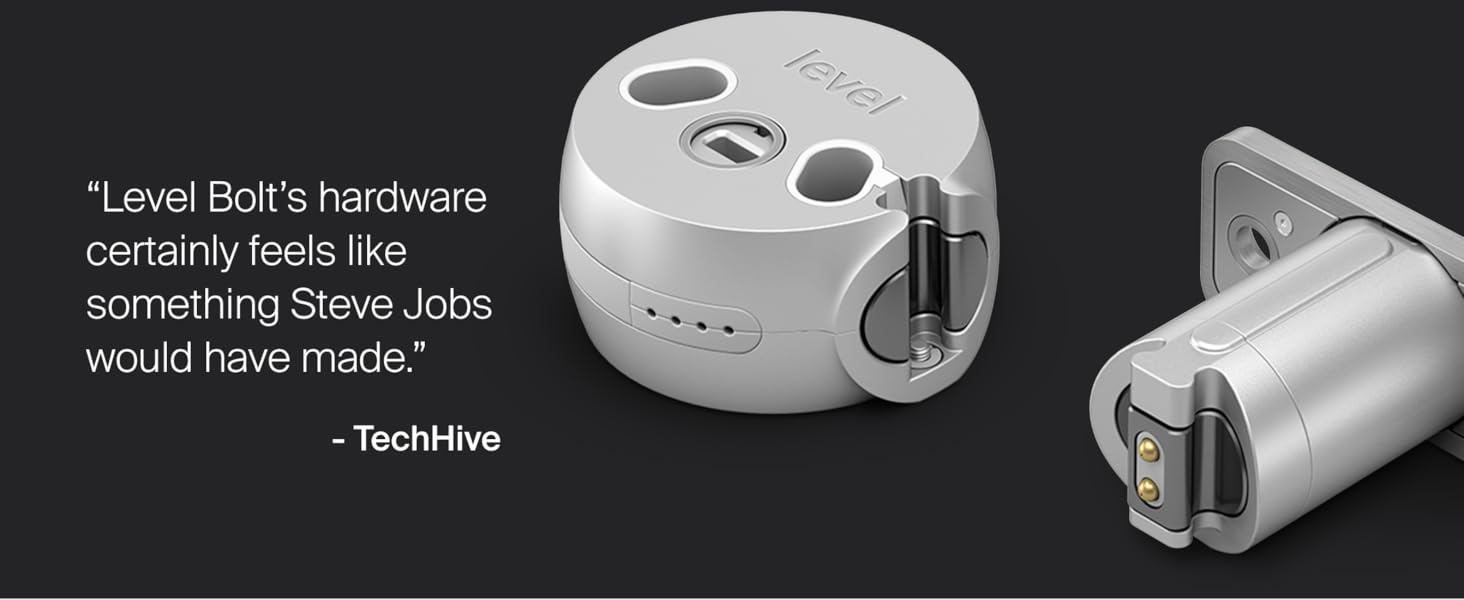
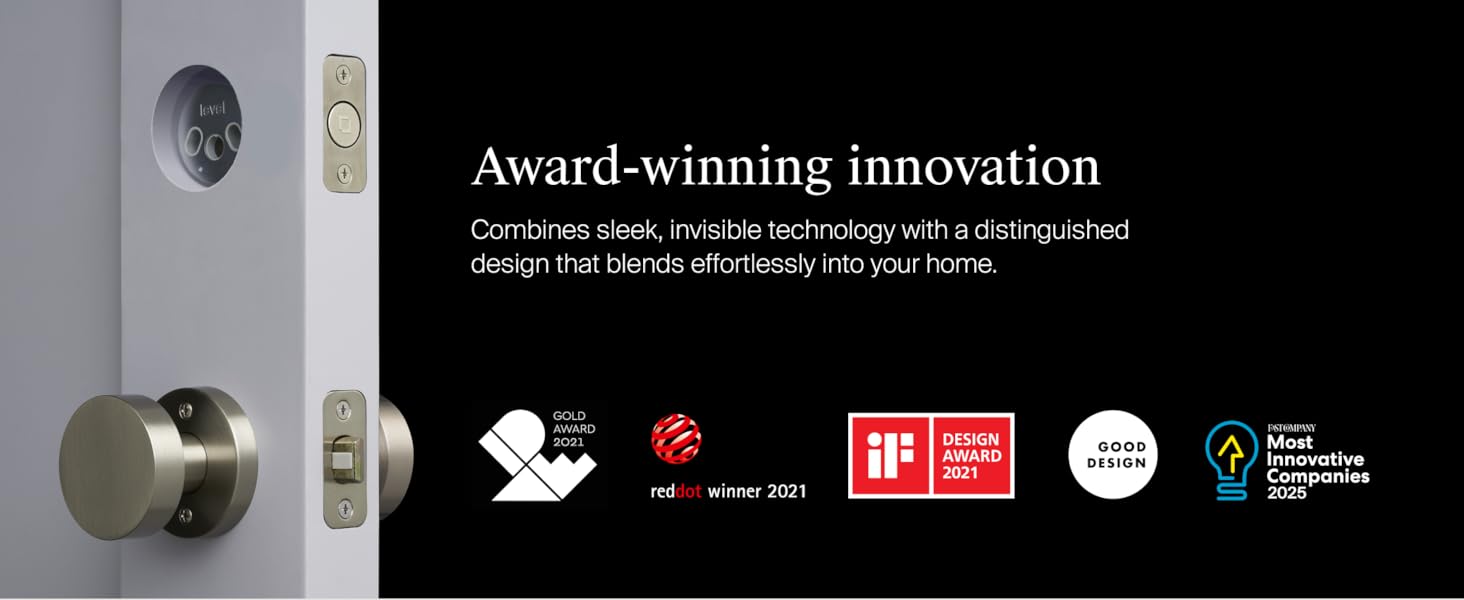

TURN YOUR EXISTING LOCK INTO A SMART LOCK: Level Bolt replaces the deadbolt in your door to turn your lock into a smart lock without changing keys, hardware, or the look of your door.
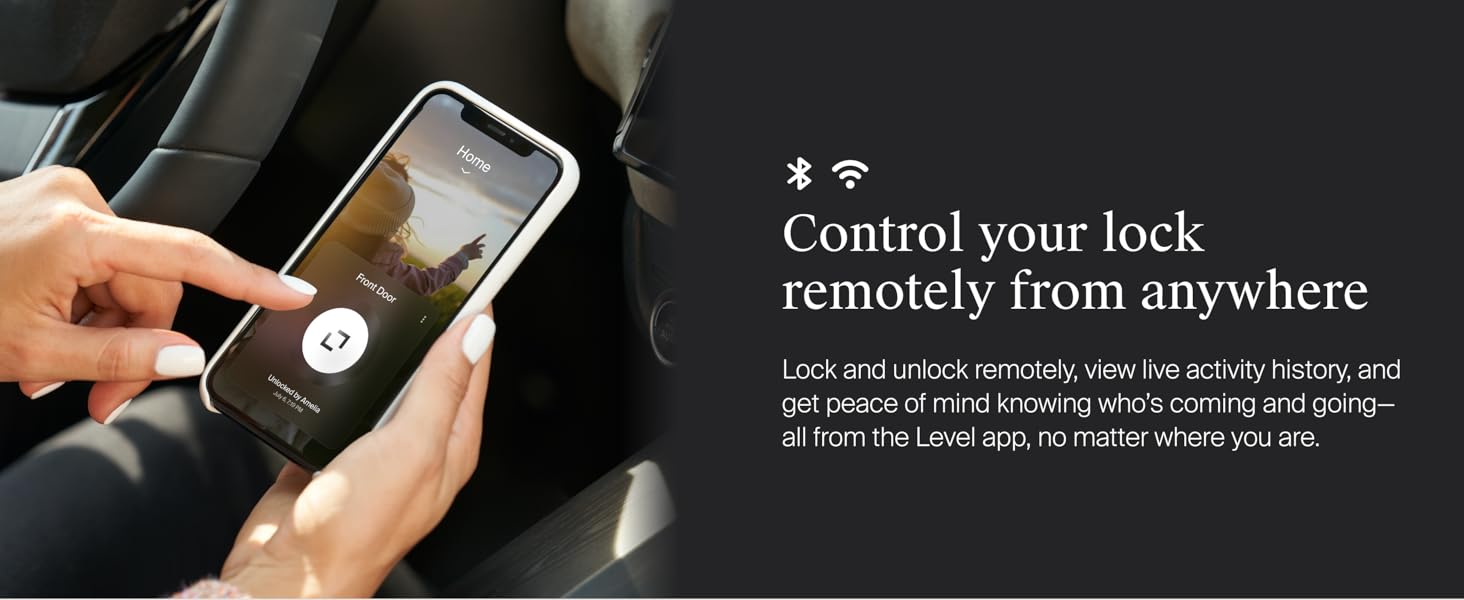
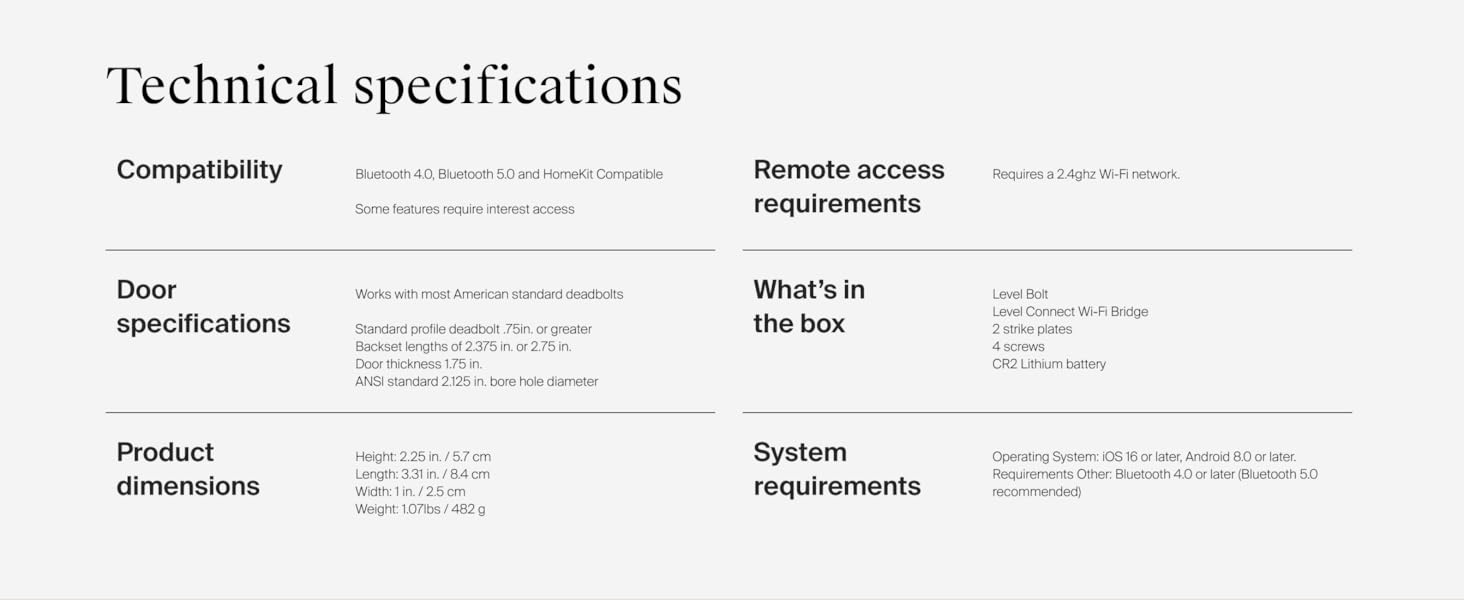
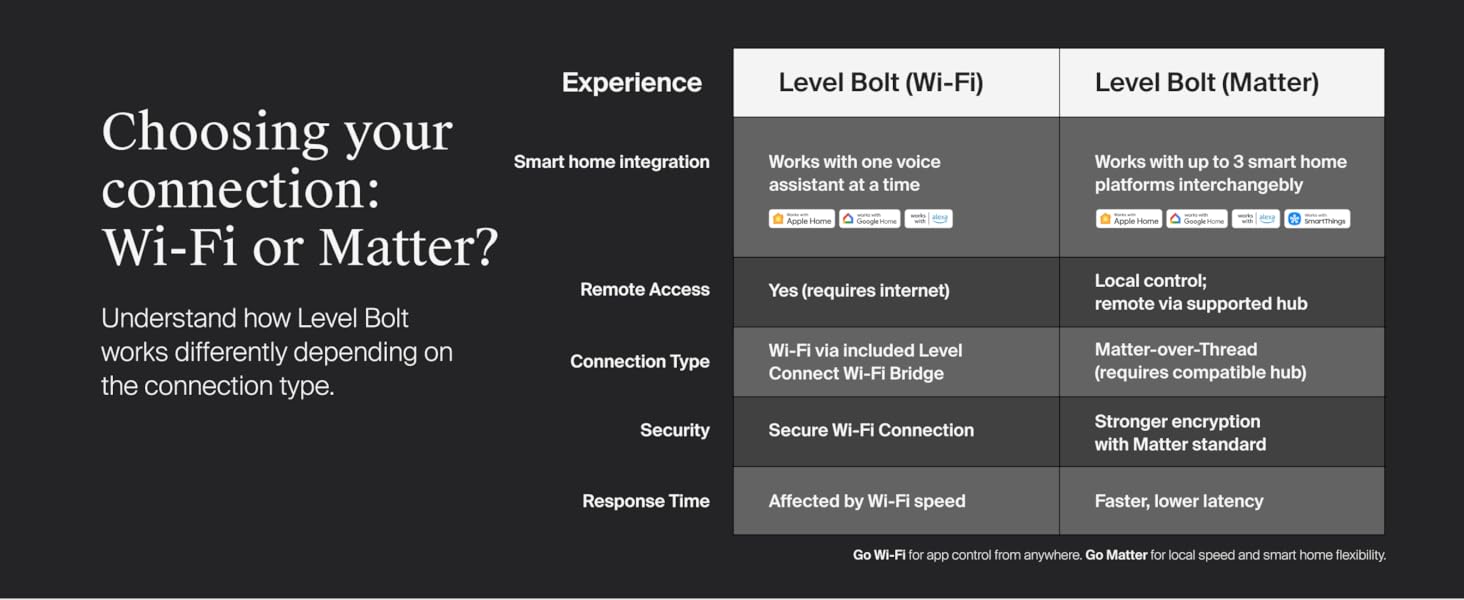
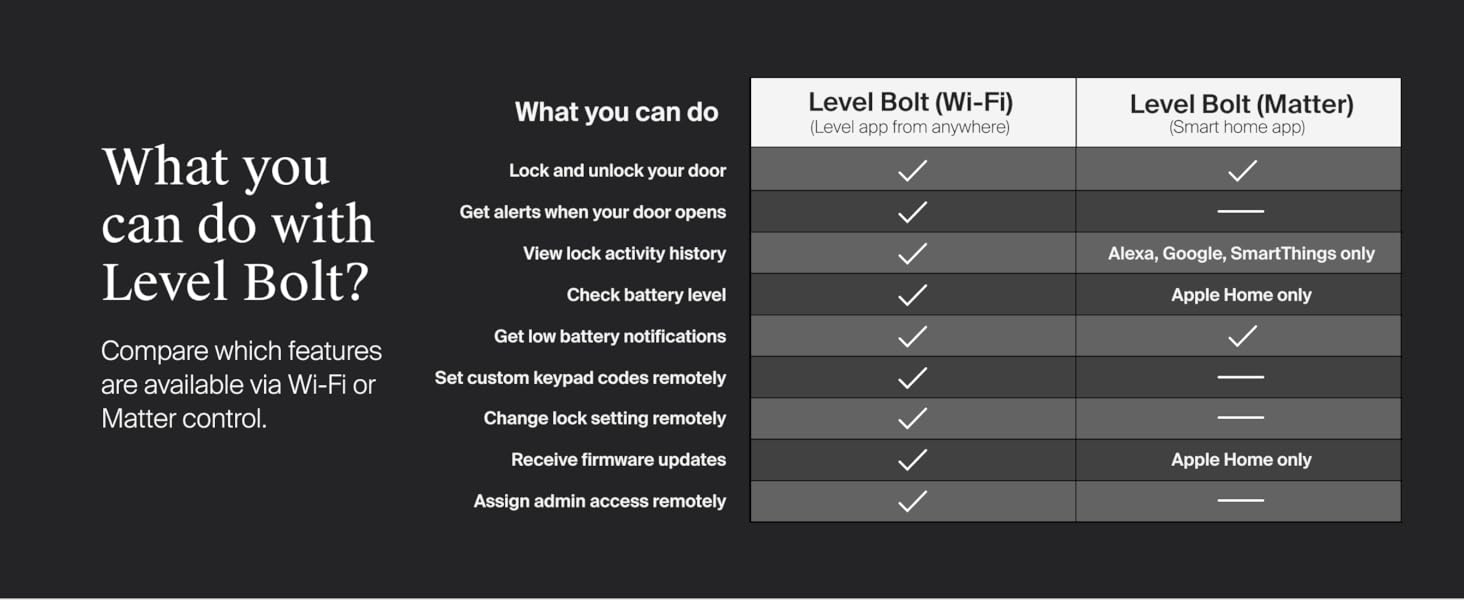
CONTROL YOUR LOCK FROM ANYWHERE: With Level Connect Wi-Fi bridge (included) you can remotely lock/unlock your door, view live activity history and manage key codes for Level Keypad from anywhere via the Level Home app (Wi-Fi Connectivity 2.4 GHz).
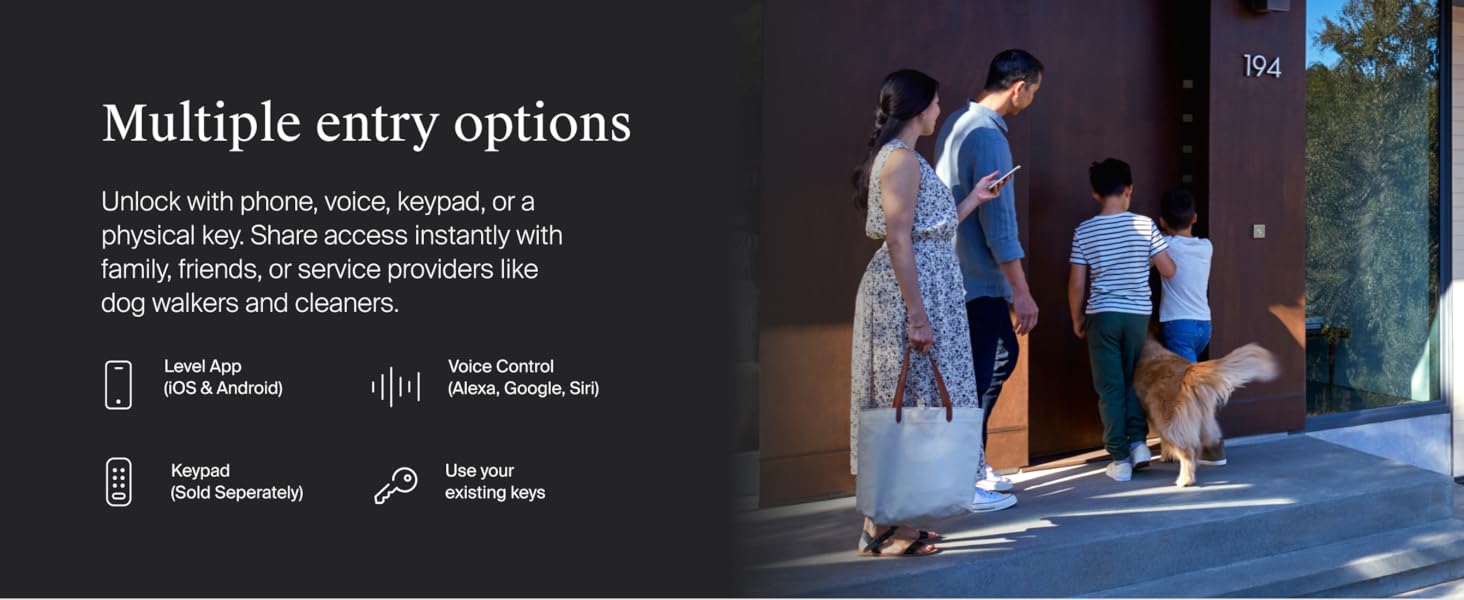
KEYLESS ENTRY VIA LEVEL HOME APP: Lock and unlock your door with the Level Home app (available for iOS & Android). Share keyless access with people you trust, view activity history, and always know the status of your lock via the Level Home app.
WORKS WITH GOOGLE, ALEXA & APPLE HOME: Lock, unlock, and set automations using voice commands with Apple HomeKit, Google Home, or Amazon Alexa. Let friends in while cooking dinner with a simple command such as, “Alexa, unlock the front door”.
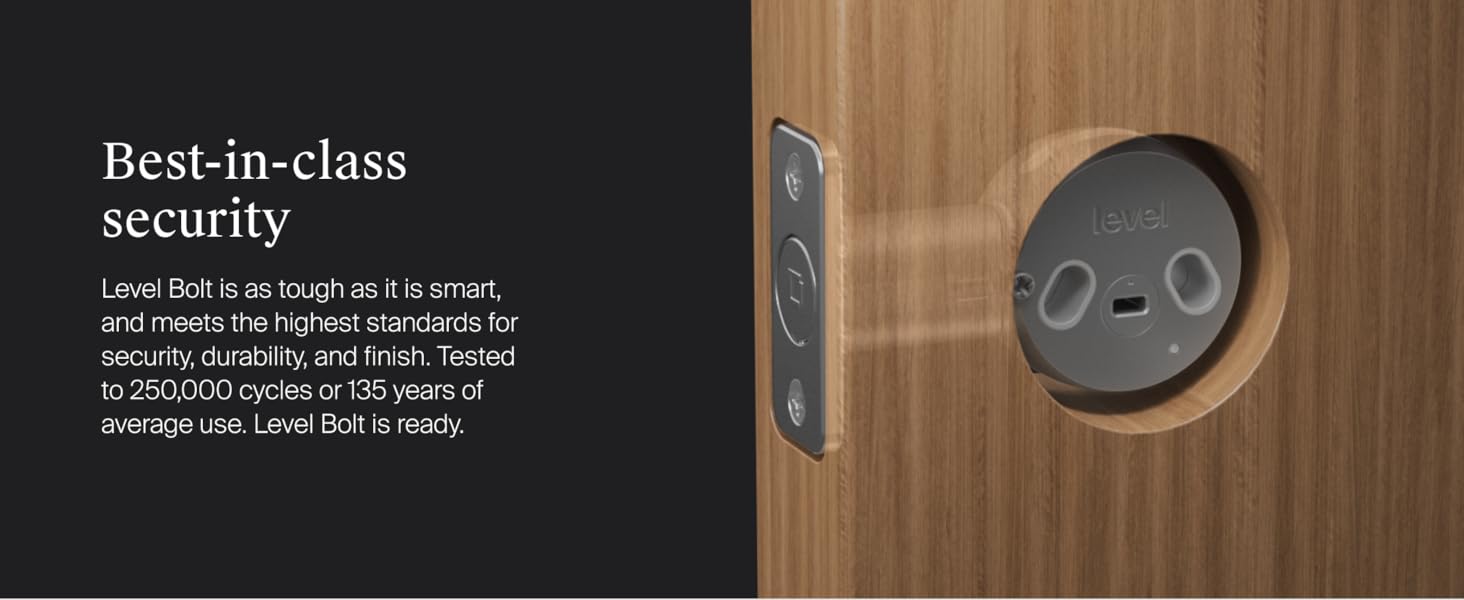
SAFE AND SECURE: Featuring a 6-stage stainless steel gearbox, Level Bolt exceeds the highest industry standards for strength and security, keeping you and your home safe.
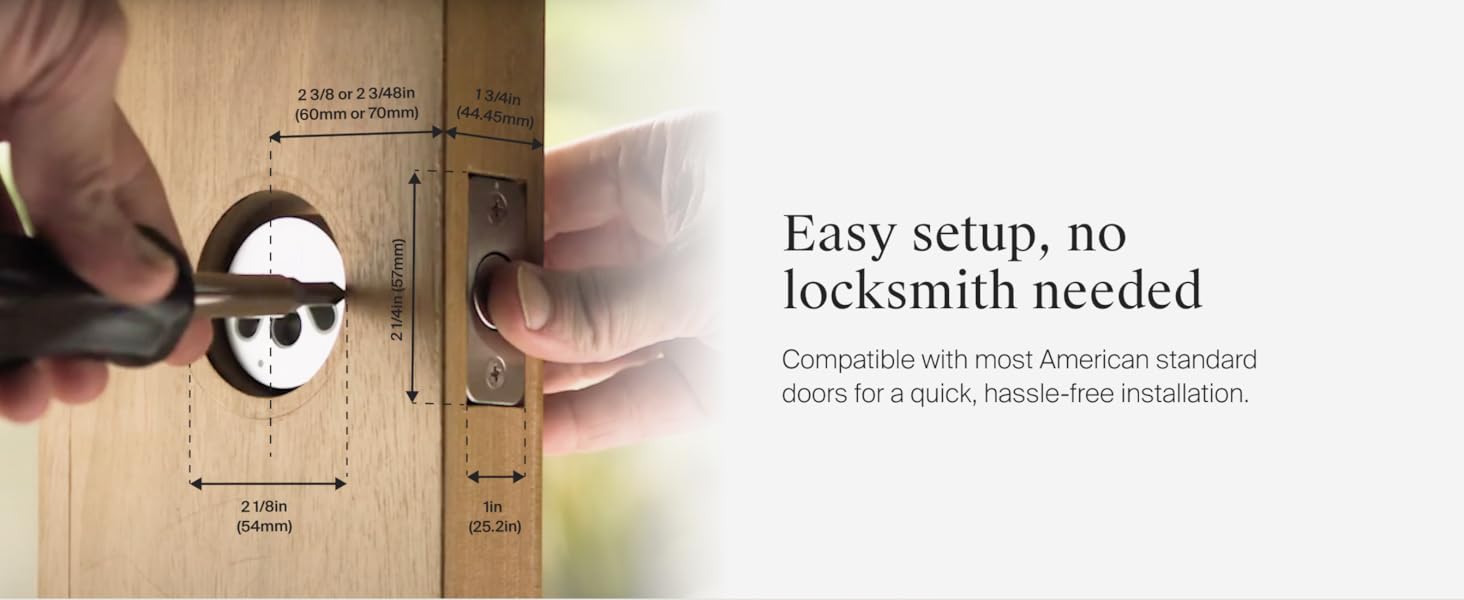
FITS MOST EXTERIOR DOORS: Level Bolt is designed for the majority of American standard exterior doors, allowing you to keep your lock and keys unchanged. Check the Product Guides and Documents section to confirm that your existing deadbolt is compatible.
DIY INSTALLATION: Replace the inner deadbolt hardware with just a single screwdriver. After installation, simply plug the Wi-Fi bridge into a standard outlet and pair it using the Level Home app.
4 reviews for Level Bolt (Wi-Fi) Smart Deadbolt – Make Your Lock Smart & Keep Existing Hardware and Keys – Lock/Unlock from Anywhere – Level App for iOS & Android – Works with Apple Home, Alexa & Google Home
Add a review

$33.99
Fly4Points –
“Steathy” Smart Deadbolt – Matter-enabled! Compatible with Google and Alexa smart control features
The Level Bolt with Matter is an amazing piece of engineering and design! Called “The Invisible Smart Lock”, the Level Bolt sits inside your deadbolt, only replacing only the existing latch and strike plate. No one will ever know you have a smart lock!Installation can take less than 10 minutes. Simply remove the existing latch and strike plate. Replace the latch with the Level Bolt, insert the motor, then install the CR2 battery and like magic it just works! For me, the time-consuming task was removing putty from around the existing strike plate added by our home builder and needing to slightly trim the wood behind the strike plate, as the Level strike plate is thicker than a standard contractor-grade strike plate.On inserting the CR2 Battery, Matter-compatibility executed a notification on my Google Pixel phone to “Set Up Your Device”. I simply scanned the supplied QR Code and everything self-installed, with Google Home being the default platform. Even before installing the Level app, most everything worked within my Google Home ecosystem, including naming the bolt and controlling the lock, less battery status. For security, you can’t unlock the bolt by a “Hey Google” voice command, but you can lock it. From within the Google Home app, you can remotely lock or unlock the bolt from anywhere. The packaging also claims compatibility with Apple Home, Amazon Alexa and SmartThings.I recommend also installing and registering the Level Home app. It adds firmware updating, calibration, sound level settings, battery status, Auto Lock options (setting a duration from 30 seconds to one hour to auto-lock my door after unlocking) and more. You can setup sharing and create a “Pass” e.g. setting temporary access for your visiting in-laws.he Level Home app does not include its own Google Widget, but the Google Home Widget works just fine.I definitely recommend the Level Bolt with Matter.
Shawn –
Awesome solution when you can’t change the exterior hardware
I purchased the “Matter” version of the lock and while it took a little bit of work to get it installed and working, it’s very impressive so far. We are currently living in a rental, and this is a perfect solution for us because I can’t change the key for the door, and I also can’t change the external hardware.Software setup was very easy using the Level app on an iPhone. I did get an error when trying to add it to my Apple Home. When I went through the prompt to associate it to a room in the Home, it failed. However, the lock still showed up properly and I was able to update it in the Home app without any problem.This matched up well with the current Kwikset hardware on our door. The deadbolt where this is installed requires a little effort to turn initially and I was concerned that it wouldn’t work, but so far that has not been an issue. What did require a little work was the strike plate (the part on the door frame where the bolt slides in). The bolt was rubbing one edge of it, which increased resistance, and it would stop. I had to file that side down and then it would move without issue, but I was still not getting it to show “locked”. I realized that the bolt was just slightly longer than the original bolt, and I had to increase the depth of the hole a few millimeters. Now it works every time.I’ve had a couple of other smart locks in my previous home and typically when you send the unlock or lock request you have to wait a few seconds before you get a response. This lock seems to work instantaneously. It has a little chime that sounds when it operates, which you has an option for volume or to turn it off. I was a little concerned that the battery would be inconvenient to change, but it’s inside the bolt and just requires you to twist off the cap to change it. I’m curious how long the battery will last.
Primetastic –
Works half the time, if you’re lucky. Always bring a key with you
If you’re looking for a sleek way to incorporate a WiFi deadbolt into your existing hardware, KEEP LOOKING, unless you want to be stranded outside your door with an app that cites “connectivity issues” or “something went wrong” after it successfully locking and unlocking +5 times in a row hours earlier.While to concept of this deadbolt is extremely appealing, that’s where it all ends. It’s a concept with poor design, a weak locking mechanism, poor WiFi connection, and very little customer service help available.While renovating a home, and having a brand new front door professionally installed we opted for this tech to allow for us to select a sleek deadbolt and handle design while still incorporating some tech for ease of locking and unlocking without a key. Our deadbolt turns with zero resistance, zero. It’s like butter, and this thing still can’t reliably lock or unlock itself.This thing is unreliable, fails regularly to unlock or lock, and provides unhelpful error codes. Sometimes it says a lock request failed, only to find it did lock itself, and similarly with unlock requests…I’ve read elsewhere that clearly this company had a great idea, and spun this up in hopes of being purchased. I’d say that’s quite possible.Rather than spending $250 on a reputable company’s smart lock, I took a chance on this startup, and regret it with every bone in your body.But hey, you can’t tell I have a smart lock when you look at my door, and when you try to use it like a smart lock you can’t.
Dion Hild –
Invisible Smart Lock
This lock has every feature of the standard lock but is built for those doors that only have a deadbolt and no other lock. Of course, it is also hidden so no one knows it’s there.Share featuresAuto Unlock when in range of your phoneAuto lock that is set on your choiceShareable both permanently or time basedI would highly recommend this to anyone looking to add smart locks to their homes.As easy to install as changing a standard lock.