
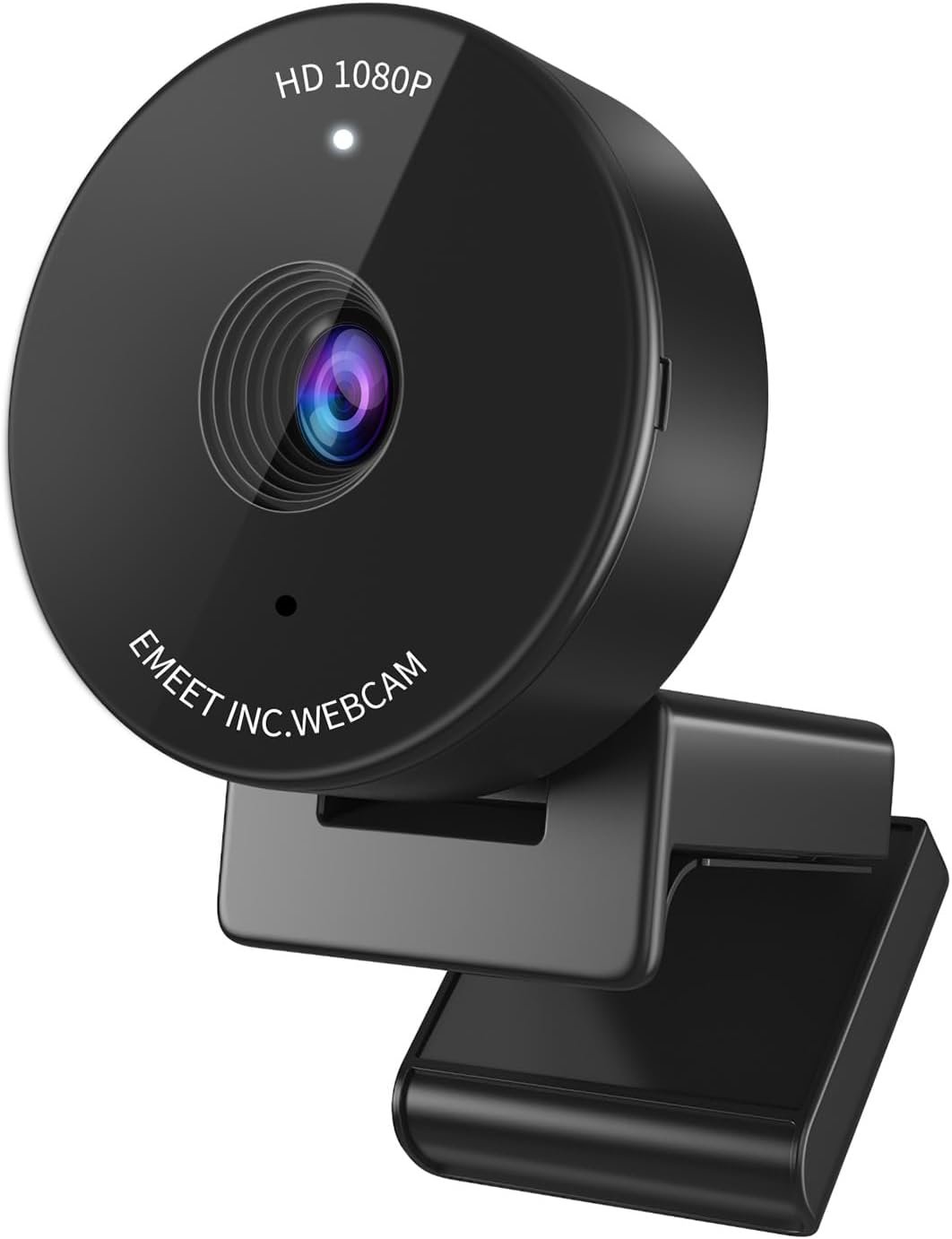
EMEET C950 1080P Webcam – USB Webcam with Microphone & Physical Privacy Cover, Noise-Canceling Mic, Auto Light Correction, Fixed Focus, Ultra Web Cam w/ 70°View for Meeting/Online Classes/Zoom/YouTube
$15.99
Related Products


Product description
The video showcases the product in use.The video guides you through product setup.The video compares multiple products.The video shows the product being unpacked. EMEET C950 1080P USB Webcam with Microphone Merchant Video

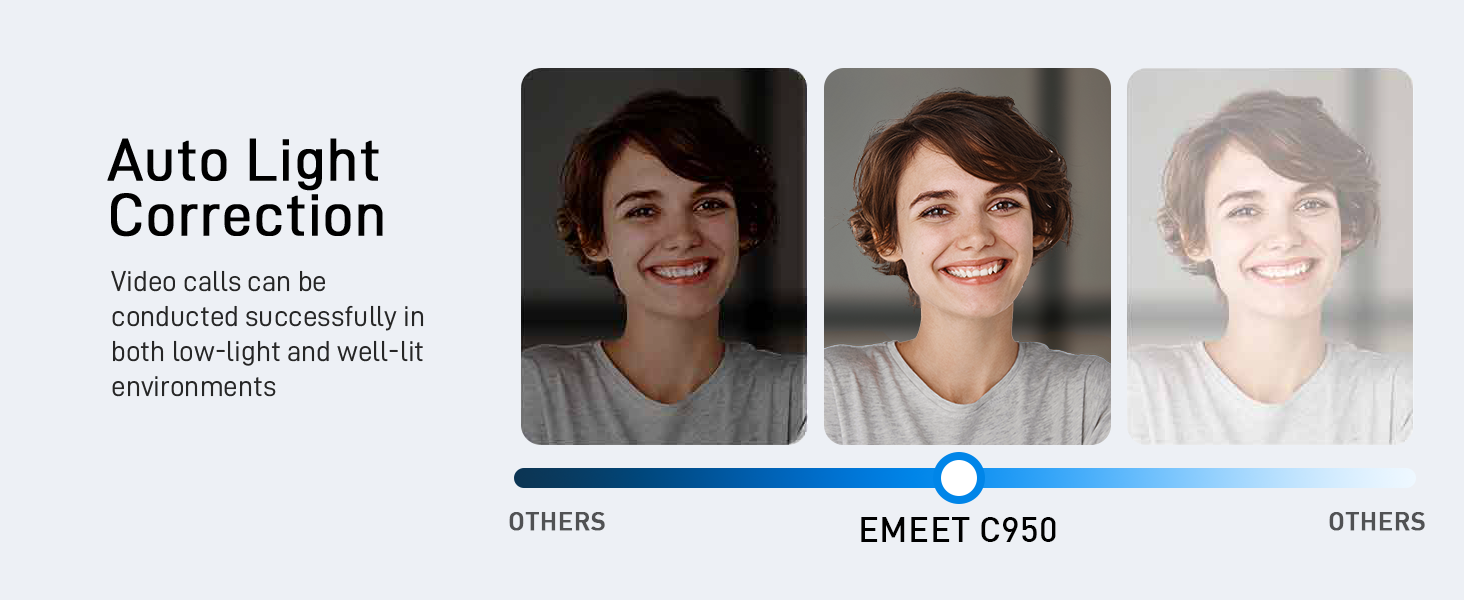

1 Auto Light Correction
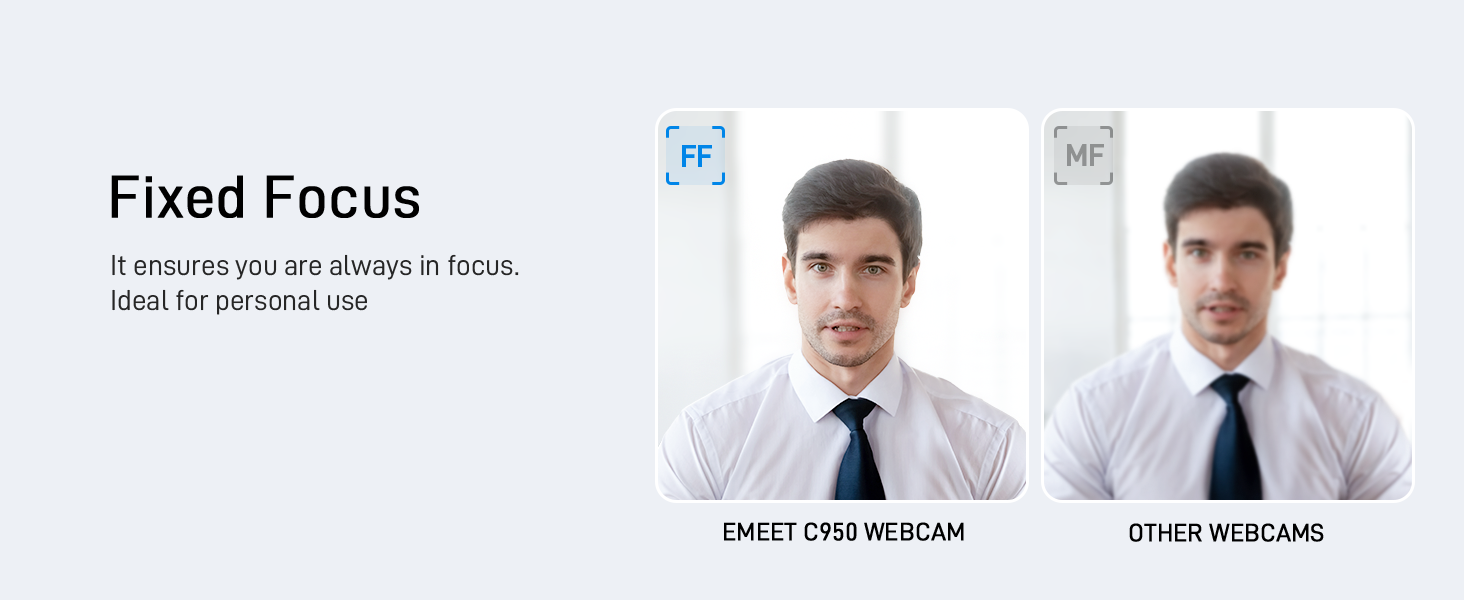
2 Fixed Focus
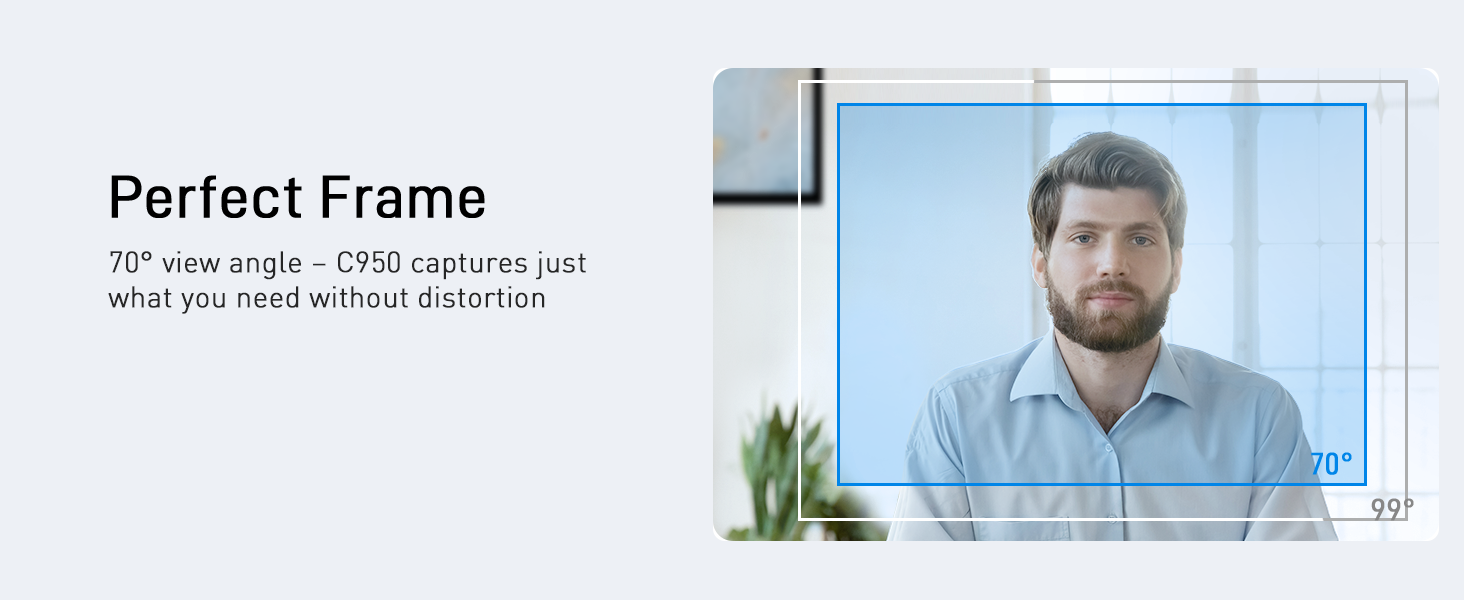
3 70° View Angle
4 Multiple Using Scenes

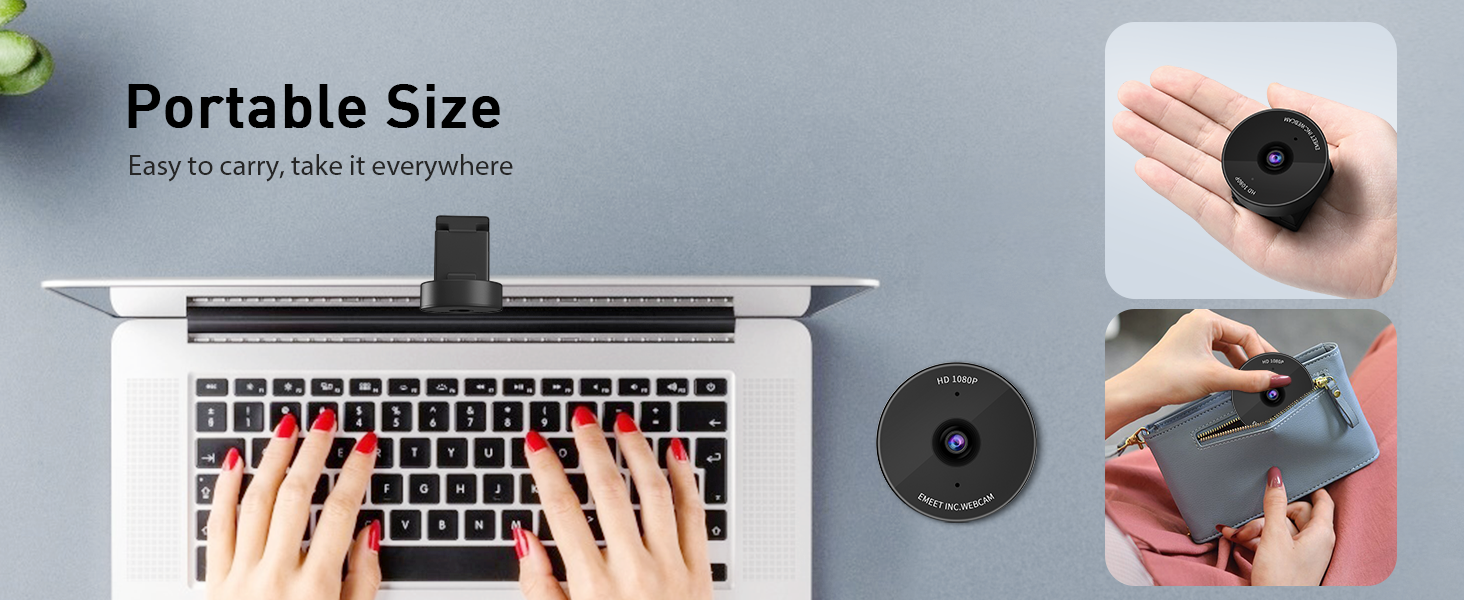
1 Portable Size
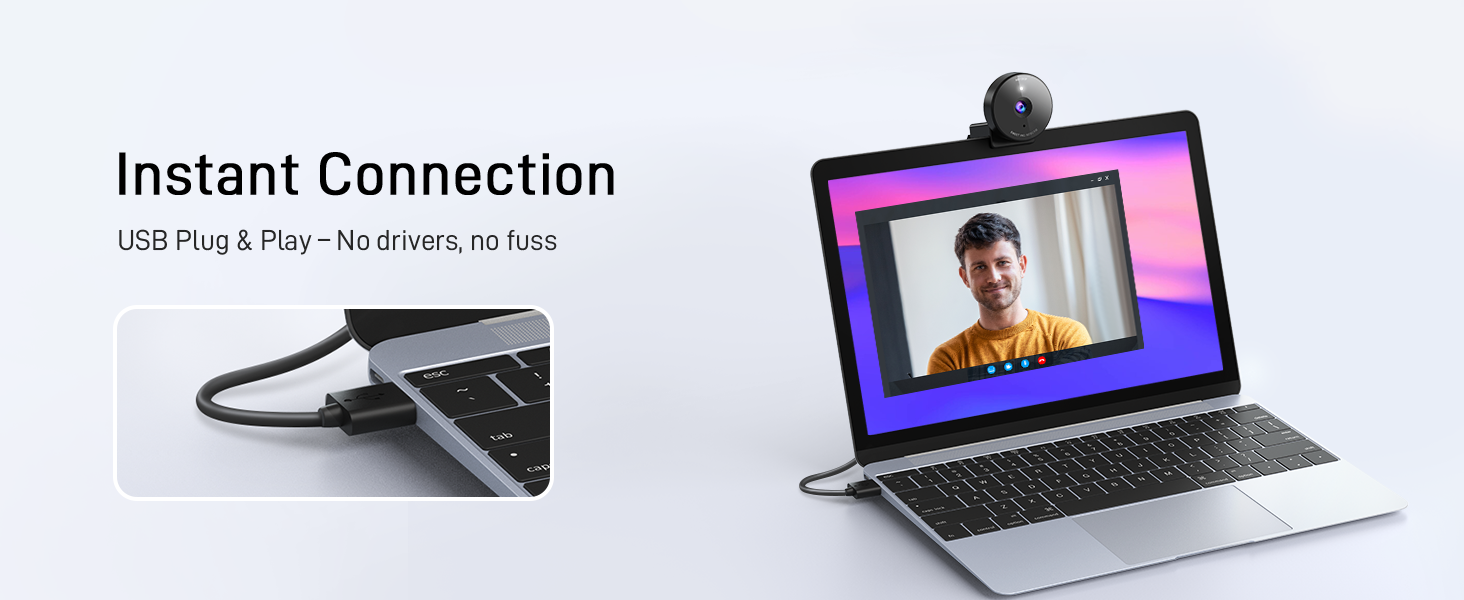
2 Instant Plug & Play
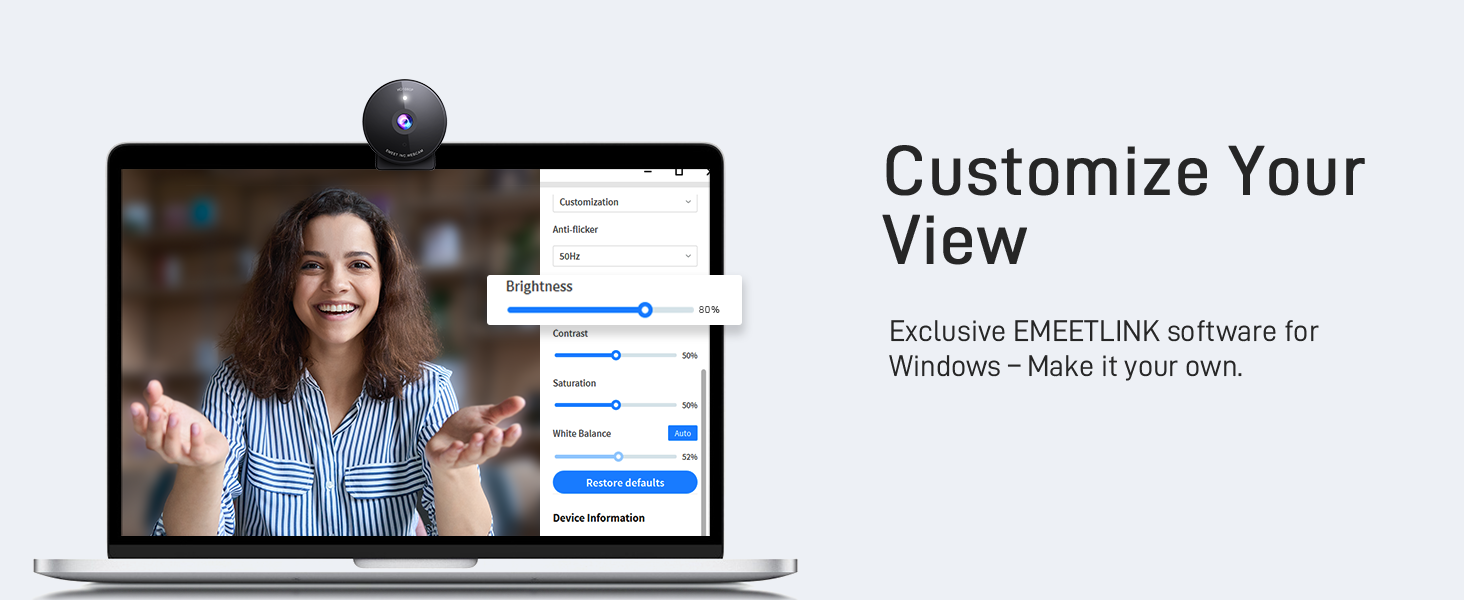
3 EMEETLINK Customization
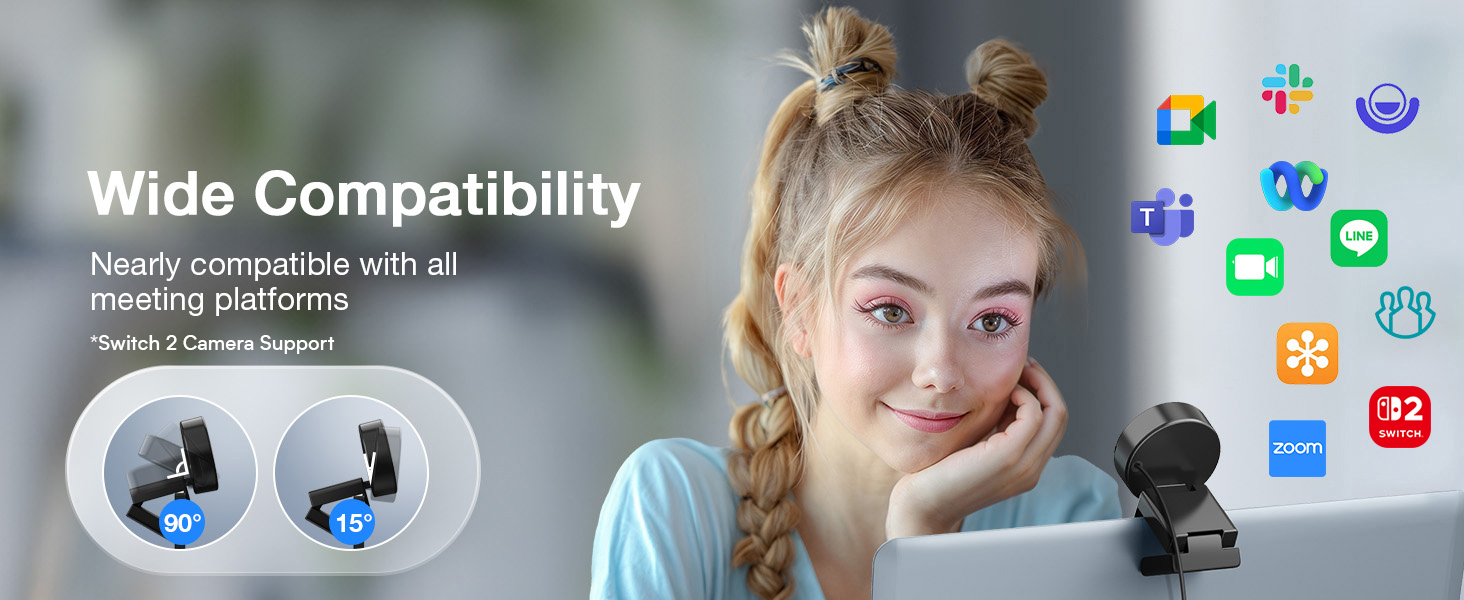
4 Wide Compatibility
Feature Comparison among 1080P USB Webcams
Add to Cart
Add to Cart
Add to Cart
Add to Cart
Offer
19.99
23.99
39.99
29.99
Release Time
2024 Latest Model
2010
2023
2020
Resolution/FPS
1080P/30FPS
720P/30FPS
1080P/30FPS
1080P/30FPS
Microphone
1 Noise-Canceling Mic
Single Mic
Single Mic
Single Mic
Light Correction
YES
YES
YES
YES
Camera Material
4 Plastic
Plastic
Plastic
Plastic
Privacy Cover
YES
NO
YES
YES
FOV
70° Perfect for Individual Use
60° too Small for Person
60° too Small for Person
110° too Wide for Person
What operating systems are compatible with the C950 webcam?
Compatible with Windows 10/11, macOS 10.14+, Android TV 7.0+, Linux, and UVC devices. Not all Chrome OS versions are supported—C950 works on version 76.0.3809.136. For help, please reach to us via Amazon’s messaging system.
What should I do if the operating system’s privacy settings block the C950 webcam from being accessed or started?
For Windows: go to “Settings > Privacy > webcam” and ensure webcam access is enabled for both the system and specific applications.
For macOS: go to “System Preferences > Security & Privacy > webcam” and enable access for necessary applications.
Which video conferencing tools are supported by the C950 webcam?
C950 works with Zoom, Teams, Google Meet, Webex, Facetime & more. Please close other webcam apps (e.g., conferencing or streaming tools) when using your preferred platform to avoid conflicts.
How to ensure C950 webcam powers on properly?
1. Correct Connection: Connect the webcam directly to a USB 2.0 port (avoid hubs/extensions).
2. First-Time Use: PC should auto-detect it; restart if not.
3. After Service: If it still doesn’t turn on, please find us for further assistance.
How to ensure the test image quality with C950 webcam?
1. Set C950 as the default camera in system settings and adjust resolution to 1080P.
2. Some apps only support 720P, which compresses the image, but it still looks better than native 720P.
3. For sharper video, consider upgrading to C950 4K model.
Innovative and Fashion Privacy Protection – EMEET C950 web camera comes with physical privacy cover slide to block immoral and unlawful shootings. Align to C950 webcam, press firmly for seconds, pull right or left, the privacy protection will be functioned. The privacy cover features a fashionable design which accords with the beautiful aesthetic of C950 device.
1080P Webcam with Specialized Software – C950 1080P webcam, powered by 2MP, provides sharp 30FPS video with low-light correction for optimal exposure. To achieve the best image clarity, use the webcam in a well-lit environment, avoiding backlighting or direct light. The ideal shooting distance is 0.5-1.2 meters, with the face directly facing the camera. Pairing with a high-definition monitor ensures the best viewing experience. Video/image parameters could be adjusted via EMEETLINK software.
70° Small View – The 70° ultra angle lens under web cameras for computers would be a good fit for personal use, such as online conferences or classes. EMEET pc camera better keeps you at the center of view without exposing too much details about the environment of your home or office, protecting your privacy as much as possible. This fixed focus hd webcam offers more stable image quality by precise focus. You are easy to surf the internet with adequate privacy care.
Noise Cancelling Mic Ideal for Clear Calls – The C950 webcam features an advanced noise reduction function that significantly enhances sound quality during live videos or online calls. By filtering out ambient noise, it ensures a more natural and clearer audio experience. For optimal sound pickup, keep the mic (100-10KHz, -38dB) at a distance of 1-1.8 meters from the speaker, use it in a quiet environment to minimize background noise, and ensure the mic is unobstructed and close to the speaker.
Easy to Use with Wide Compatibility – The C950 webcam works with Windows (Win 10, 11), macOS (10.14+), Android TV (V7.0+), Linux, and USB Video Class (UVC) devices. Additionally, we recommend using the above mainstream operating systems instead of Chrome OS which may not be compatible with all versions and models. It supports popular video tools like Zoom, Microsoft Teams, Google Meet, Cisco Webex, Facetime, GoToMeeting, Lifesize, etc, ensuring seamless performance across platforms.
13 reviews for EMEET C950 1080P Webcam – USB Webcam with Microphone & Physical Privacy Cover, Noise-Canceling Mic, Auto Light Correction, Fixed Focus, Ultra Web Cam w/ 70°View for Meeting/Online Classes/Zoom/YouTube
Add a review

$15.99
Christopher Gibson –
Great camera at an excellent value
I have a laptop that has several years old that has been upgraded with amazing specs. However, what hasn’t been updated is the WebCam that came with the laptop. Because the laptop is several years old, I did not want to spend a lot of money on a WebCam so I decided to try this as an option. I’m really glad that I did. Its compact size makes it easy to put away when not in use. The video and sound quality are both amazing with the camera. It was very easy to use and set up. I bought this on prime day and it was well worth the money!
Tatiana Ortiz –
Reliable and High-Quality Webcam
The Emeet C950 webcam is a great choice. Since I use three monitors with my laptop closed, I needed a dependable camera, and this works perfectly. The video quality is sharp, and the build feels durable. Easy to set up and use. I highly recommend it for anyone needing a reliable webcam.
HCC –
Simple and practical
This webcam is really easy to use, plug it into the USB port and it works right away. I bought it for my son’s online classes, and it has been very practical for that.The picture is clear, and the microphone works well enough for video calls, picking up his voice without too much background noise. The fixed focus viewing angle are fine for his desk setup, and the light correction helps when the room isn’t very bright.One thing to note: I never found the privacy cover that the description mentions, so that’s a bit misleading. Still, for the price, it’s a simple and reliable webcam that gets the job done.
Jaz C –
Nice Camera!
Lightweight. Amazing brightness adjustment and camera image is spot on! Simple set up and audio is great. Replaced my work camera and I’m loving it! Price was nice, couldn’t pass it up.
Angela Fuller –
Great webcam that’s budget friendly
Purchase this when I found out I had to start using zoom and Google for web calls. No complaints working just fine
Prudent Buyer –
TOO WIDE A VIEW
Nice, sharp image. It did however show too much of the surrounding room (which I did not want) instead of mostly face. It’d be better for a group than an individual. Otherwise easy installation.
K Hern –
Works with my dell work PC and TEAMS. No setup; just plug and go.
I’m giving this 5 stars considering the price. Inexpensive 1080p with narrow field of view is exactly what i was looking for. With just my initial test, the video quality was “harsh”, including color & contrast; but this is not what i bought this webcam for.More than small enough to throw in laptop bag. It’s USB wired, which is what i wanted.Plugged it into my work laptop, started a TEAMS meeting, and it worked straight away. No setup, no software downloads; just plug and play.
Judith Zelada –
Works perfect
Easy to install, Good deal.
Gabriel Oliveira –
Devo ser um dos primeiros BR avaliando essa câmera.Chegou hj, rápido e pelos Correios. Pelo pouco que testei parece muito boa. Tudo é fácil de configurar pelo windows mesmo. O app da Emeet é ruim, além de desnecessário. O windows entrega tudo.Qualidade em 4k é top pra uma câmera de 200 reais. Satisfeito. Não é um 4k nativo, nem imagem cinematográfica, mas tá maravilhoso pelo preço.Proteção de privacidade foi fácil de instalar. Câmera plug and play.Um ponto negativo é que ela esquenta bastante. No geral recomendo bastante.
PaolitaB –
Great quality – very good value for money. I just got it and it’s def better than my laptop camera. Crisper. It’s more zoomed in so I have to move away from the laptop but not an issue.The photo I attached here is low res but the actual camera resolution in real time is very good. So far I am happy with the (inexpensive) webcam and my colleagues have noticed.PS: The difference in image quality is less noticeable if you use a blurred background on Teams.
Suepy62 –
Easy set up plug and play. Microphone clear picture clear. Use it for video meeting no issues.
Mohamed G. –
جميلة وجودتها كويسة بالنسبة لسعرها
vaishnav –
Really good video quality. No lagging whatsoever. Worth the money for this price . Excellent for zoom meetings . Easy to install. Product feels good to touch and feels premium