

1080P Webcam Computer Camera with Microphone & Wide View – Auto Light Correction Webcam for PC, Mac, Laptop, Desktop – Built-in Privacy Cover Plug & Play USB for Zoom/Skype/Streaming
$12.79
Related Products






Product description
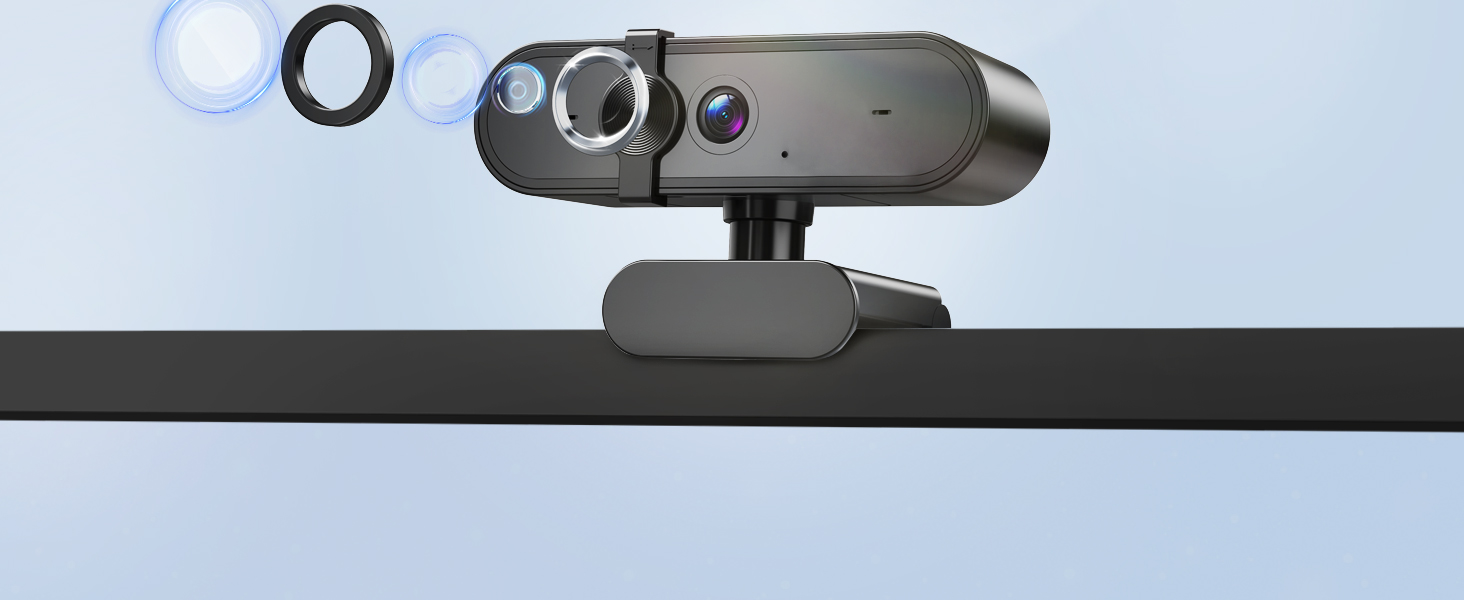

 Perfect for Group Calls
The 92° wide-angle view comfortably fits multiple people
ideal for team meetings and family chats.
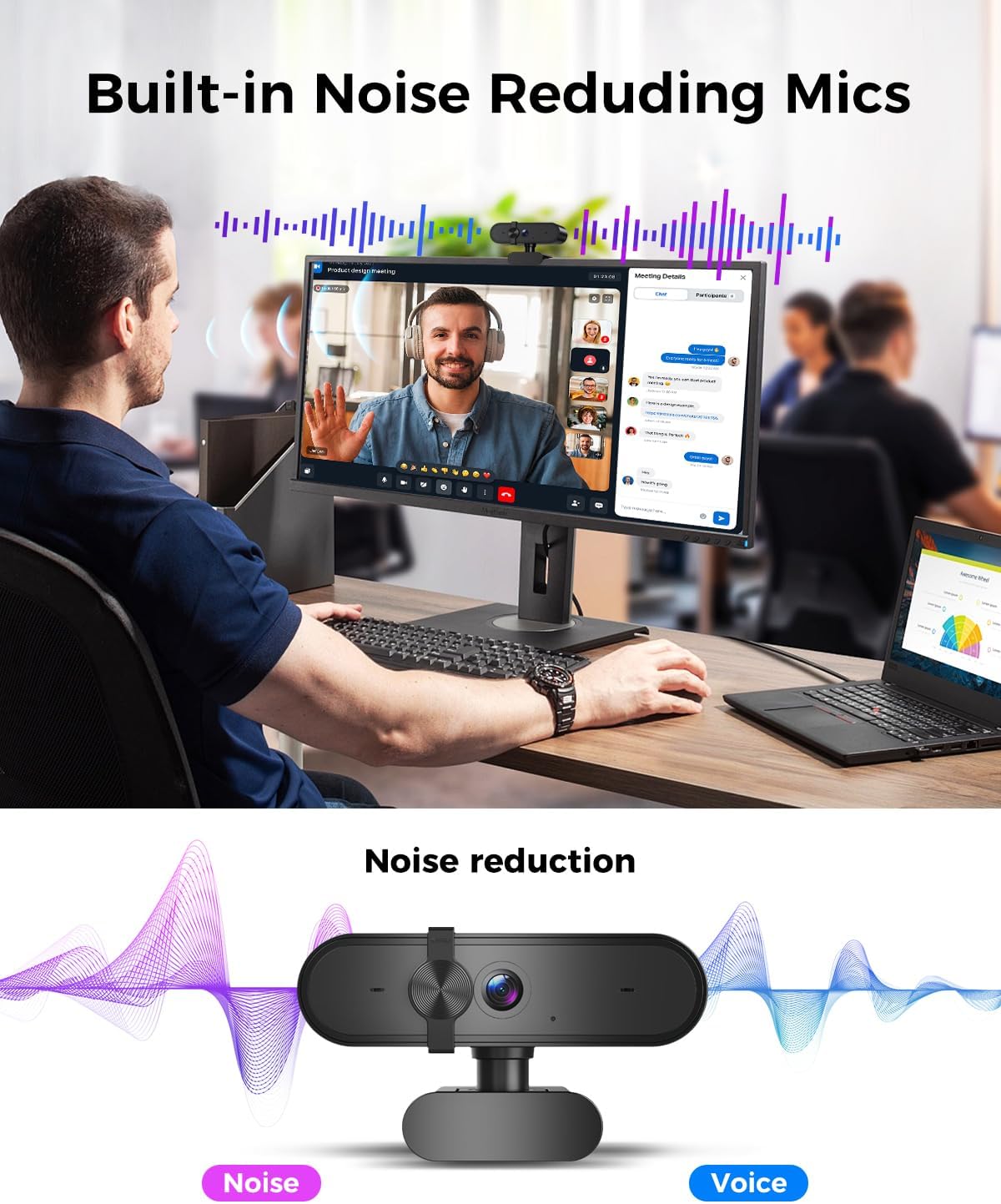
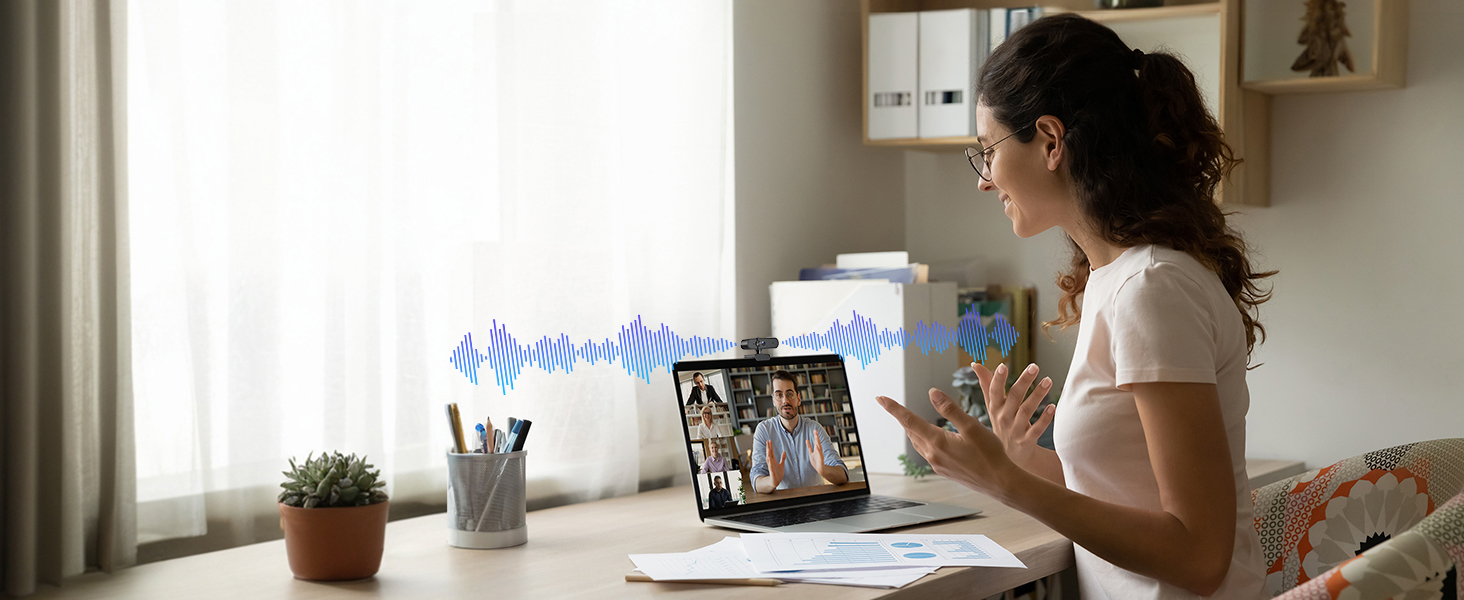 Intelligent Noise Cancellation
Featuring a built-in microphone with advanced noise-cancellation technology
to minimize ambient sounds and focus solely on your voice.
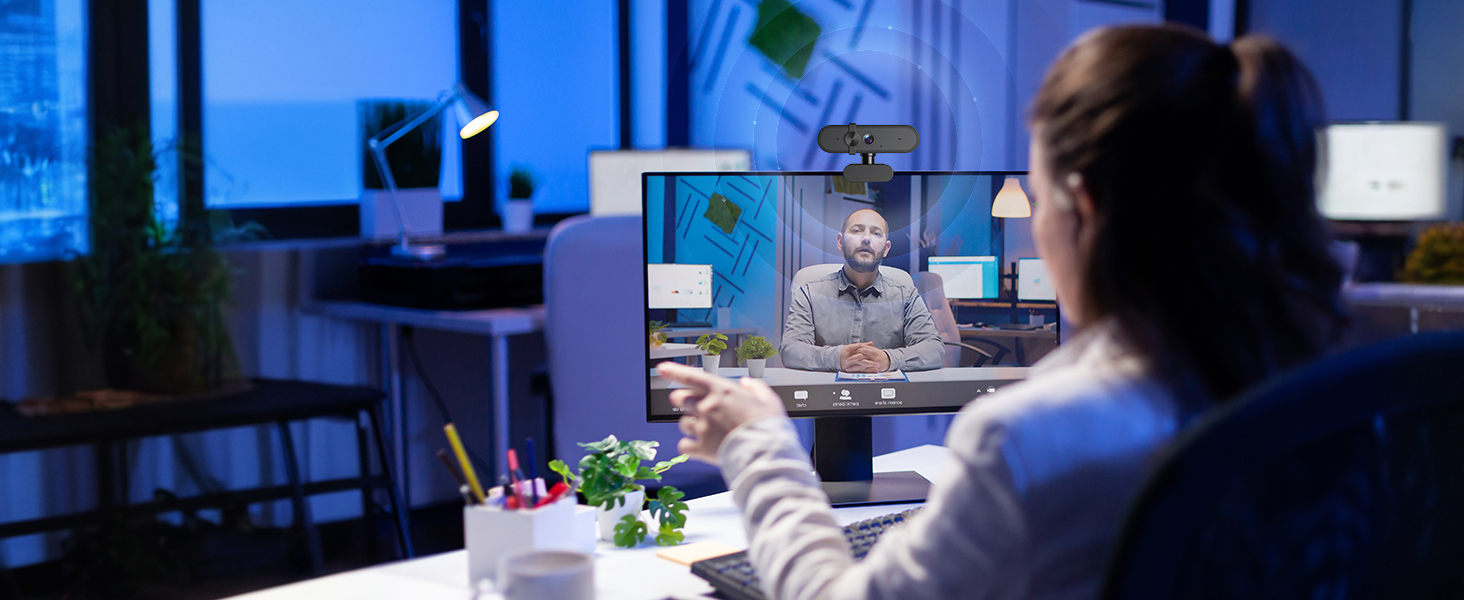 Look Great in Any Light
Our intelligent low-light correction automatically adjusts brightness
ensuring you look sharp and professional, day or night.
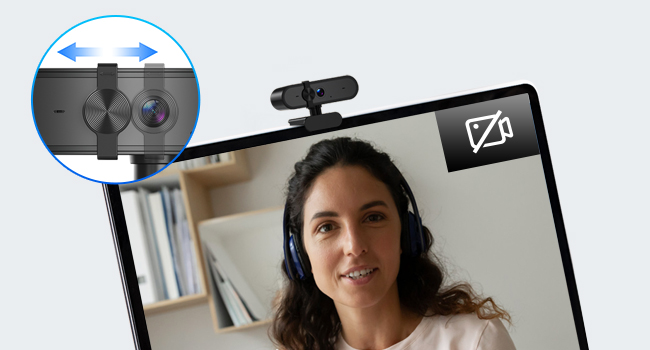 Effortless Control Over Your Privacy
Simply slide the integrated cover to physically block the lens and enjoy complete peace of mind.
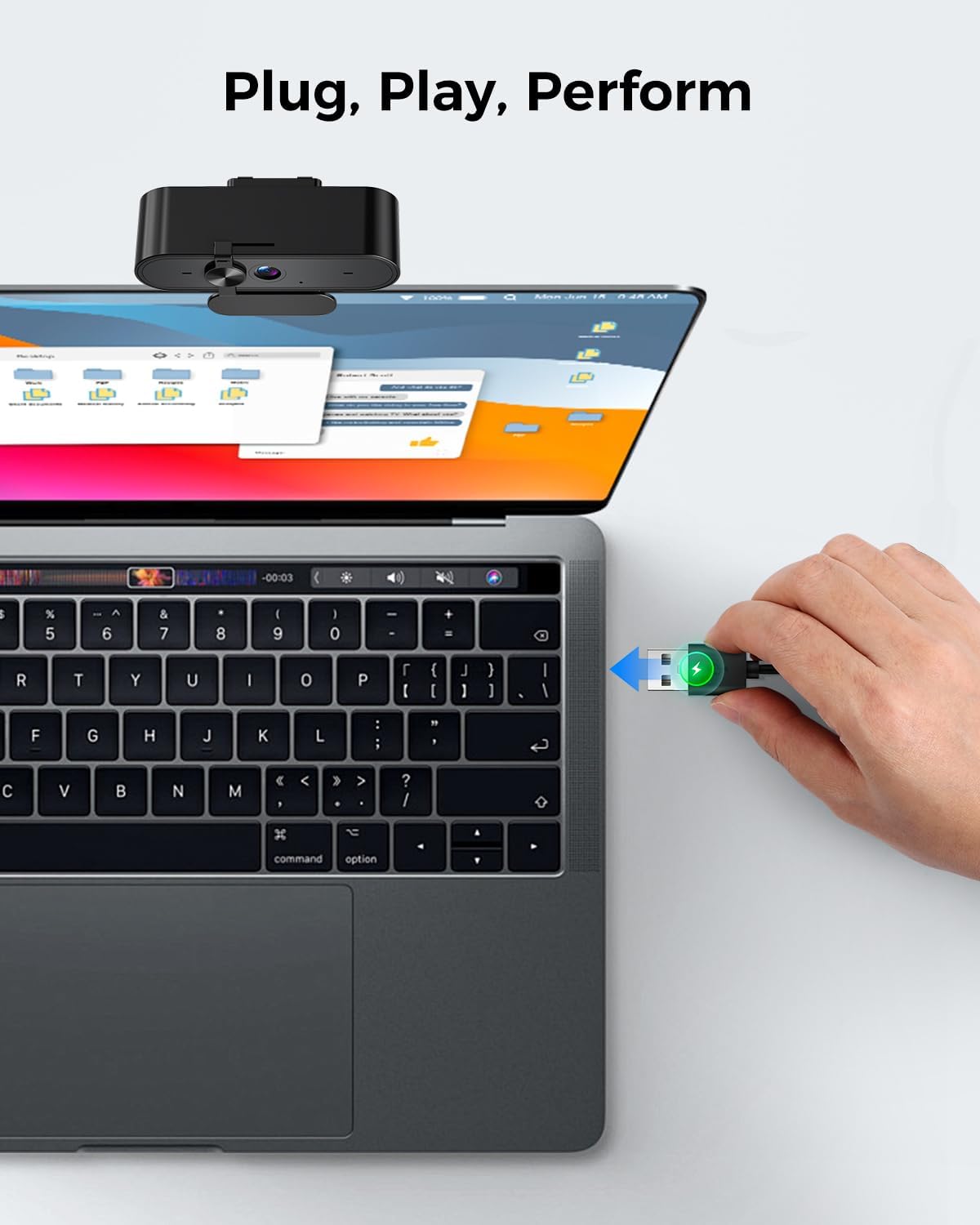
 Start in Seconds
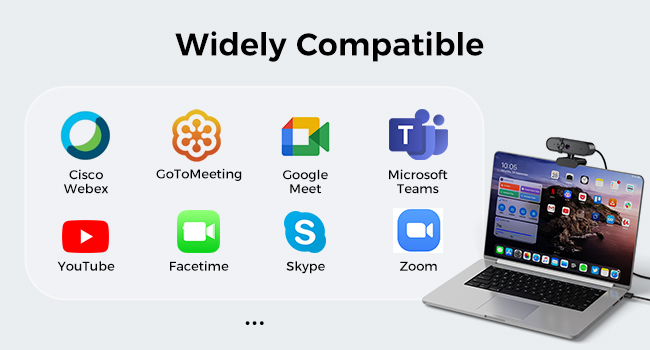
True plug-and-play. Works instantly with Zoom, Teams, Skype, and all your favorite apps on macOS and Windows.
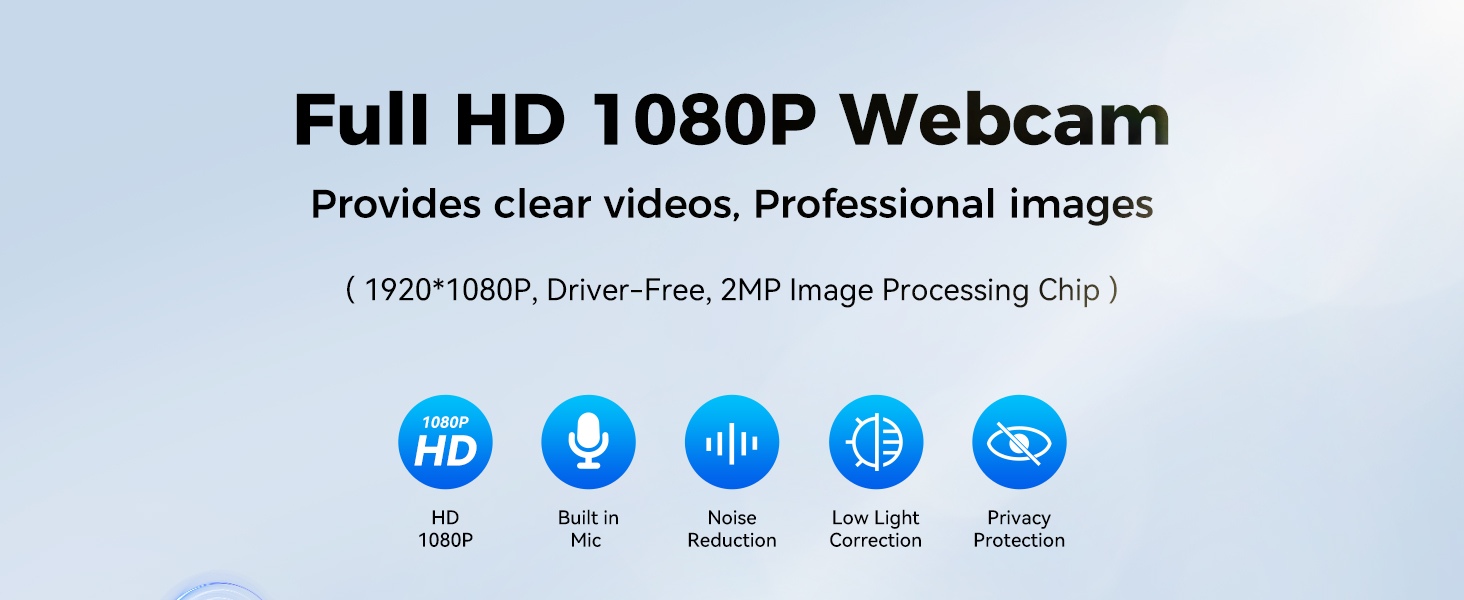
1080P Full HD Webcam for Streaming & Zoom Calls ✅ Experience professional-grade video with this HD webcam, delivering crystal-clear 1920×1080 resolution at a smooth 30fps. The advanced CMOS sensor makes this the perfect computer camera for streaming on Twitch or YouTube, capturing vibrant, lifelike colors for truly clear video calls and recordings
Superior Low-Light Performance & Auto-Correction ✅ Look your best in any environment. This PC webcam features smart light-adjustment technology that automatically balances brightness and enhances colors, making it an ideal gaming webcam or office camera. Say goodbye to grainy or dim video, even in rooms with poor lighting, ensuring you always present a clear, professional image
AI Noise-Canceling Webcam with Microphone ✅ Sound like a pro with studio-quality audio. This webcam with microphone features dual mics powered by AI noise reduction to effectively eliminate distracting background sounds like keyboards, fans, and chatter. Your voice remains the focus, making this web camera perfect for important conferences, clear online classes, and professional streams
Plug & Play Webcam with Privacy Cover ✅ Get started in seconds. This USB camera is a true plug and play webcam – no drivers needed. The convenient 5ft (1.5m) cable provides flexible placement on any laptop or desktop. Plus, the integrated sliding webcam privacy cover gives you instant peace of mind, protecting your lens and securing your privacy when the camera is not in use
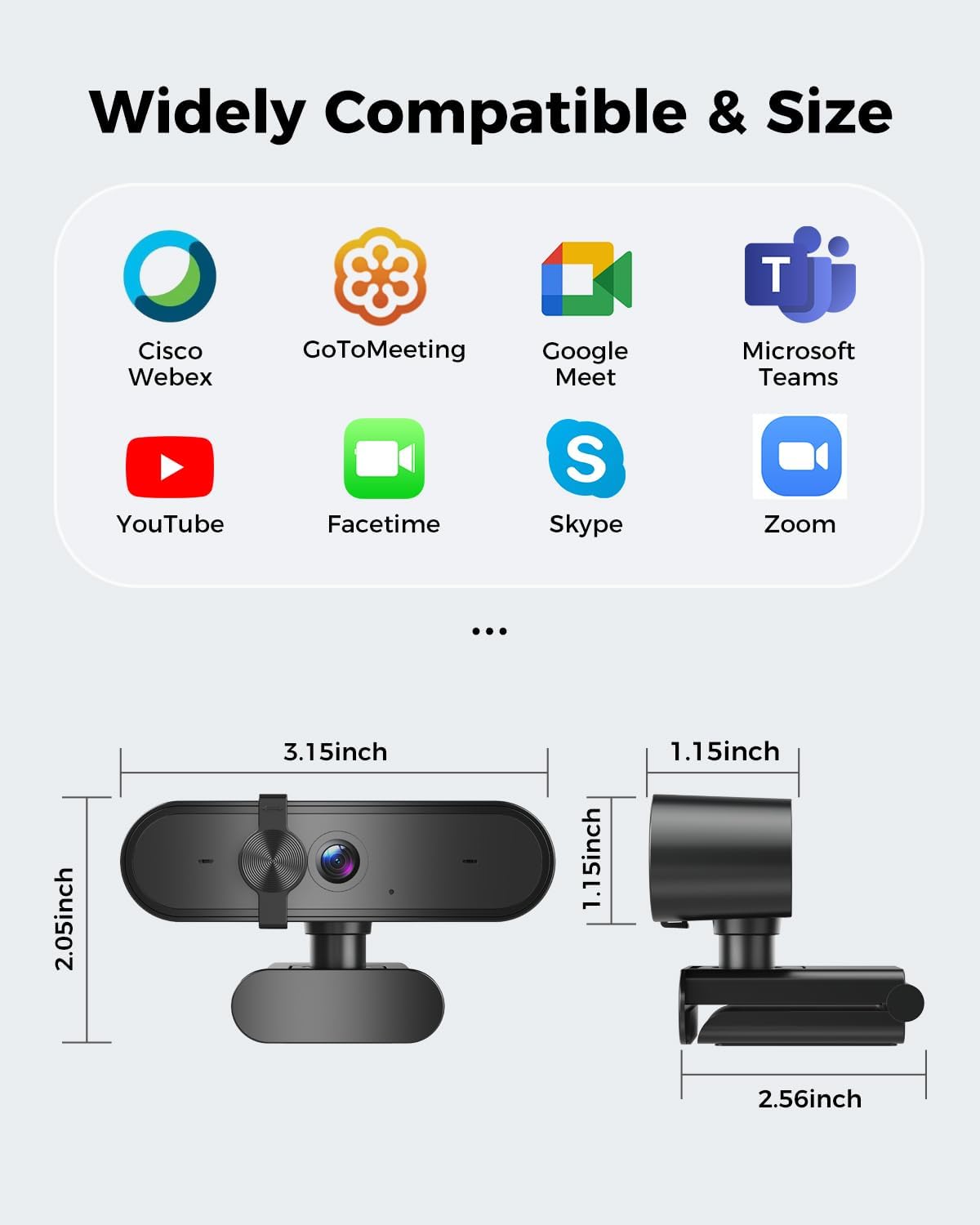
Universal Compatibility – The Ideal Webcam for PC & Mac ✅ Works with everything you use. This versatile webcam for desktop and laptop camera seamlessly connects to Windows 7/8/10/11, Mac OS, and Linux. It’s fully compatible with all major platforms including Zoom, Microsoft Teams, Skype, Twitch, and YouTube. Whether you need a reliable webcam for Mac or a high-performance webcam for PC, this is your all-in-one solution
8 reviews for 1080P Webcam Computer Camera with Microphone & Wide View – Auto Light Correction Webcam for PC, Mac, Laptop, Desktop – Built-in Privacy Cover Plug & Play USB for Zoom/Skype/Streaming
Add a review

$12.79
Kryptik –
Used for streaming
Good quality, plug and play. does exactly what it’s supposed to with good resolution and affordable.
Cherrylovely –
good webcam
It’s a pretty good webcam I needed it for my zoom meetings for my wfh job quality is great very clear sound quality is good brightness is good and color acuracy and it was easy to plug in and play
i_reader –
Great for the money, could be brighter in low light
The image is clear and not laggy, but could be brighter. The microphone is not as loud as it could be, but seems adequate for my needs. Great for the money, but don’t expect the quality of the one on a high-end laptop. I wish the red led on it could be turned off without unplugging it. So, not perfect but definitely a keeper.
James Aschenbrenner –
Price is right?!
Works really nicely.
Samrawit Woldemichael –
Clear Video, Easy Setup
This webcam exceeded my expectations! The video is sharp, colors look natural, and it’s very easy to install
Sean c Taylor –
Laptop camera
Camera is of great quality and works very well
bevyofapls –
Good realistic color quality, good picture.
This camera has realistic color as others have said. I’m replacing another webcam that has hideous color quality. The loose hinge for angling the camera doesn’t bother me since I don’t need to angle it upward. Instead, I angle the entire camera down by sliding it towards the front of my monitor.
Elizabeth Gleason –
No installation, easy – just plug in, fantastic price
So good, so easy and is unobtrusive!