

Webcam for PC, Full HD 1080P Video Calling, HD Light Correction, Works with Skype, Zoom, FaceTime, Hangouts, PC/Mac/Laptop/MacBook/Tablet
$9.99
Related Products


![Sony PlayStation 5 Pro 4TB Digital Edition Fortnite Cobalt Star Bundle with Controller Case – White – Upgraded 4TB Ultra Fast SSD Double the Storage Space PS5 Pro [playstation_5] [video game] [video game] [video game]](https://simplysystems.co/wp-content/uploads/2025/11/61ZysMBm2wL._SL1500_.jpg)


Product description
Troubleshooting Guide
1. Connect the webcam
Connect the USB port to the computer port
Tips: When using a desktop computer, it is best to connect thewebcam to the USB port on the back of the computer, becauseit will be smoother to use.
2. After the installation is complete, you can start using it
3. No response after the USB head is inserted into the USB slot?
Answer: This device is a driver-free plug-and-play product, and there
wil be no response when connected.
4. No image or sound when the camera is turned on?
Answer: The screen will not pop up automatically when connected
You need to open the software you need to use it.
Secondly, please open the computer and check the “Device Manager
to see if the camera driver is installed wel.
5. ls there a howling sound during the test call?
Answer:lf vou are testing the product, there mav be a signa howling
phenomenon in the near-field call.
Please try to talk to a friend who is a certain distance away.
6. The relationship between the camera imaging effect and the on.
site light environment?
Answer: There is a relationship, especially in the case of backlightside light, and dim light, the video effect is not ideal.
You can achieve the ideal effect by turning on the fill light or adiustingthe direction.
7. Some instant messaging software, the video effect is not as goodas the local video effect?
Answer:There is such a phenomenon, Because some communicatiorsoftware takes into account the bandwidth and call volume, it wil
compress the pixels of the video image to meet the purpose of
smooth call. (For example: the original 1080P imaging, some
communication software will compress the video stream to 720P.) Soyou see that the current video effect is not as good as the local one,
which has nothing to do with the hardware of the camera.
8.fvou have other questions, donot disassemble it yourself.
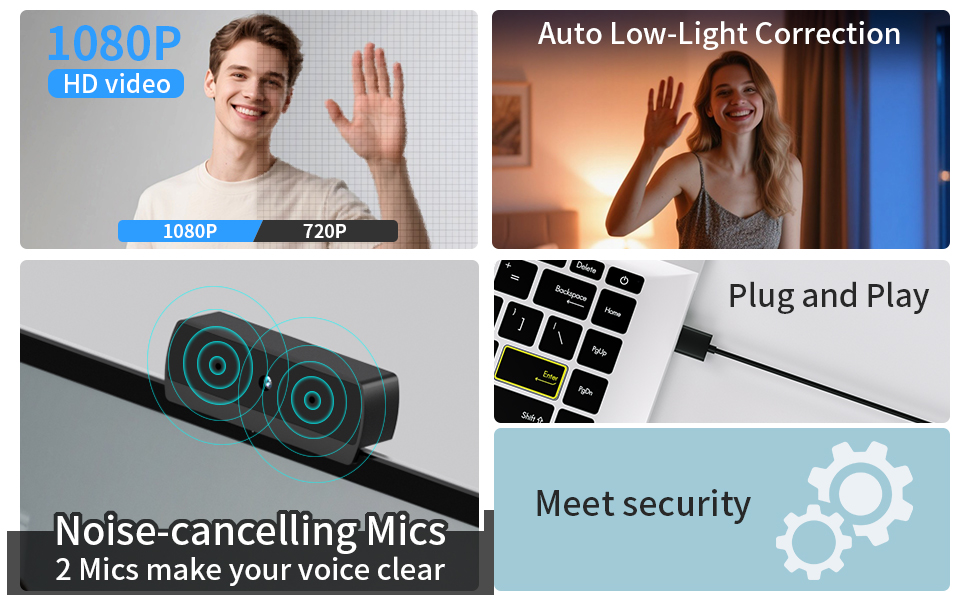

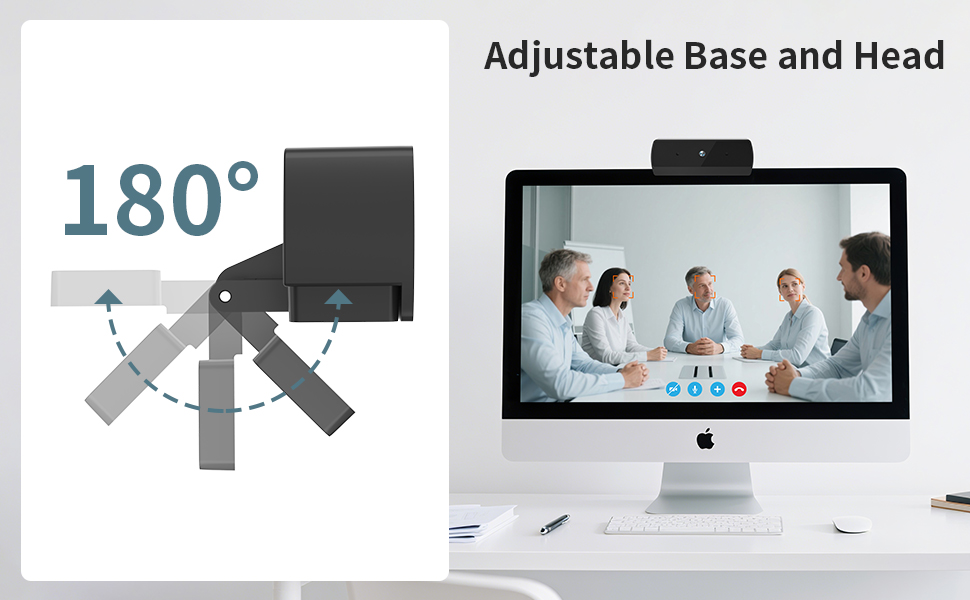
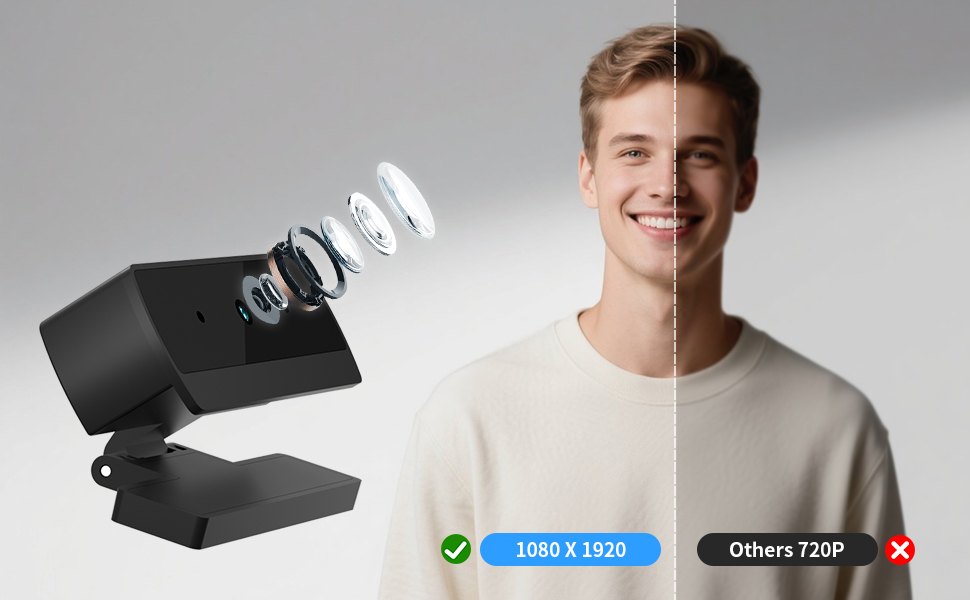
Full HD 1080P Streaming webcam:With Full HD 1080P video and built-in microphone function, it helps solve the embarrassing situation of poor video quality and unclear sound, which is good for streaming/gaming/video calling/conferencing /online school Computer Camera.
Superior Low light performance:With the PC webcam camera’s built-in optical sensor and Fill light, you can reduce picture graininess while ensuring that video remains clear and smooth in the dark.
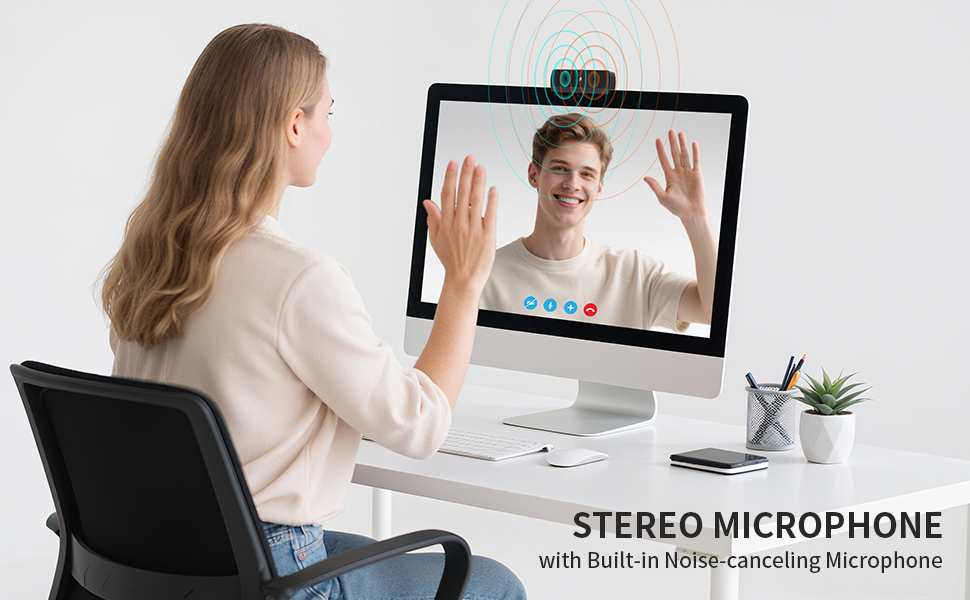
Fast focus and micphone:Web camera for desktop computer can ensure accurate focus on people’s faces even when they are moving at high speed through face autofocus and 30fps function together. noise-canceling microphone, ensure that your voice reaches the other party’s ears accurately and clearly without delay,perfect for use in remote meetings/live streaming/games/classes/chats.
Webcam with light broad compatibility:customer certified to work with popular platforms such as Zoom, YouTube, OBS, Microsoft Teams and Skype. Also compatible with Mac/Windows9 10/PC/Laptop.
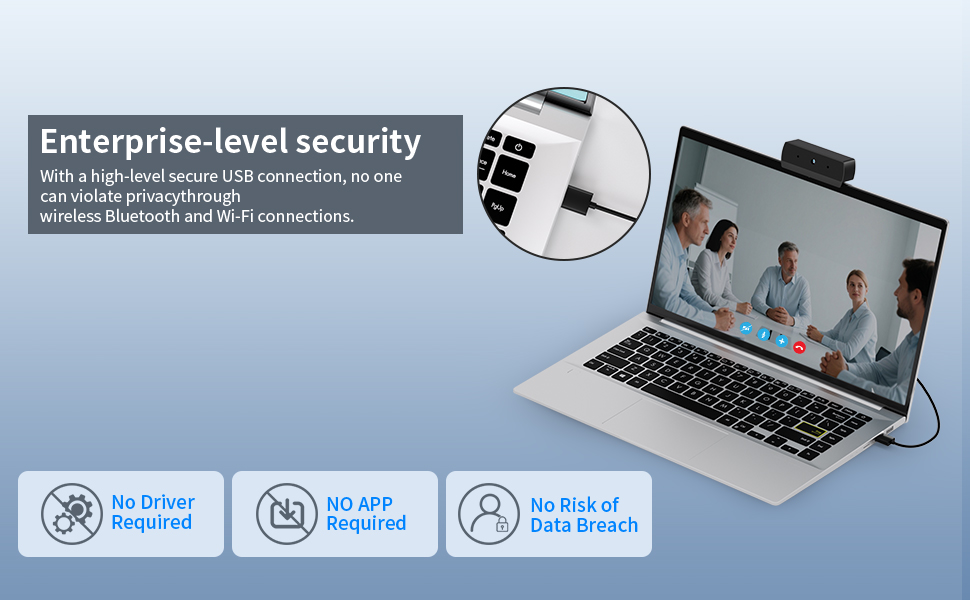
Plug and play:USB 2.0 3.0 fast connection, no need to download the driver, reduce your preparation time, Cable Length 1.5 meters braided cable, do plug and play USB webcam. at the same time we t after-sales worry-free service, you have any questions about computer camera, you can contact us, we will give We will give you a satisfactory answer.
8 reviews for Webcam for PC, Full HD 1080P Video Calling, HD Light Correction, Works with Skype, Zoom, FaceTime, Hangouts, PC/Mac/Laptop/MacBook/Tablet
Add a review

$9.99
Christopher Nahas –
Great value 4K webcam with solid performance clear image easy setup for clear video calls
I am using the Diccik 4K Webcam and I’m honestly impressed with the quality it delivers, especially for the price. Here’s a quick breakdown of my experience. The 4K resolution is crisp and detailed. It’s a noticeable upgrade from my old 1080p cam, especially on video calls and recordings. The image is sharp, and the colors look natural. The HD light correction works well in most environments. Even in low-light situations, I come through clear without needing extra lighting. It’s not studio level lighting correction, but it gets the job done for everyday use. The built-in microphone is decent . It picks up my voice clearly without too much background noise. Still, if you’re doing professional podcasting or streaming, you might want a dedicated mic. No drivers needed I plugged it in, and it worked instantly with Zoom, Skype, Facetime, and even Google Meet. Compatible with both my Windows OC and MacBook. Super easy it works flawlessly with various devices. I’ve tried it on my laptop, desktop, and even my tablet using an adapter. No issues at all. I recommend the Diccik 4K Webcam
Grace Remillard –
Easy setup webcam that gets the job done
I needed an inexpensive webcam quick for online schooling and this one had great reviews. Setup was extremely simple — just place it on top of your monitor, plug it into a USB port, and it worked instantly without any extra software.What I liked:Truly plug and play with no hassle.Solid build quality that feels like it will last.Video quality is clear for 1080p and works well in well lit areas.What could be better:There is no adjustability once on the monitor. With a larger monitor I had to adjust my desk and chair to the right settings for the webcam to see me.Bottom Line:If you need a budget-friendly webcam for school, Zoom meetings, or casual streaming, this is an excellent choice. Just keep in mind the limited adjustment options.
Ben & Brandy –
Easy and YouTube friendly
I purchased this webcam to create YouTube videos, and it’s been fantastic! It’s compact, easy to attach to my monitor, and connects instantly. It offers features you’d expect from high-end cameras, but at a fraction of the cost. The video quality is crisp and clear, the built-in microphone captures great audio, and the price simply can’t be beat. I highly recommend this webcam for any content creator looking to produce high-quality videos without breaking the bank.
Ye –
For The Price You Cant Beat It
For the money you really cant beat it. It isnt the clearest webcam by any means but the price more than makes up for it. Simple to install, good enough quality to get you by, and seems reliable for the most part as well. Definitely worth the purchase
Kindle Customer –
Exceeds expectations
Great for the price, wasn’t expecting much but works well enough Nice and compact.Will update if there are any issue but so far so good.
Cesar Paladines –
Great image and sound for a low price.
Great camera, good image and sound quality. The camera is smaller and lighter than others I had.
Andy Kelley –
Plug and play, no setup
I was pleasantly surprised how easy this webcam is to use. Quality is good, but what I like the most is that there are no settings. You just plug it in and it works so there’s no options to toggle through or configuration needed. The perfect type of device for parents who may be less tech savvy and just need something that works quickly and easily. So far. Very pleased.
Jeffrey Bowles –
Pleasantly surprised – good value for the money
Overall:For under $10, this camera is pretty good. The picture, sound, and ease of installation were all good.Installation:I plugged this in to a Raspberry Pi 5 (Linux single-board computer) and it worked immediately without any additional drivers. It was also plug-and-play on my Windows 10 PC.Picture:Full 1080P resolution (1920×1080). I tested locally with some free webcam software (Webcamviewer) on a Windows 10 PC. Admittedly, Webcamviewer may have contributed to some of the image quality issues I will mention below.The two pictures attached to the review are of “low light” and “normal light”.Under normal office lighting, the picture is more than good enough for a Zoom call. I can’t say whether autofocus was working or perhaps the lens is fixed focus – I saw a sharply focused image of myself at typical desk-sitting distance, and the wall six feet behind me was also in focus.Low-light performance:The product description claims there is a “fill light” with good low light performance. I did not find that to be true. There is no obvious opening in the case for a fill light to come out. I used a separate camera with infrared capability to look at the webcam in a darkened room and saw no IR light coming from the webcam. Under just the light from my monitor, the camera delivered a grainy picture.Microphone:My test consisted of making a mic-check recording of myself and playing it back. It sounded fine, without much distortion or noise. There was an “off mic” quality. My mouth was less than two feet from the microphone in my normal office chair position. I could not find a way to attach the sound recording to this review.Disclaimer:I purchased this webcam for my own use, and received no compensation for my review.