
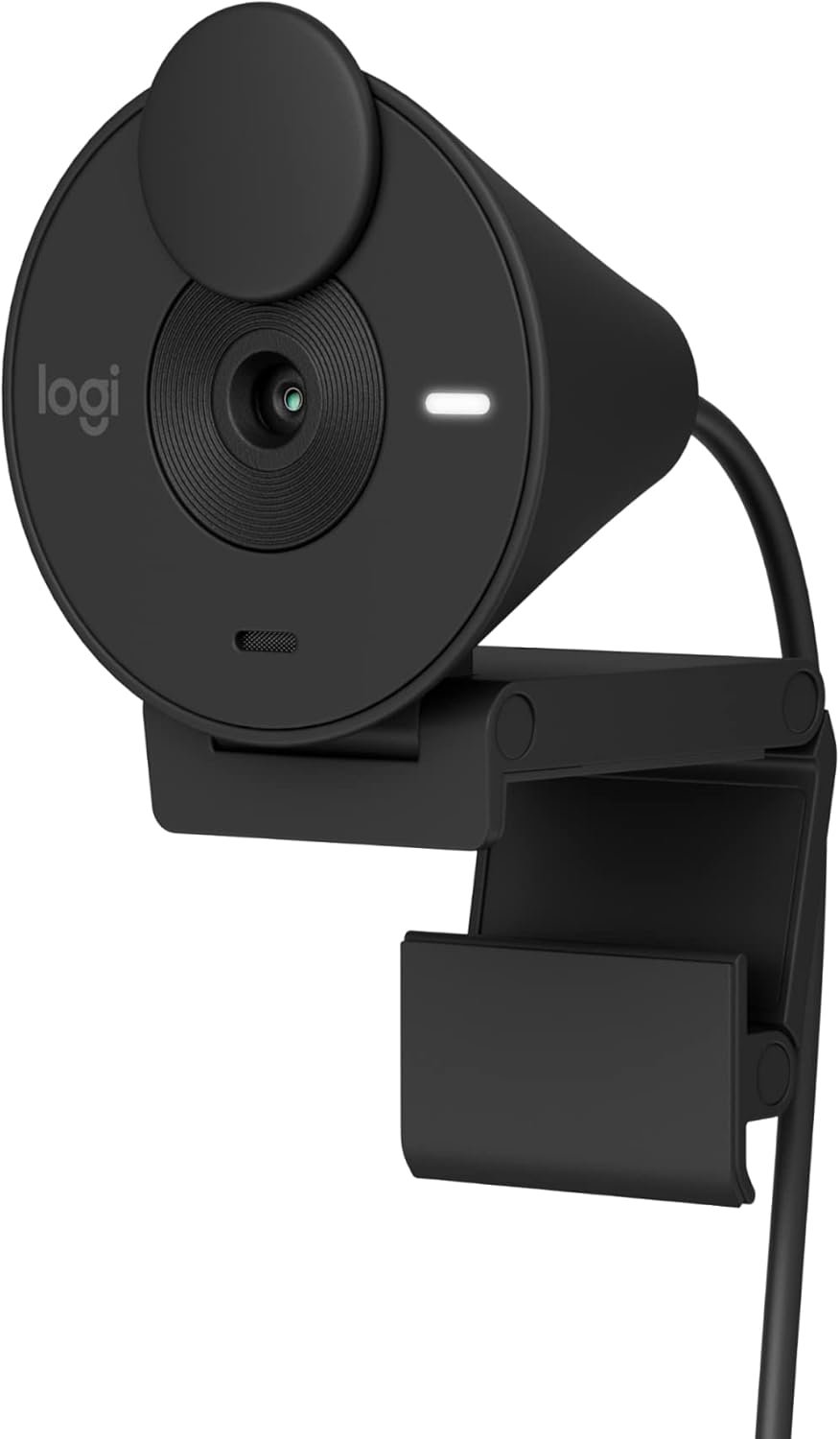
Logitech Brio 301 Full HD Webcam with Auto Light Correction, Show Mode, Noise Reduction Mics, Privacy Cover, Works with Microsoft Teams, Google Meet, Zoom, Nintendo Switch 2 new GameChat mode – Black
$5.99
Related Products


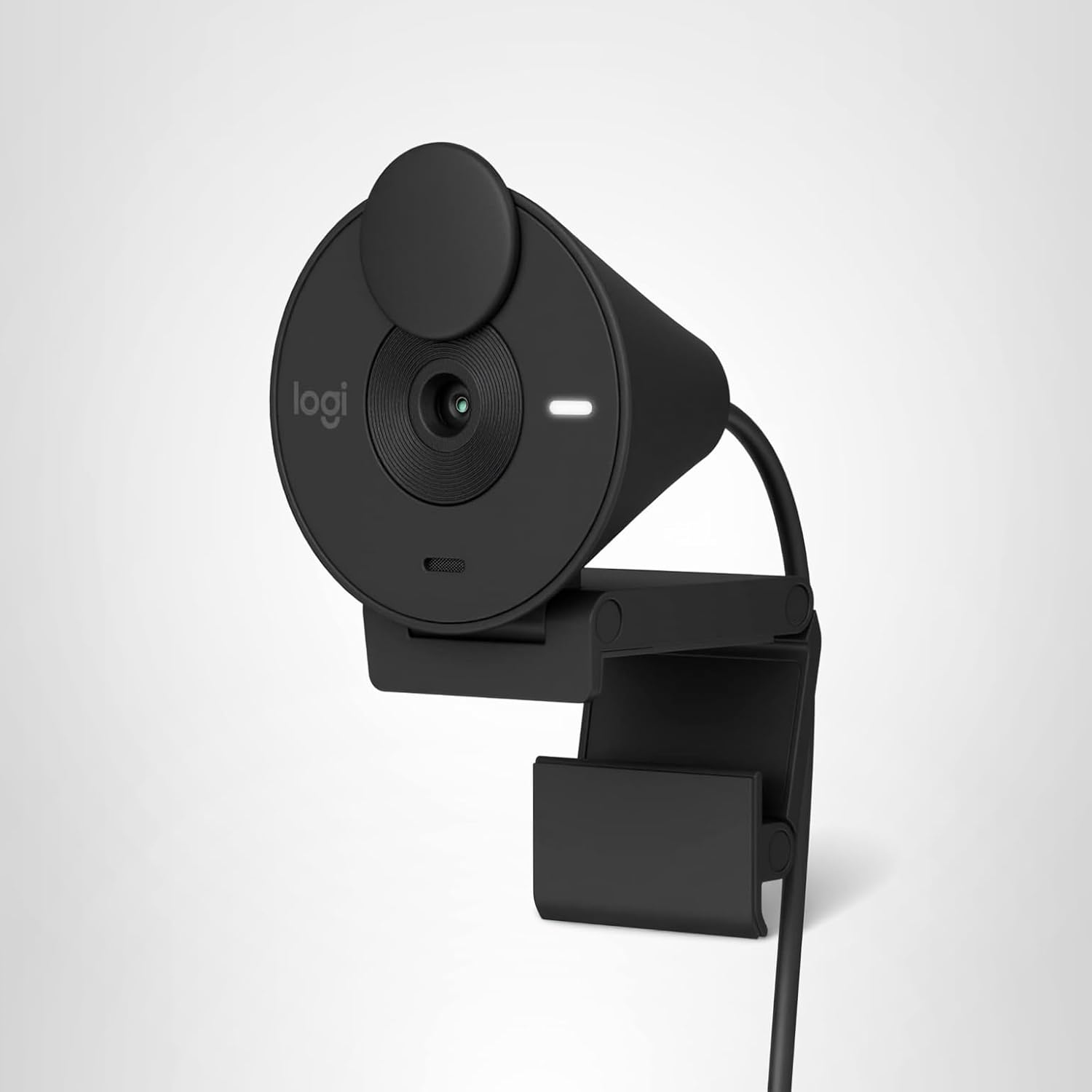
Say hello to better video meetings. Place Brio 301 at your best angle for an eye-to-eye connection. Look natural thanks to 1080p resolution and auto light correction for low-light situations. A noise-reducing mic suppresses background noise so others can hear you clearly. Spin the easy-to-use privacy shutter to cover the lens between calls. Brio 301 is certified for Microsoft Teams, Google Meet, and Zoom, so you can enjoy hassle-free meetings. Add a dash of personality to your workspace with a modern shape and a subtly speckled design made from at least 48% recycled plastic. (3) (1) Download free Logi Tune for a customized experience. Logi Tune app currently supports headset voice prompts in the following languages: English, French, German, Italian, Spanish, and Portuguese. (2) Logi Tune not available for Chrome OS (3) Webcam plastic content may vary by color. Excludes Electronic (EE) Components, cables, and packaging. 62% for Graphite and Black, 48% for Off-white and Rose. (4) Bluetooth-enabled devices that support external keyboards
Compatible with Nintendo Switch 2’s new GameChat mode
Be Your Best Self on Every Video Call: Full HD 1080p webcam resolution provides natural image quality, so you look like the real you on all meeting apps
Auto Light Correction: RightLight 2 technology automatically compensates for poor video lighting conditions so you can be seen clearly
Sound Like You: The mono noise reduction mic suppresses background sound so everyone on the call can hear you easily
Spin for Instant Privacy: Spin the webcam privacy shutter to block the camera lens when you don’t need to be on screen
Made for Meetings: Brio Webcam 301 is compatible with most video conferencing platforms and certified for Zoom, Microsoft Teams and Google Meet
Logi Tune: Enjoy the free app (1) (2) to customize your video experiences such as adjusting color and image quality
Brio 301 is made with minimum 48% post-consumer recycled plastic for a better future (2)
This product has been certified to meet Google’s compatibility standards. Google is not responsible for the operation of this product or its compliance with safety requirements.
13 reviews for Logitech Brio 301 Full HD Webcam with Auto Light Correction, Show Mode, Noise Reduction Mics, Privacy Cover, Works with Microsoft Teams, Google Meet, Zoom, Nintendo Switch 2 new GameChat mode – Black
Add a review

$5.99
C K Brindley –
cheap, easy to set up, and works well
Great cheap clear, easy to use computer camera, compatible with my gaming computer, small footprint and works like a charm. I use it for discord to chat with my kids and play games with them. Exactly what this old man got it for. Oh yeah, it has a cover as well so can close the screen access pretty easy.
Velyrhorde –
Good Little Camera
When my laptop camera started getting fuzzy around the edges, I needed a separate camera for Zoom calls and Google Meet. This is a good, inexpensive model that works well. You just plug it into your laptop port and balance the camera on top of the monitor part of the laptop. It has a support that you can adjust so it won’t fall off under normal use. The images are clear and sharp again, and I use it all the time. Thanks, Logitech.
Don Scott –
Webcam
It’s a great camera that functions awesome with good quality. I’m glad I bought it!
Ted Pavlic –
OK value. Frustrating to frequently open LogiTune to fix zoom, but that’s general Logi macOS issue
I purchased this camera to be a lower cost Brio that was less sophisticated than the ones with multiple FoV’s while still being full-HD (1080p) and USB-C (to be maximally compatible with my hardware setup). I also liked that it takes up minimal space on the top of my screen (hardly encroaches on my screen’s bezel). Generally speaking, it works well — I am happy with the video and audio quality and how well it fits on top of my screen, and I do not notice any issues with the autofocus (it seems to quickly focus and achieve a good picture, and color looks fine by default but seems easy to adjust using macOS or Logitech tools). I am not sure how much I like the privacy cover– it’s a little weirder to use than I was expecting. I’m always worried that by opening or closing it, I’m going to accidentally adjust the position of the camera. That said, the camera seems to hold its position pretty well, and so this wasn’t a problem.The biggest issue so far is an issue I have with more expensive Brio cameras too. On macOS, the zoom/FoV is never properly set until AFTER I open up a Logitech app, like Logi Tune (which I have loaded into my menu bar for this reason). I purchased this single-FoV camera because I thought that might fix this. With my 3-FoV Brio’s that I have elsewhere, I always have to go into Logi Tune and force it to my desired FoV (the intermediate FoV) because the camera will frequently reset to a very tight FoV. To my surprise, this single-FoV does the same thing. When I enter into Logi Tune, it fixes what I assume is a zoom issue (because it only has one FoV).That said, my other Brio devices have trained me well, and it’s not that much of a headache. But it would be nice if this fixed it. Otherwise, I might have considered another 3-FoV BRIO.The other thing is that the record light is a little bigger and brighter than it needs to be, but maybe some will like that.
Sylvia –
Pretty solid, basic webcam
It’s small and pretty. It’s easy to set up, just plug into your USB C port and it’s good to go. The clamp could be much better though since it just relies on leaning against the back of your monitor as opposed to actually gripping on, so it will fall off if bumped. The ability to turn the camera off with the flip lid is also great for added security.The image and mic are both clear and I have had no issue so far.When you preview your image it will only show your image as mirrored and there is no way to change that view however, when you are actually using it, your image is not mirrored.Lastly, the booklet doesn’t tell you, and it is actually quite hard to find, that Logitunes is the Logitech program that is compatible with the Brio 300 if you want to sync it to your email or calendar and even then it can only be connected to Outlook. However, that isn’t a feature that seems necessary.
Shanon Wojcikiewicz –
works fine, good video and mic!
love it!!!!! very unique color that matches my Imac mini! Fast set up!
Steakman –
Affordable camera and mic
This is being used with a Mac Mini. I have tested out Teams, Zoom and FaceTime. All work and did not have to install any extra software.Video quality is not bad. It is obviously not a high end, production grade camera – but works perfect for video meetings. I’m using it in a basement with good lighting. Skin tone looks pretty good. Better than my old web cam it replaced by far.The microphone is ok. I’d say it sounds a little “tinny” – but good enough for a video meeting. If you want better audio, I’d recommend a standalone microphone. That said, I will be using the microphone in the camera since I think it sounds fine for meetings.
A Reviewer –
You get what you pay for–or you should
First time I used it it was OK. Minimal features, but functional. Second time I used it the image was shaky and roling and unusable. Returned it.
Alan –
I use it at work and replaced the C920. Worked great in office and with day light. The picture is much brighter and crisper than c920. I can’t comment the mic as I have a separate mic.
Ony –
I purchased this webcam in an emergency for a class when my tablet died as my desktop monitor did not have a webcam. I am really impressed with the quality. It integrated well with zoom. Definitely a plug-and-play, non-fussy web-cam; which is what I wanted. Depending on someone’s set-up, the cord maybe a little short (just over 60inches from the usb-c plug). The pink colour is also a nice bonus.
Francisco –
Works great and only had 1 glitch so far with slack. Using the Mac mini 4
Jean-Benoit Clermont –
Firmware needed an update and for some reason I couldn’t install it on my PC, had to do the update on my Mac before setting it back on my PC.. now it works great, the little software provided with it allows for good control of image. Resolution isn’t great but that’s as advertised.
Mandy –
I am impressed with this camera. The clarity and resolution is very clear; it looks like there is a filter applied. Reasonable price as well considering I was looking at more expensive cameras. Recommend this one!